

As Ethereum's Layer 2 solutions mature in 2026, Base stands out with its current price of $0.1071 for the Base Protocol (BASE) token, reflecting a modest 24-hour gain of and $0.003670 or and 0.0355%. Developed by Coinbase, this network delivers faster transactions and lower fees while leveraging Ethereum's robust security, making it ideal for crypto beginners eager to explore DeFi and NFTs without the steep gas costs of mainnet. Pairing it with MetaMask offers a seamless entry point into base L2 onboarding, and this guide walks you through the essentials.
Step-by-Step MetaMask Setup for Base L2 Onboarding (2026 Beginners Guide)
Mastering MetaMask Wallet Setup for Secure Base Access
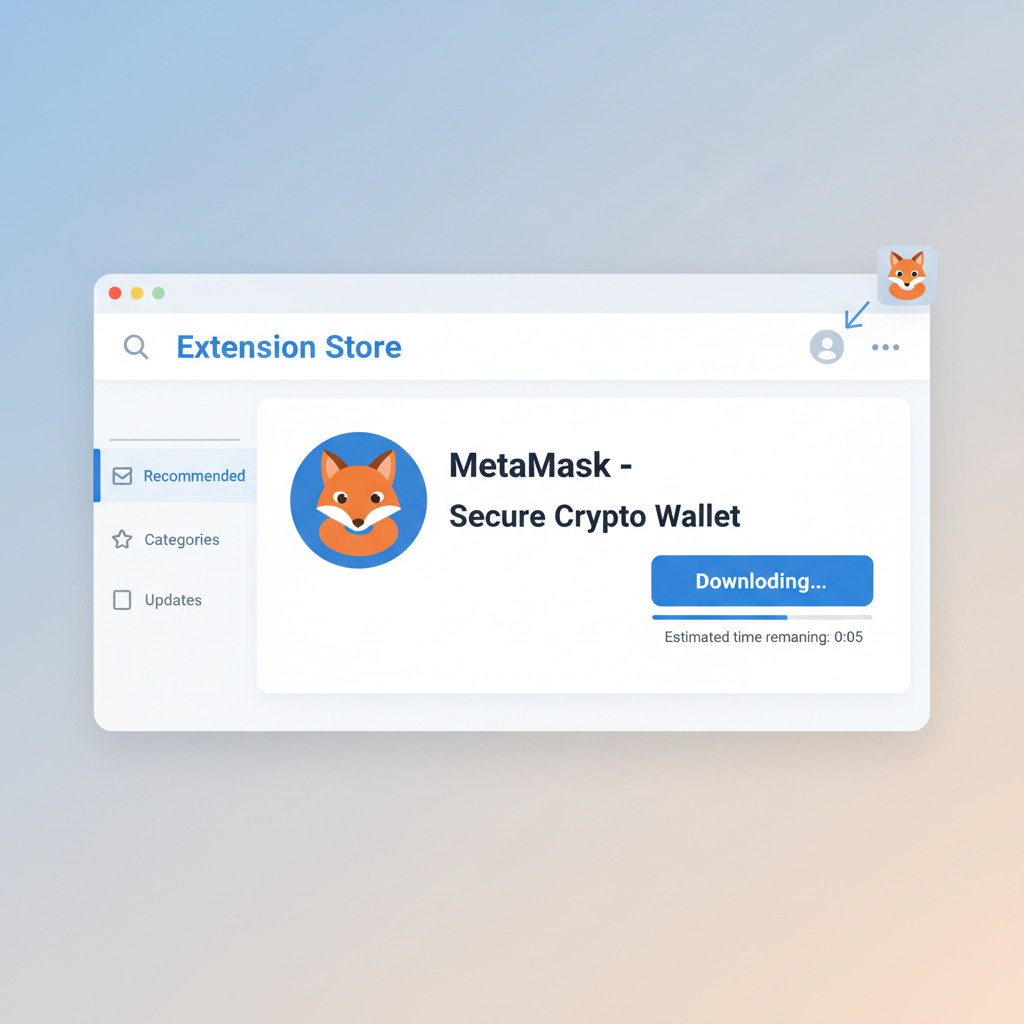
MetaMask remains the go-to browser extension for wallet management, praised in recent tutorials for its intuitive interface that cuts onboarding friction. I recommend starting fresh to avoid imported wallet pitfalls common among novices. Head to the official site, select your browser, and install the extension. Upon launch, opt to create a new wallet rather than importing an existing one, a choice that enforces clean habits from day one.
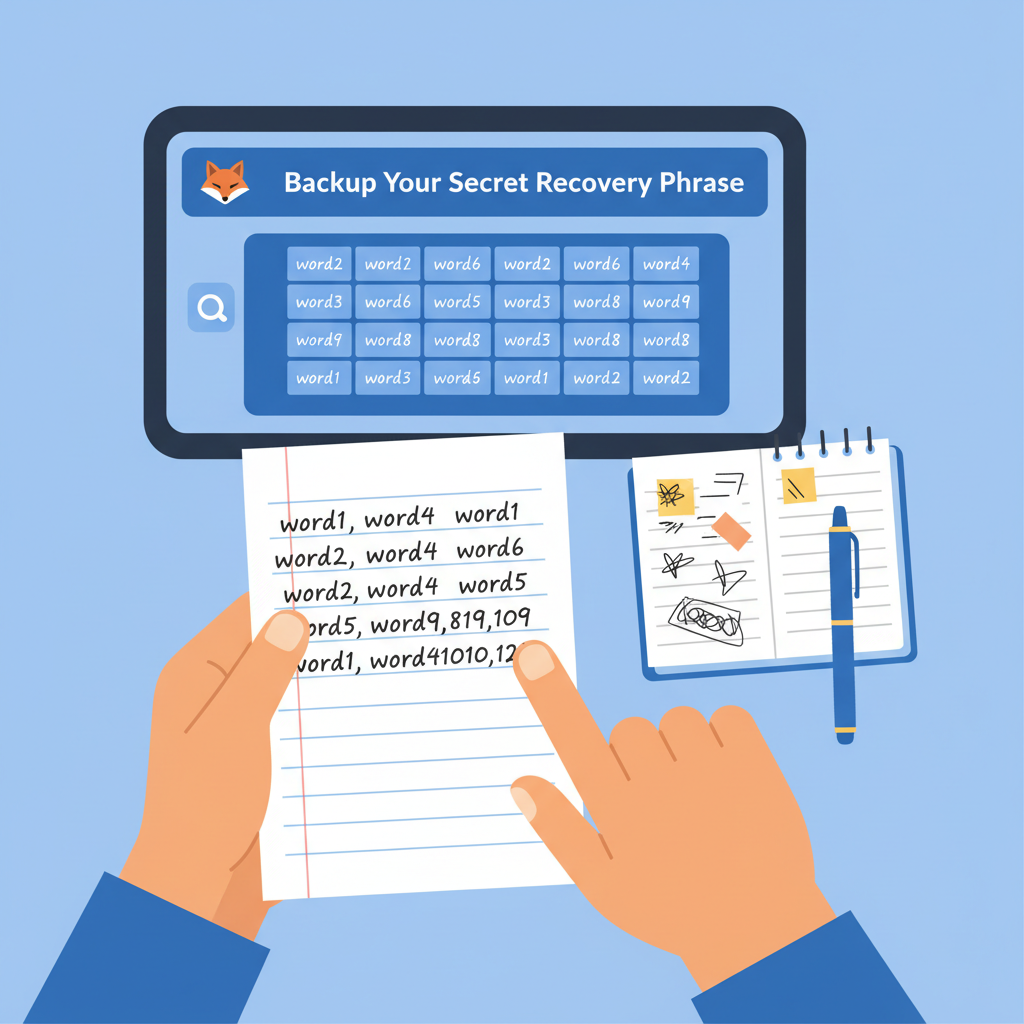
During setup, MetaMask generates a 12-word recovery phrase; this is your lifeline. Write it down on paper, store it offline, and never screenshot or digitize it. Verify the phrase by re-entering it as prompted. Set a strong password, enable biometric locks if on mobile, and consider two-factor authentication where available. Skipping these steps invites unnecessary risk, especially as phishing attempts evolve yearly.
With your wallet live on Ethereum Mainnet by default, you're primed for network switches. This foundation supports not just Base but countless chains, embodying the multi-chain future where flexibility trumps silos.
Seamlessly Adding Base Network to Your MetaMask
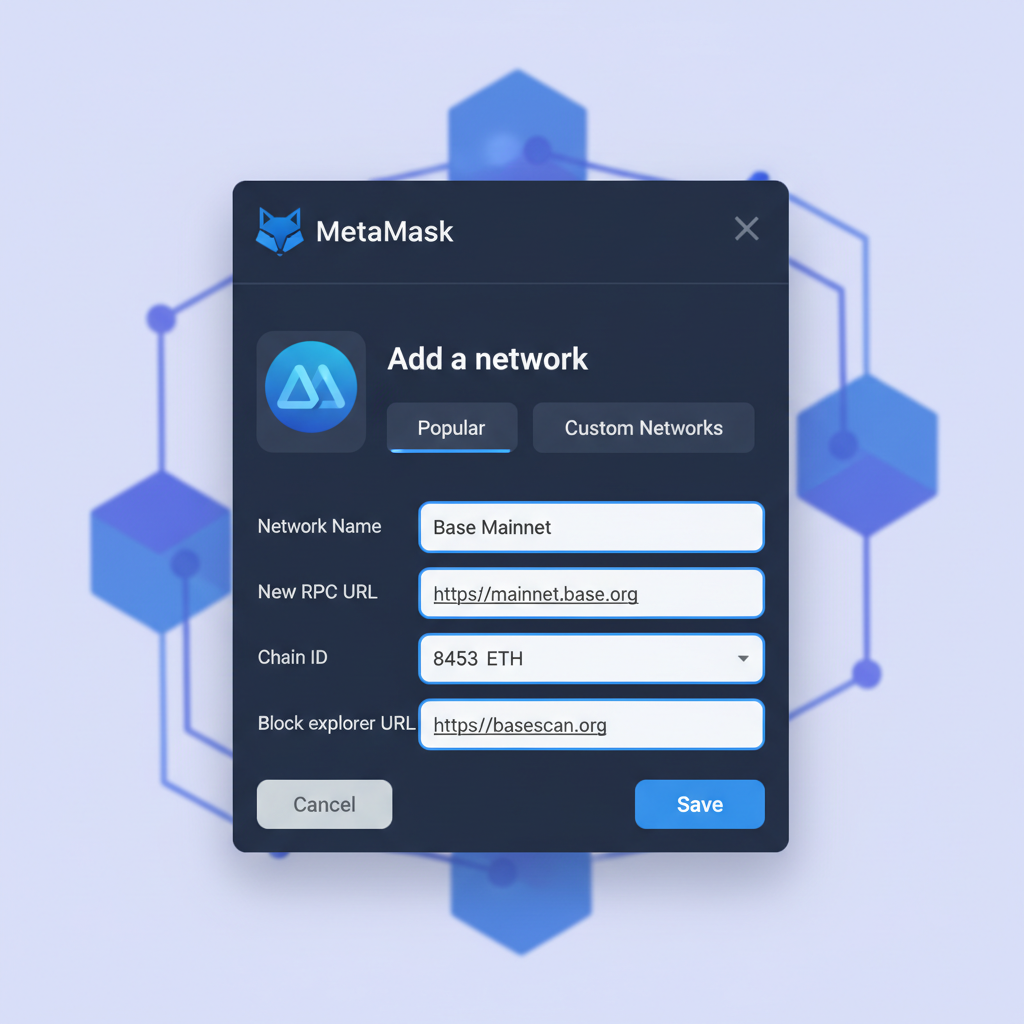
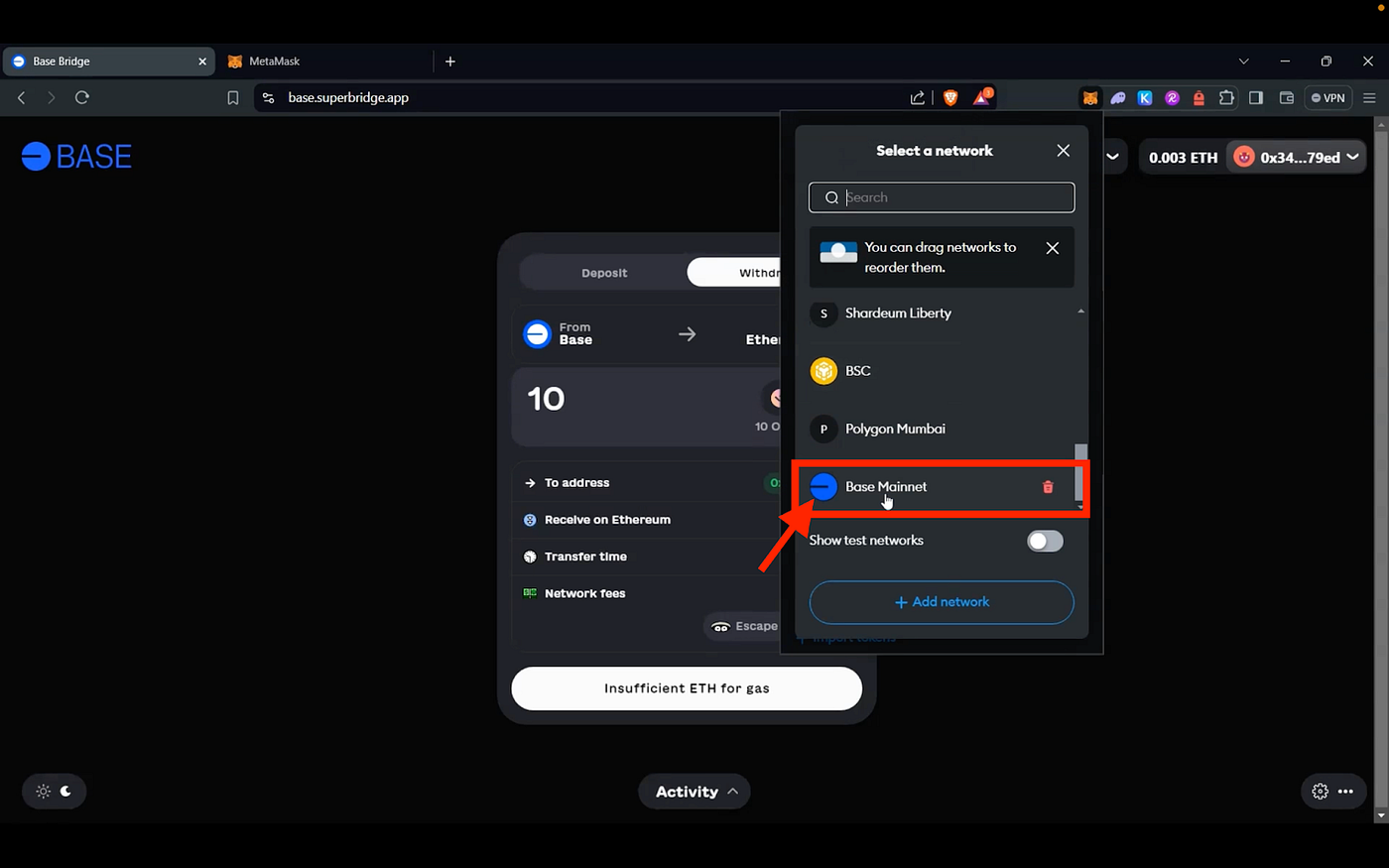
Switching to Base unlocks low-cost, high-speed transactions, a boon as Base's ecosystem booms with dApps tailored for everyday users. Open MetaMask, click the network dropdown at the top, and select 'Add network' or 'Add a network manually' if it prompts. Input these precise details: Network Name as Base Mainnet, New RPC URL as https://mainnet.base.org, Chain ID 8453, Currency Symbol ETH, and Block Explorer URL https://basescan.org. Hit 'Save, ' and Base appears in your list.
Verify the connection by checking the network name updates correctly; a mismatch signals user error or outdated info. I favor manual addition over auto-detect for precision, as it builds understanding of chain configs. Once added, your wallet address stays uniform across networks, simplifying address reuse while ETH balances segregate per chain.
This step, often covered in quick 30-second guides from exchanges like BingX and KuCoin, demystifies custom networks. Beginners frequently overlook explorer verification, yet scanning your address on basescan. org confirms sync. With Base at $0.1071, its stability underscores reliability for first-timers bridging from Ethereum.
Funding Your Base Wallet Efficiently and Safely
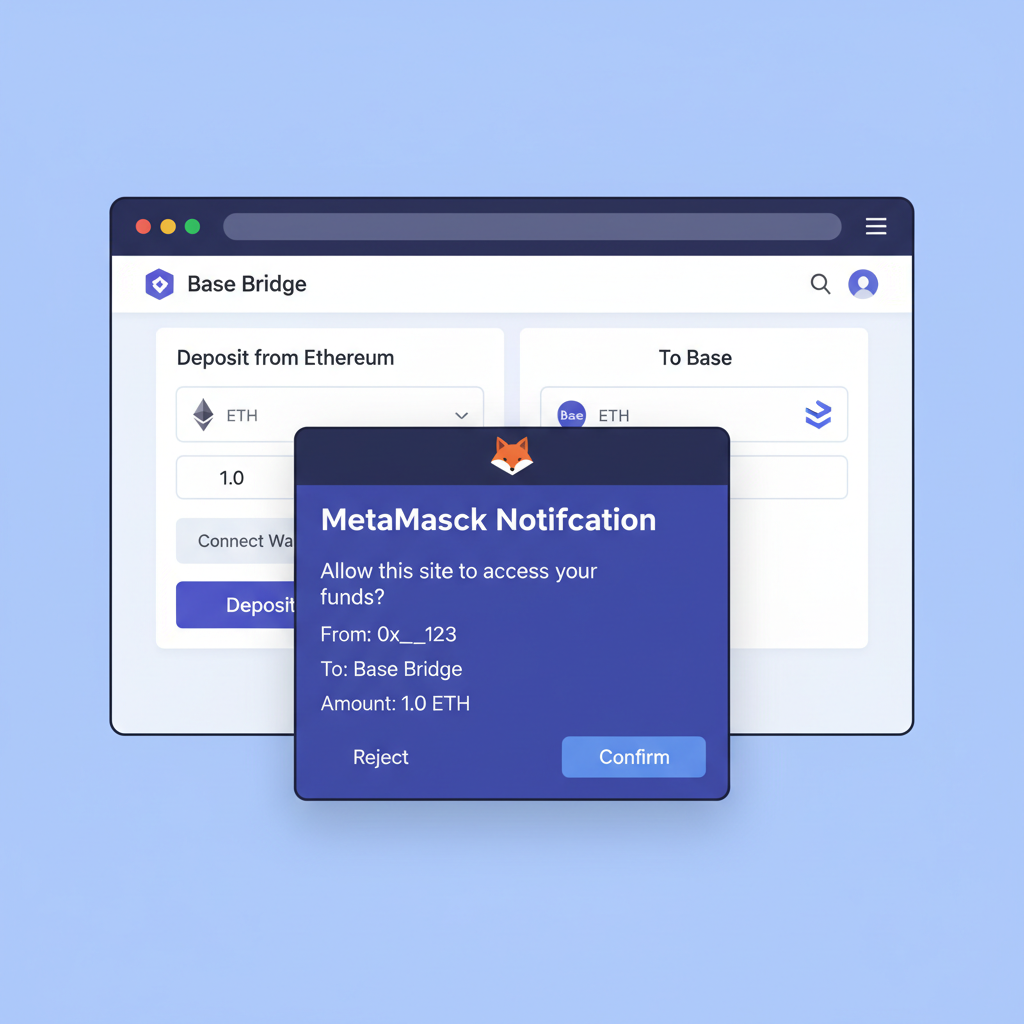
Empty wallets won't trade, so funding demands care. Option one: the official Base Bridge at bridge. base. org. Connect on Ethereum Mainnet, select ETH deposit to Base, approve the spend, and confirm. Minutes later, funds appear, though watch for variable Ethereum gas fees. Exchanges like Coinbase streamline this via direct Base withdrawals; paste your address, select Base network, and send. Always double-check network selection to dodge lost funds in wrong chains.
Start small with test transactions, say 0.01 ETH, to confirm everything flows smoothly before scaling up. This practice, echoed in 2026 YouTube guides from Tech Express and MoneyZG, builds confidence in your metamask wallet setup base without exposing large sums prematurely.
Your First dApp Interactions: Swaps and DeFi on Base
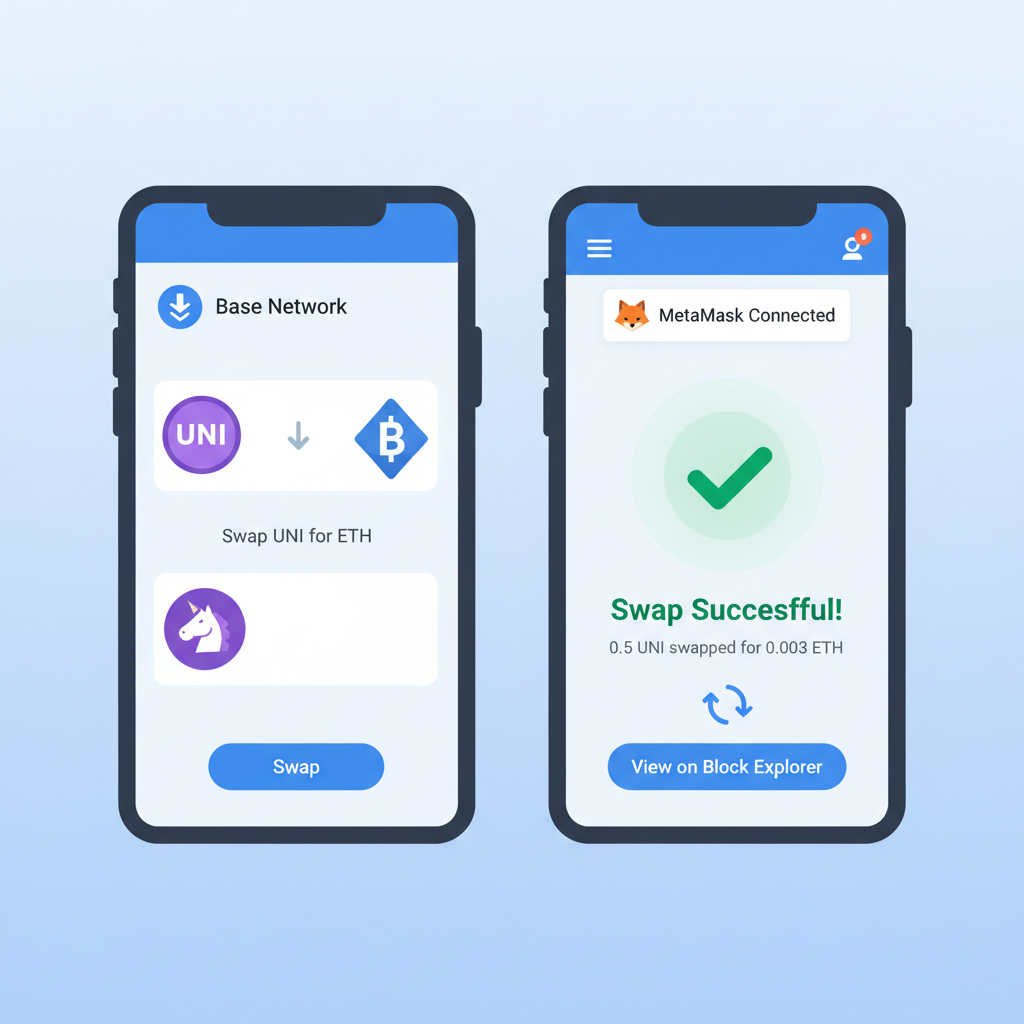
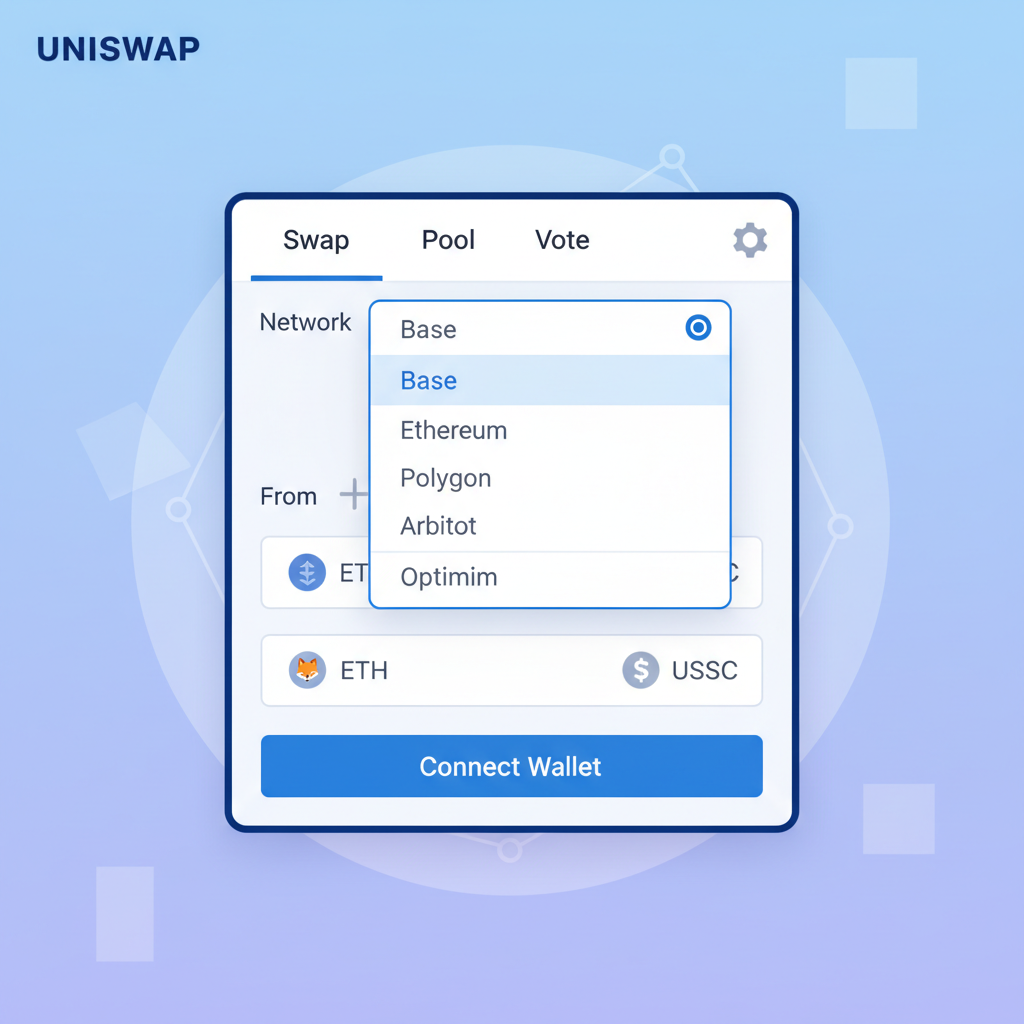
Funded and connected, Base reveals its strength: vibrant DeFi protocols humming at fractions of Ethereum's costs. Head to Uniswap's app, switch to Base via the network selector, and connect MetaMask. Select ETH to swap for a Base-native token like USDC or a trending memecoin; preview slippage and fees, then approve. Transactions confirm in seconds, often under a penny, a far cry from mainnet waits.
I appreciate Base's Ethereum compatibility here, letting familiar tools like Uniswap shine without relearning interfaces. Beyond swaps, lend on Aerodrome or mint NFTs on Base's marketplaces; each interaction reinforces why L2s dominate crypto beginners L2 guide 2026 narratives. Track activity on Basescan for transparency, noting gas refunds that pad your returns.
Swap ETH to USDC on Uniswap Base: Seamless MetaMask Guide
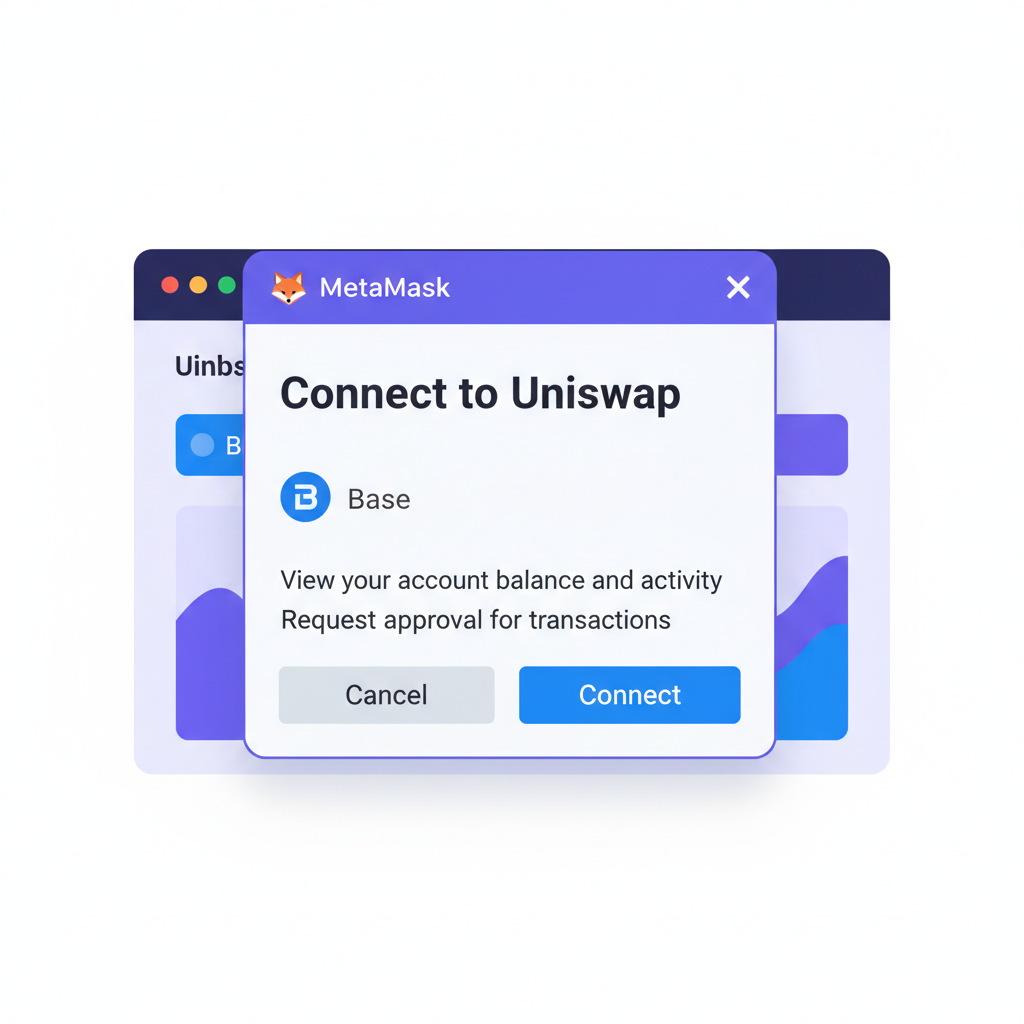
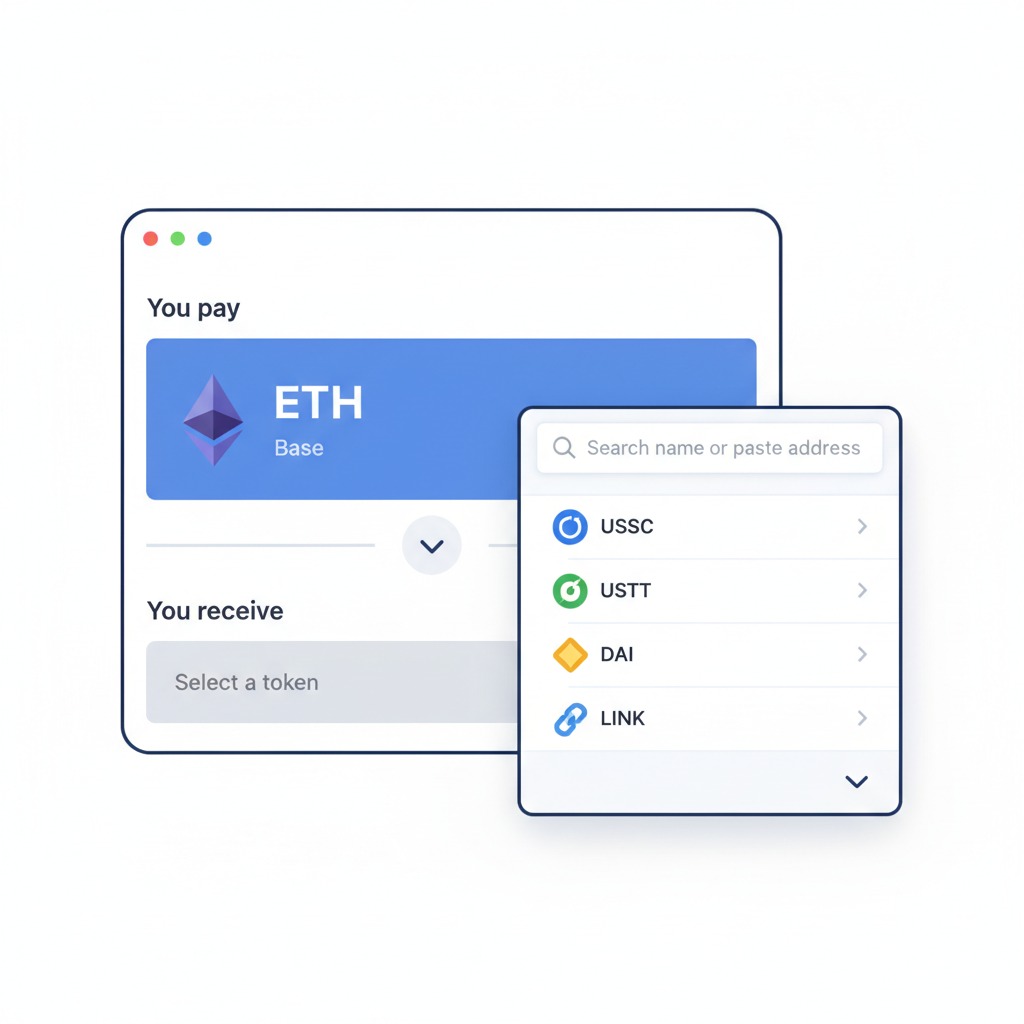
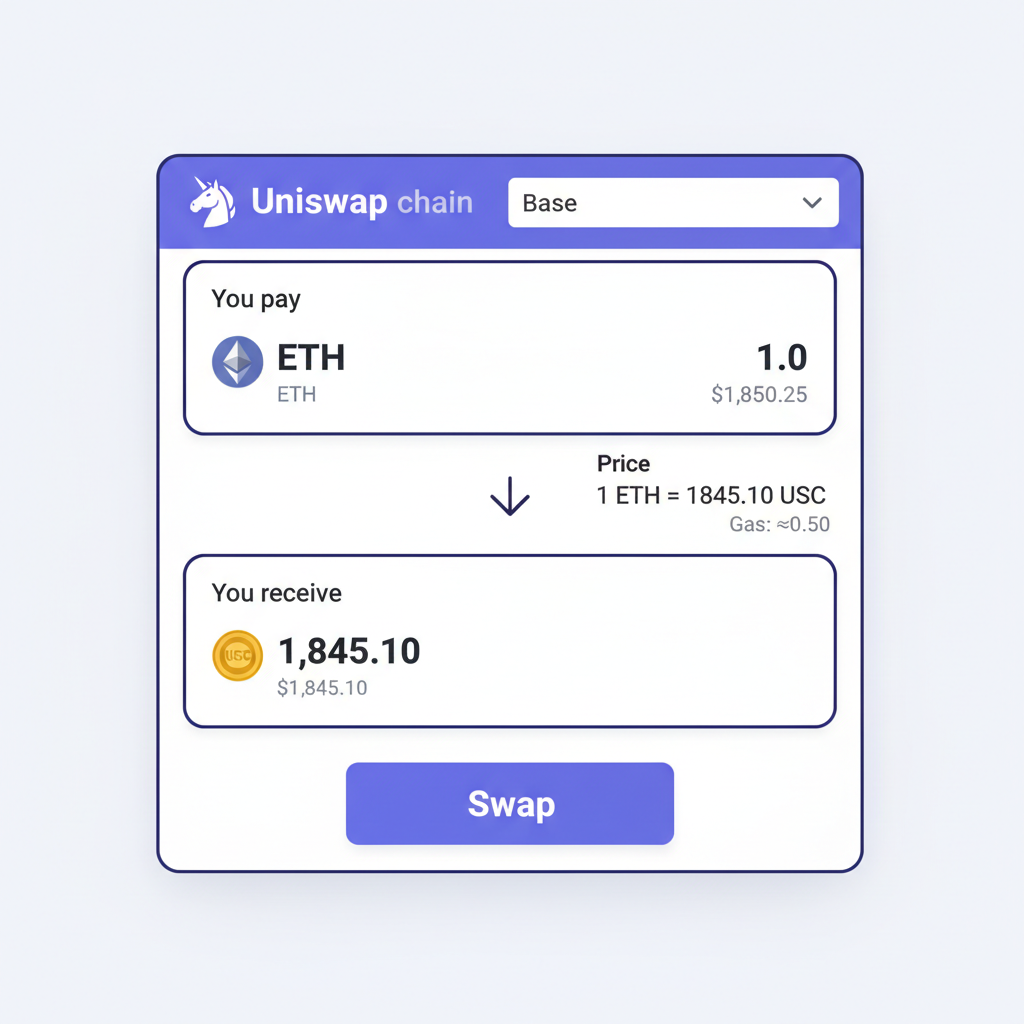
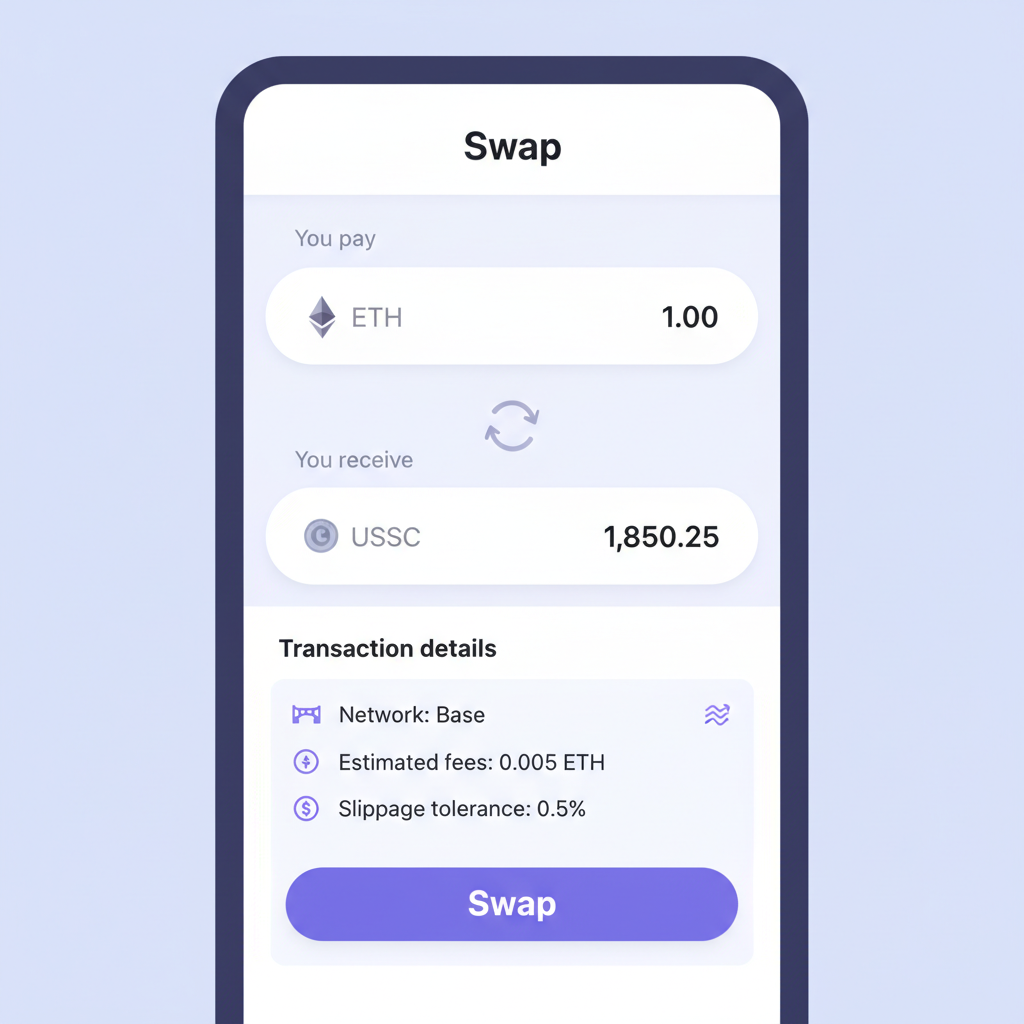
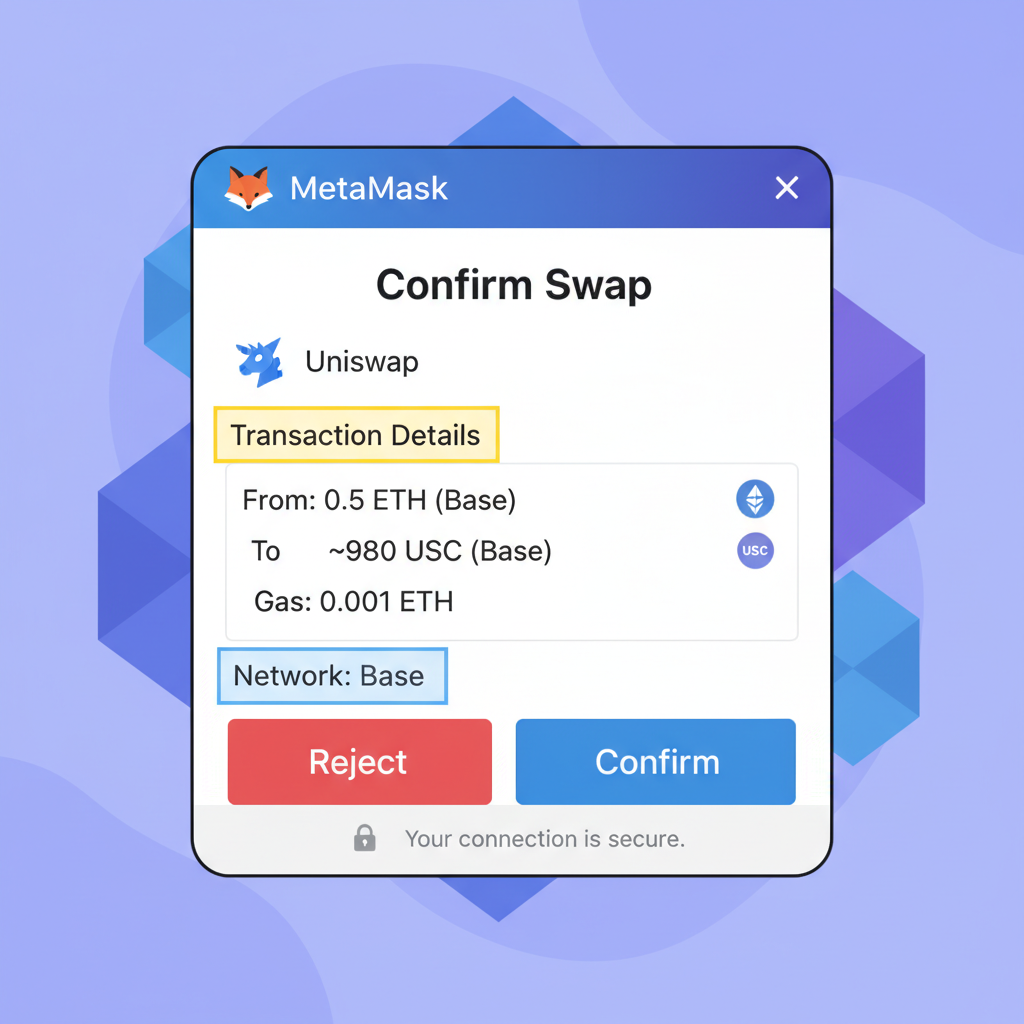
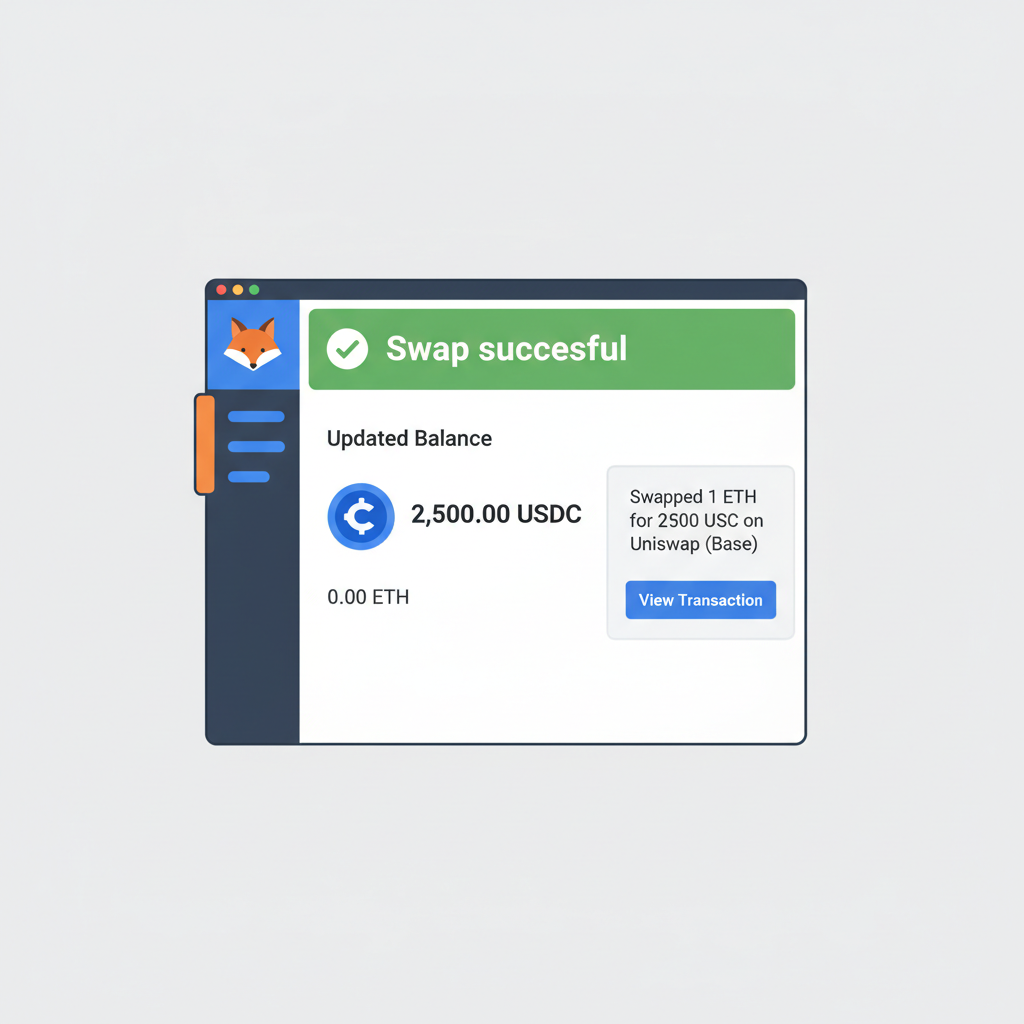
As Base Protocol (BASE) holds steady at $0.1071, up $0.003670 or 0.0355% over 24 hours, its ecosystem metrics signal sustained adoption. TVL climbs, dApp volumes swell, positioning it as a smart bet for diversified exposure without mainnet volatility.
Security Essentials for Secure Base Network Onboarding
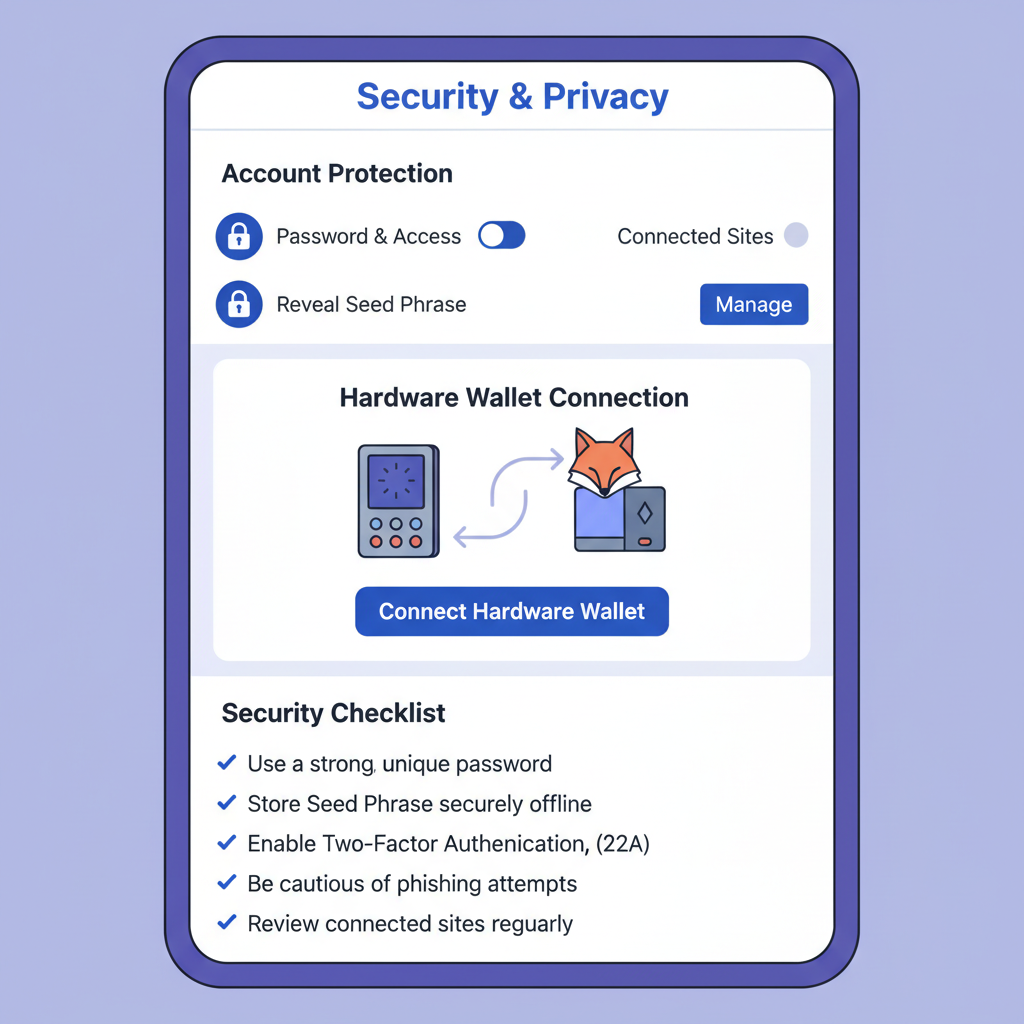
Risk management defines longevity in crypto, and secure base network onboarding starts with vigilance. Revoke unnecessary approvals via Basescan's token approvals checker; lingering permissions from dApps invite exploits. Enable MetaMask's transaction insights to flag suspicious simulations, a feature refined in 2026 updates.
Hardware integration elevates safety: pair MetaMask with Ledger or Trezor for Base signings, offloading keys from hot wallets. Multisig setups suit teams, while social recovery via solutions like MetaMask's Embedded Wallets (ex-Web3Auth) eases solo management without seed exposure. Phishing thrives on haste, so bookmark trusted dApps and scrutinize pop-ups.
These habits, drawn from my FRM background, balance opportunity with prudence. Neglect them, and even Base's low fees can't offset losses.
Pitfalls, Pro Tips, and Next Steps in Base L2 Onboarding
Beginners trip on network mismatches, sending Ethereum ETH to Base addresses and vice versa; always match chains explicitly. Bridge during off-peak for cheaper Ethereum gas, and diversify bridges like Superbridge for redundancy. Monitor Base's sequencer status via official channels to sidestep outage frustrations.
Pro tip: batch transactions on aggregators like 1inch for optimal routing across Base DEXs. As you graduate basics, explore yield farms or perpetuals, but size positions to 1-2% of portfolio per protocol. For polished workflows, platforms like onboardingtool10. com offer wizards mirroring this onboardingtool10 base tutorial, streamlining custom setups.
| Common Mistake | Solution |
|---|---|
| Wrong network deposit | Double-check chain selector |
| High slippage swaps | Set limits, use aggregators |
| Exposed seed phrase | Offline backup only |
Base's trajectory, buoyed by Coinbase's infrastructure, promises more integrations ahead. With your MetaMask tuned for Base at $0.1071, you're equipped for efficient, secure DeFi dives. Experiment thoughtfully, track on-chain fundamentals alongside price action, and let low-friction L2s accelerate your crypto mastery.




No comments yet. Be the first to share your thoughts!