As Ethereum hovers around $1,967.67 on February 12,2026, with a modest 24-hour gain of and $2.89, Layer 2 solutions like zkSync Era stand out for their promise of scalability without sacrificing security. This zkSync Era onboarding guide targets beginners eager for MetaMask zkSync setup, offering a secure path into low-cost transactions on this zero-knowledge rollup network. Forget the congestion of Ethereum mainnet; zkSync Era delivers high throughput while inheriting Ethereum's robust security model, making it ideal for sustainable DeFi participation.

Why zkSync Era Excels in 2026 L2 Landscape

zkSync Era has evolved into a cornerstone of Layer 2 wallet configuration for zkSync enthusiasts. Its zero-knowledge proofs batch transactions off-chain, settling them on Ethereum with mathematical certainty of validity. This means fees plummet to pennies, even as Ethereum's price stability at $1,967.67 underscores the base layer's maturity. Analytically, zkSync's TVL growth reflects user trust; it's not just hype but a practical upgrade for everyday crypto users. Beginners benefit most, sidestepping the steep gas costs that deterred many in prior cycles. In my view, prioritizing zkSync Era onboarding now positions you for long-term gains, aligning with a 'build wealth steadily' philosophy over speculative flips.

Secure zkSync Era MetaMask Setup: Beginner’s Illustrated Guide
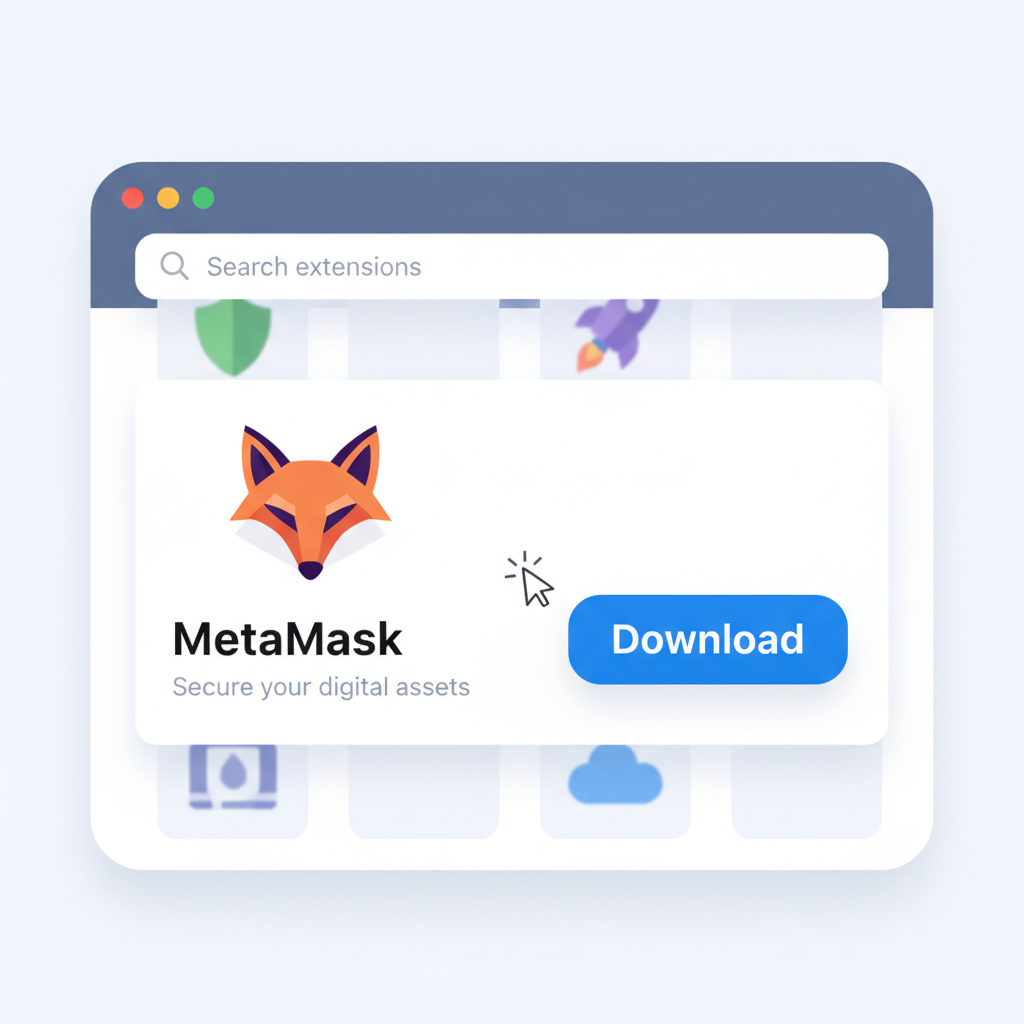
browser extension store showing MetaMask download button
Install MetaMask Extension
Begin by visiting the official MetaMask website (metamask.io) to download the browser extension for Chrome, Firefox, or Edge. Avoid third-party sources to prevent phishing risks. Click 'Install' and follow the prompts to add it to your browser. This establishes a secure foundation for interacting with zkSync Era, Ethereum's Layer 2 scaling solution.
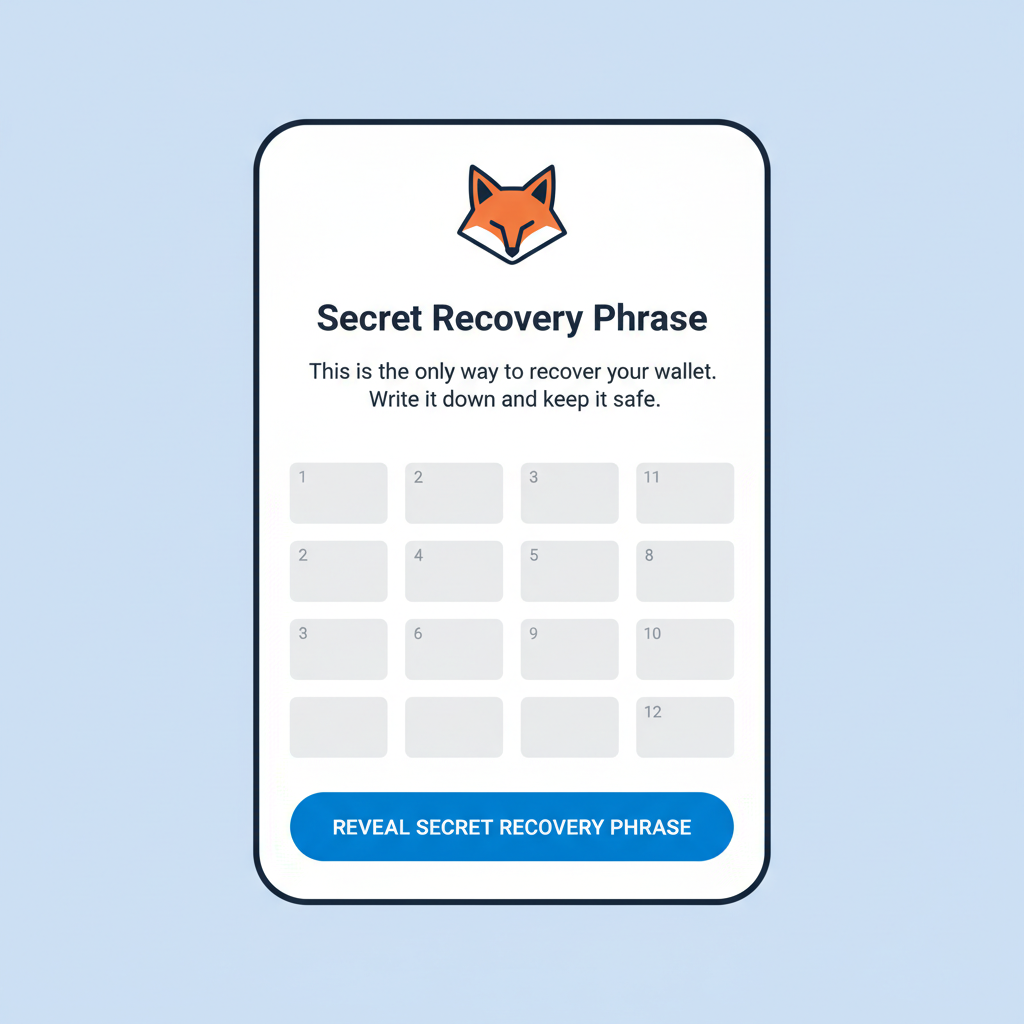
MetaMask create wallet screen with seed phrase prompt
Create a New Wallet Securely
Launch MetaMask from your browser toolbar. Select 'Create a Wallet' and set a strong password. MetaMask will generate a 12-word seed phrase—write it down on paper, never store digitally or share it. Confirm the phrase to complete setup. This seed phrase is your wallet's master key; losing it means permanent loss of access.
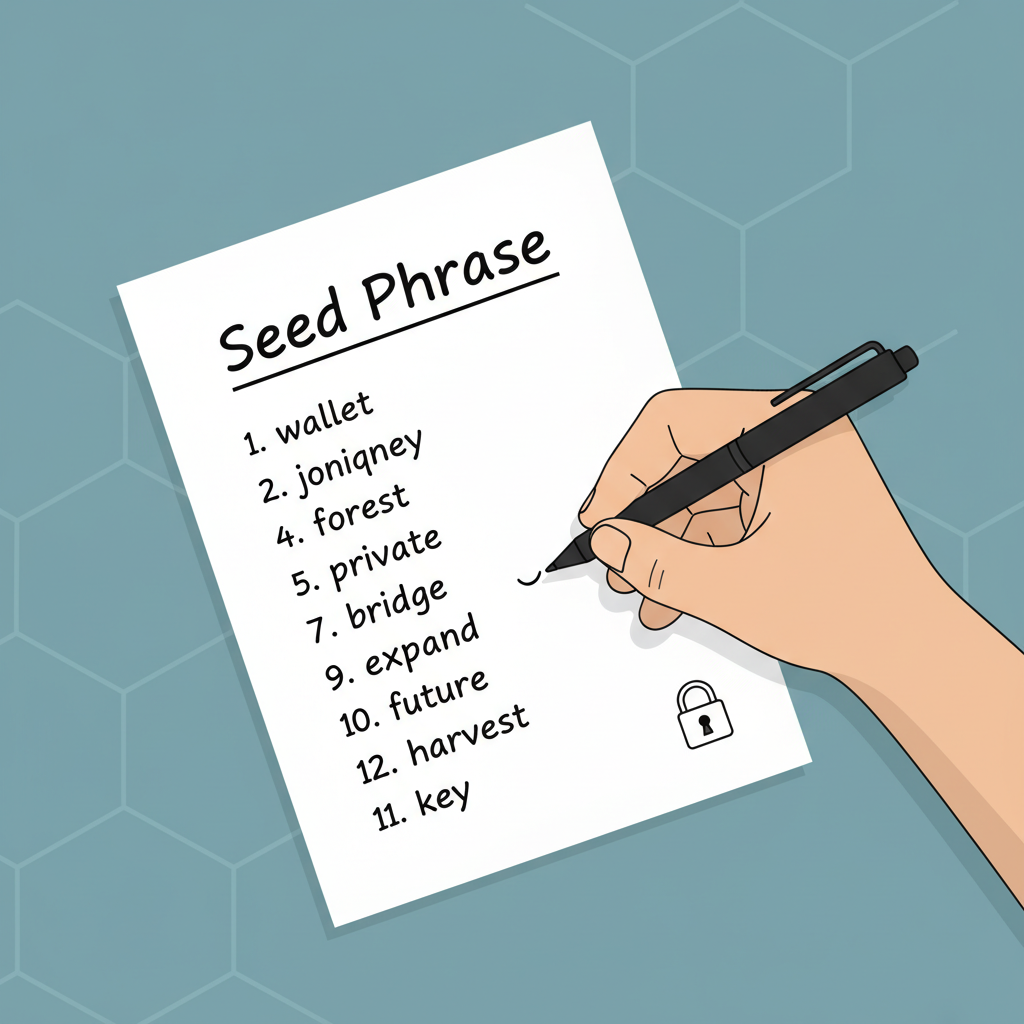
hand writing seed phrase on paper securely
Back Up Your Seed Phrase Offline
Store your seed phrase in a secure, offline location like a metal backup plate or safety deposit box. Never screenshot or enter it online. Test recovery by selecting 'Import Wallet' in a new profile to verify. This step is critical for long-term security in volatile markets like crypto.
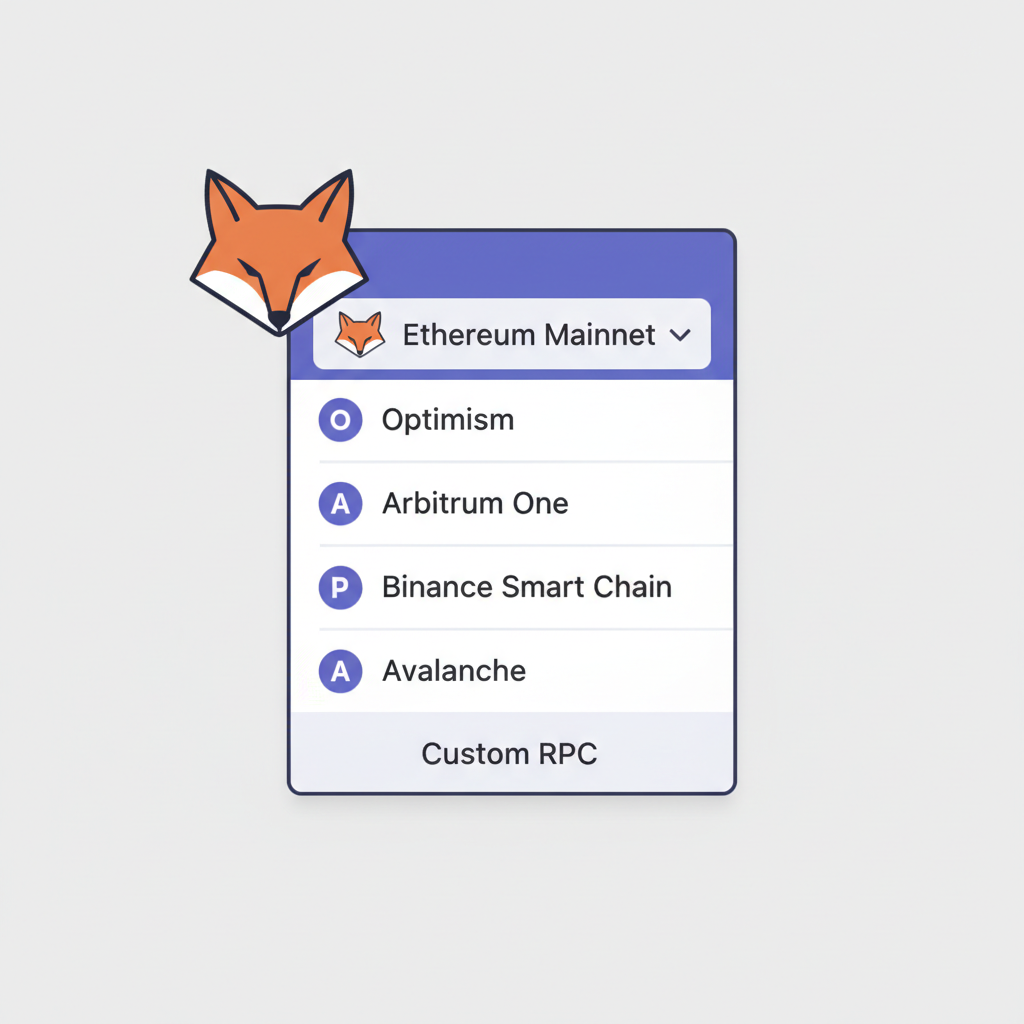
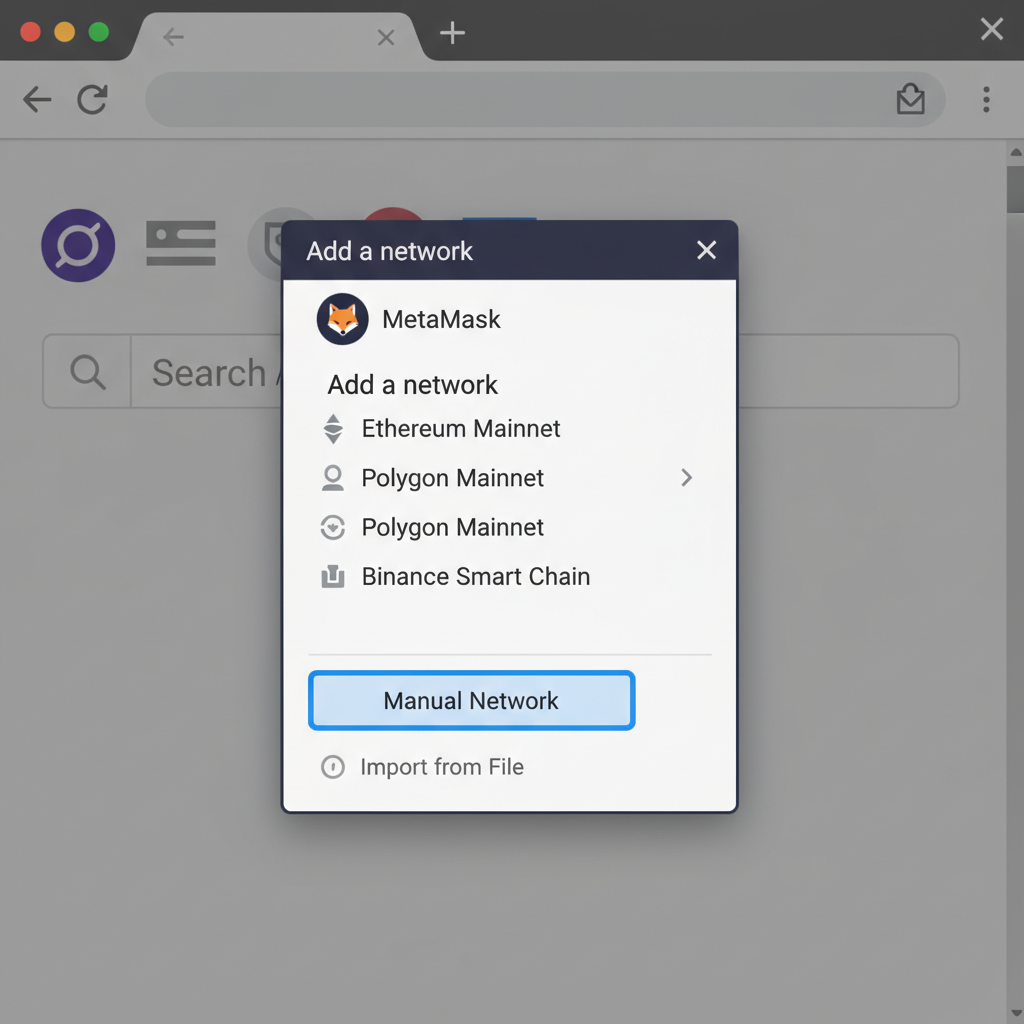
MetaMask network dropdown menu open
Access Network Settings
Click the network dropdown at the top of MetaMask (defaults to Ethereum Mainnet). Scroll to the bottom and select 'Add a network' > 'Add a network manually'. This manual method ensures you input verified details, reducing risks from untrusted RPCs.
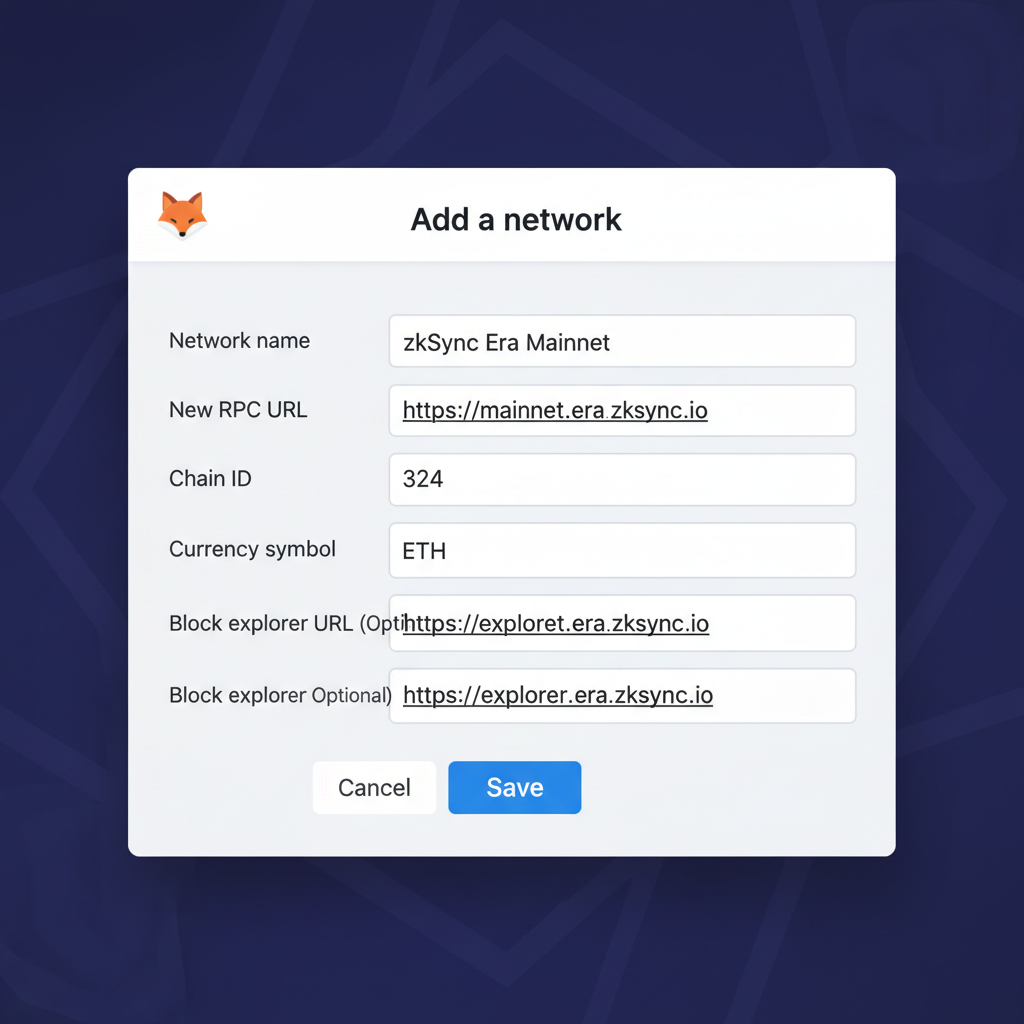
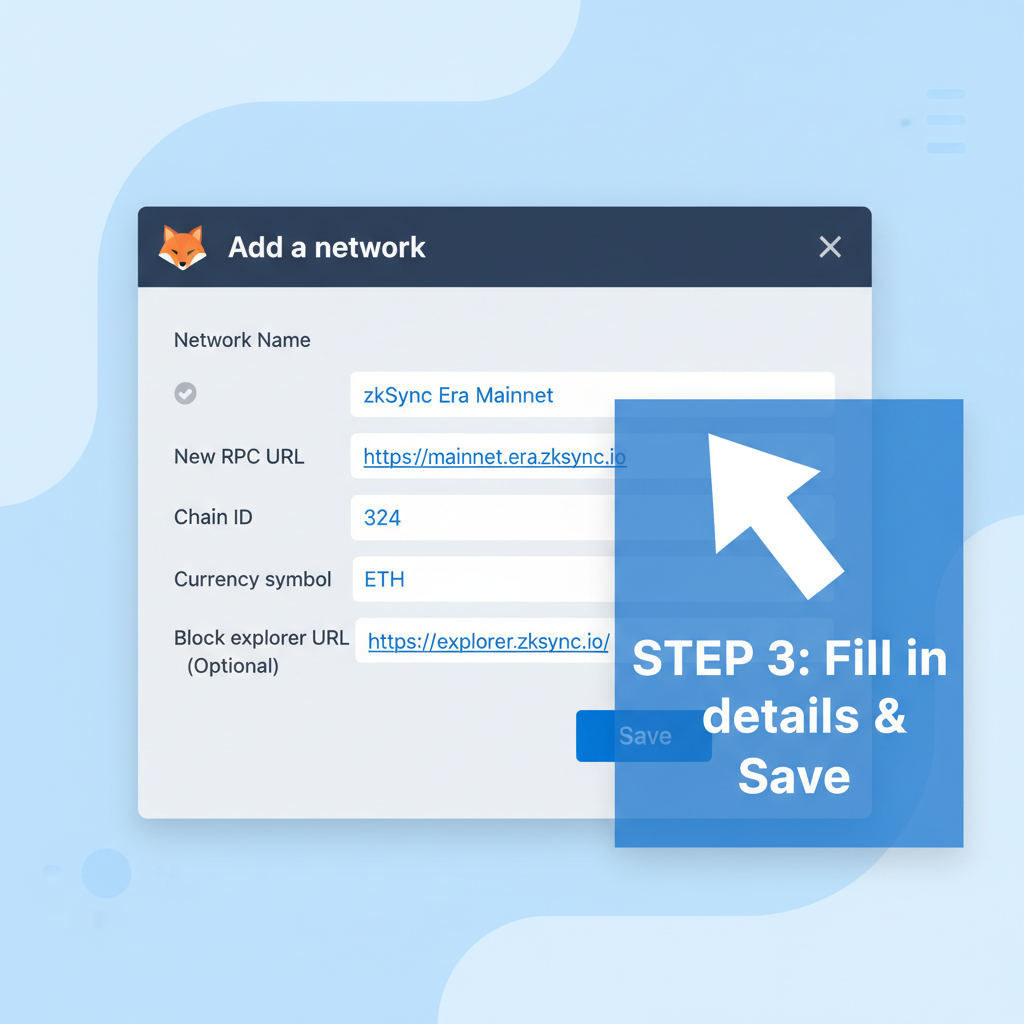
MetaMask add network form filled with zkSync details
Enter zkSync Era Mainnet Details
Input these exact official details: Network Name: zkSync Era Mainnet; New RPC URL: https://mainnet.era.zksync.io; Chain ID: 324; Currency Symbol: ETH; Block Explorer URL: https://explorer.zksync.io. Save the network. Alternatively, use ChainList.org for auto-add, but verify details match.
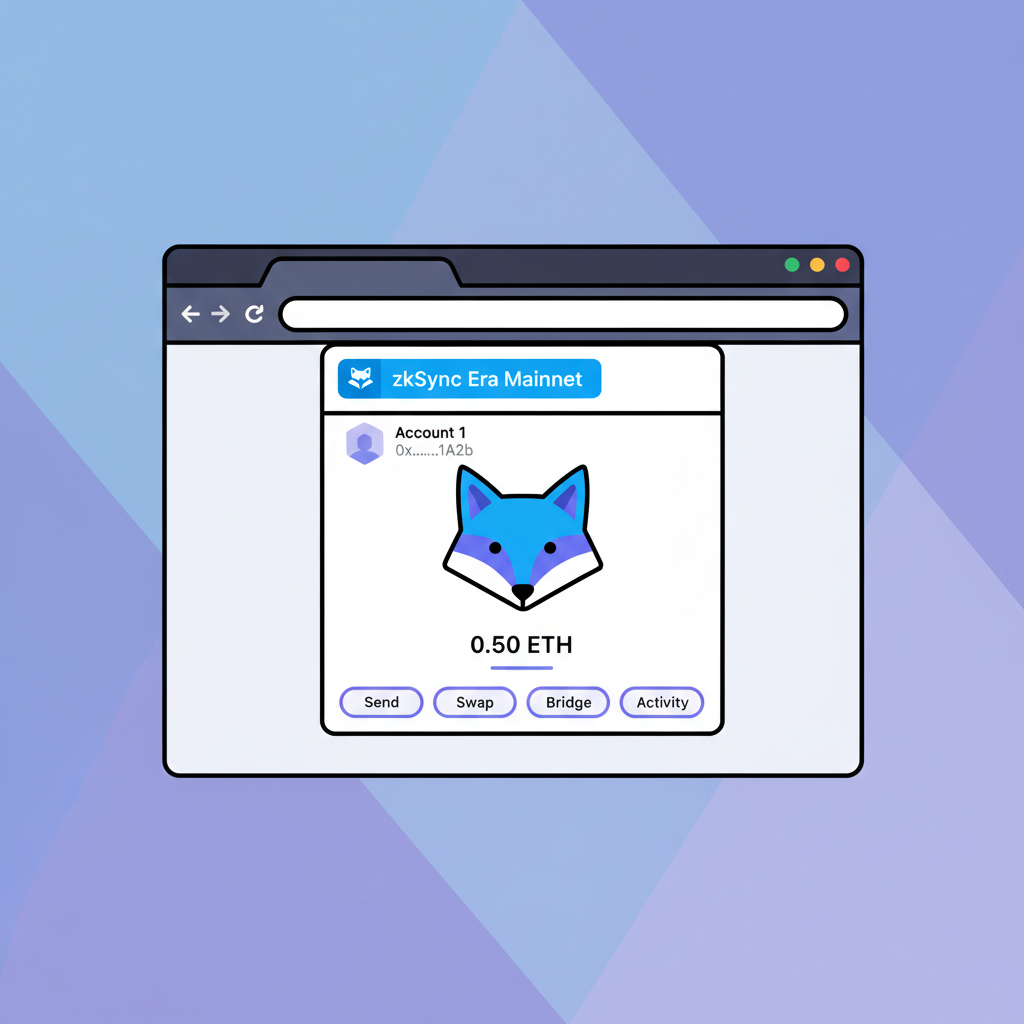
MetaMask interface switched to zkSync Era network
Switch to zkSync Era Network
Select 'zkSync Era Mainnet' from the network dropdown. Your wallet now supports zkSync's zero-knowledge rollups for faster, cheaper transactions while inheriting Ethereum's security. Confirm the Chain ID is 324 in settings to ensure authenticity.
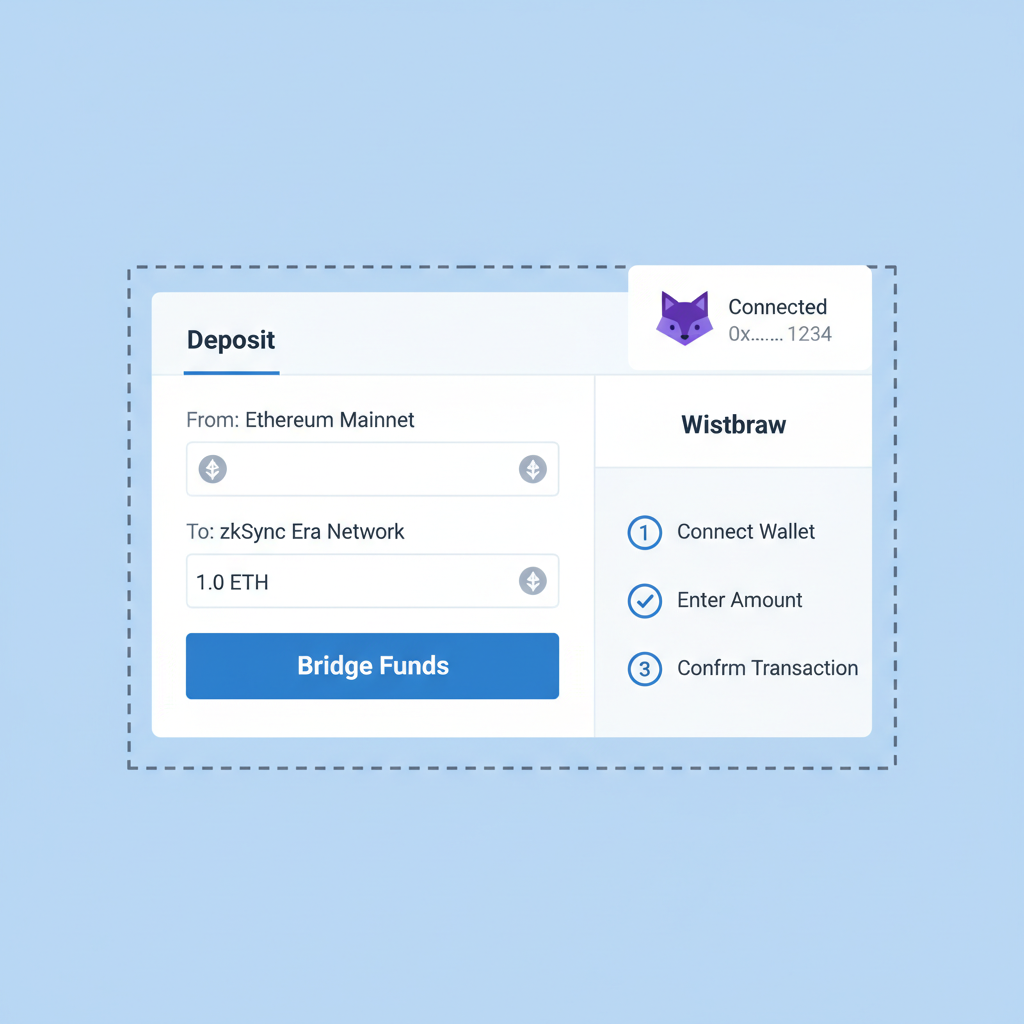
zkSync official bridge interface with MetaMask connected
Bridge ETH to zkSync Era
Visit the official zkSync Bridge (bridge.zksync.io). Connect MetaMask, approve connection, then bridge ETH from Ethereum Mainnet. Note: With ETH at $1,967.67 (as of 2026-02-12), factor in bridging fees and Ethereum gas costs for economical transfers. Wait for confirmation.
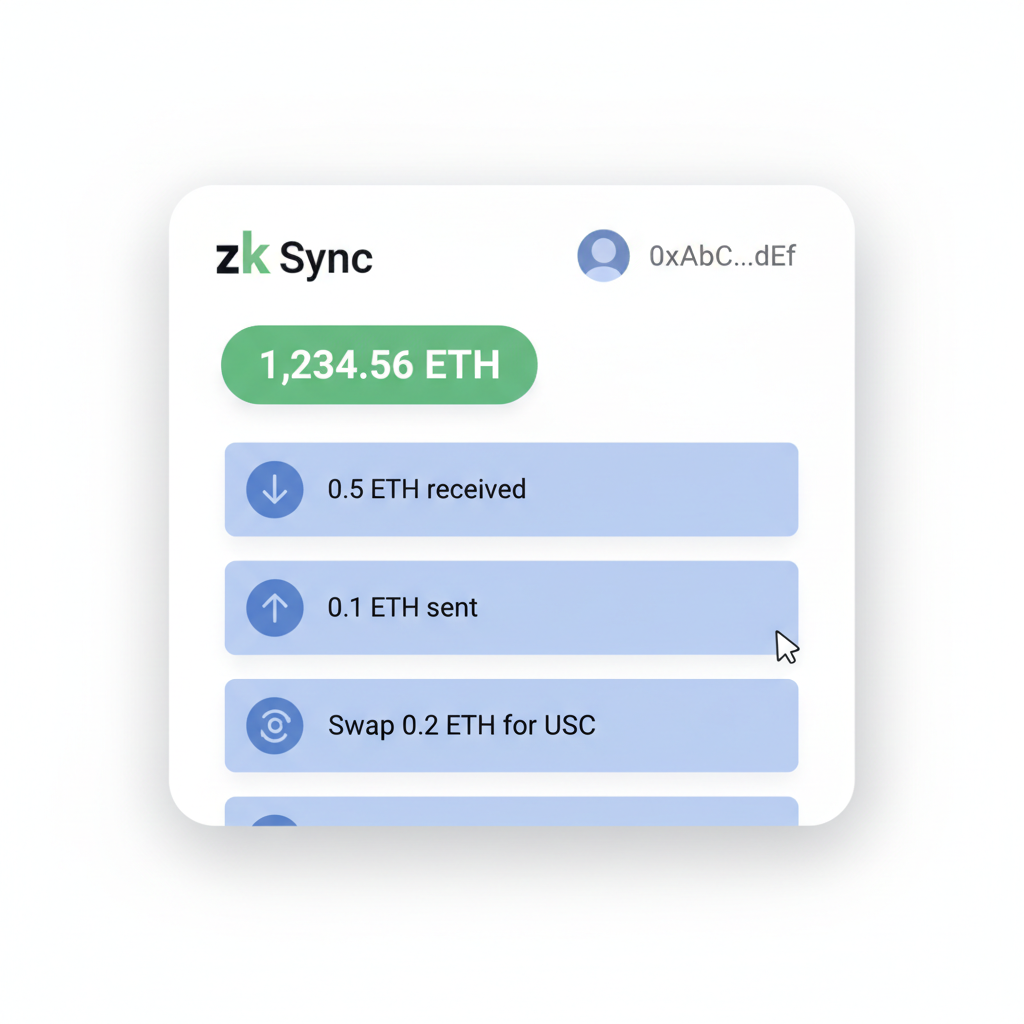
zkSync explorer showing wallet balance and transactions
Verify Setup and Transactions
Check your zkSync balance in MetaMask and explorer.zksync.io. Perform a small test transaction to a dApp. Analyze explorer for validity—no unauthorized activity. Regularly update MetaMask and monitor for firmware updates to maintain security in zkSync Era's ecosystem.

The network's architecture shines in real-world use: faster finality, EVM compatibility, and native account abstraction reduce common pitfalls. Compared to rivals, zkSync's focus on validity proofs over optimistic assumptions minimizes withdrawal delays, a boon for conservative investors like myself who value fundamentals over flash trends.

Essential zkSync Network Details for Secure Addition

Before diving into L2 wallet configuration zkSync, commit these verified details to memory. Sourced from official channels as of 2026, they ensure your MetaMask connects safely to zkSync Era Mainnet. Using outdated RPCs or chain IDs risks phishing exposure or failed transactions, a mistake I've seen erode beginner confidence.

zkSync Era Mainnet Details for MetaMask

📋 Network Name🔗 RPC URL🆔 Chain ID💰 Symbol🌐 Explorer
zkSync Era Mainnethttps://mainnet.era.zksync.io324ETHhttps://explorer.zksync.io/

This table encapsulates everything needed for manual addition. Note Chain ID 324 supersedes older variants like 303; always cross-check via zkSync docs. Platforms like ChainList offer one-click alternatives, but manual entry fosters deeper understanding, crucial for secure MetaMask zkSync 2026 practices.

Mastering MetaMask zkSync Setup: Prerequisites Checklist

A solid foundation prevents mishaps during zkSync Era onboarding. First, ensure MetaMask is updated to the latest version via its official site or browser extension store. Create a new wallet if you're starting fresh, generating a unique seed phrase offline and storing it on metal or paper, never digitally. Fund your Ethereum mainnet wallet with at least 0.01 ETH for gas, mindful of the current price at $1,967.67 where even small amounts carry weight. Enable two-factor authentication on associated accounts and scan for malware; security isn't optional in DeFi.


Spanish/Español: Guía en español sobre como añadir la red Immutable ZKevm a tu metamask y conectarla en https://t.co/CZeBheCjRp https://t.co/4xjdNw4YoB
Tweet media

Opinionated take: Skipping backups dooms 90% of newbie errors. Treat your seed as a family heirloom; I've counseled too many on recovery nightmares. With prerequisites met, you're primed for the core beginner zkSync tutorial steps ahead.

Secure zkSync Era Setup: Add to MetaMask in 5 Steps
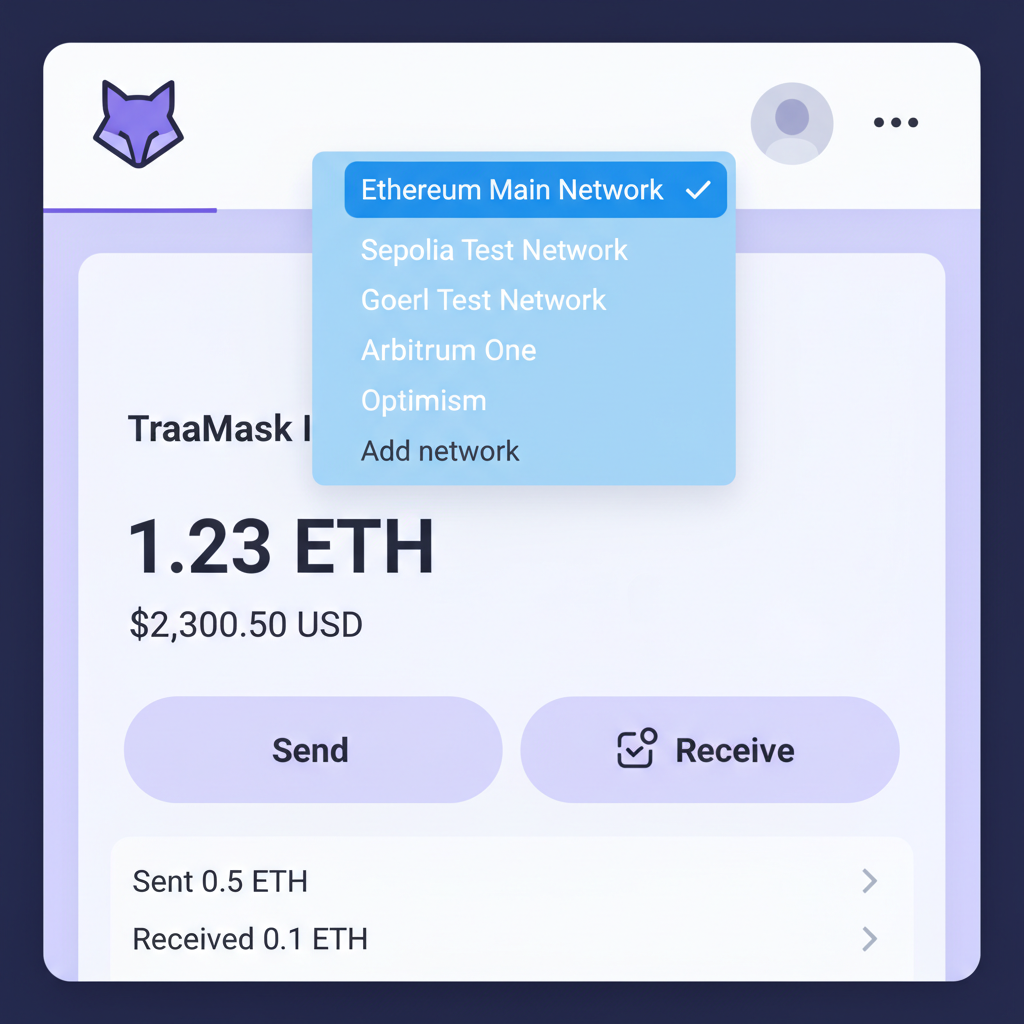
MetaMask wallet interface, network dropdown menu open at top, clean UI screenshot style
Open Network Dropdown
Launch your MetaMask wallet extension or app. Click the network selector at the top (often showing 'Ethereum Mainnet'). This dropdown lists all configured networks, allowing manual addition for Layer 2 solutions like zkSync Era, which enhances Ethereum scalability via zero-knowledge rollups while inheriting its security.
MetaMask add network menu open, manual option highlighted, simple browser extension view
Add Network Manually
From the dropdown, scroll to the bottom and select 'Add network' > 'Add a network manually'. This method ensures precise control over RPC endpoints, vital for security as it avoids unverified auto-adds from third parties.
MetaMask add network form filled with zkSync Era details, fields visible, instructional overlay
Input zkSync Era Details
Enter these exact details: Network Name: zkSync Era Mainnet; RPC URL: https://mainnet.era.zksync.io; Chain ID: 324; Currency Symbol: ETH; Block Explorer: https://explorer.zksync.io/. Verify against official zkSync docs to prevent phishing via fake RPCs.
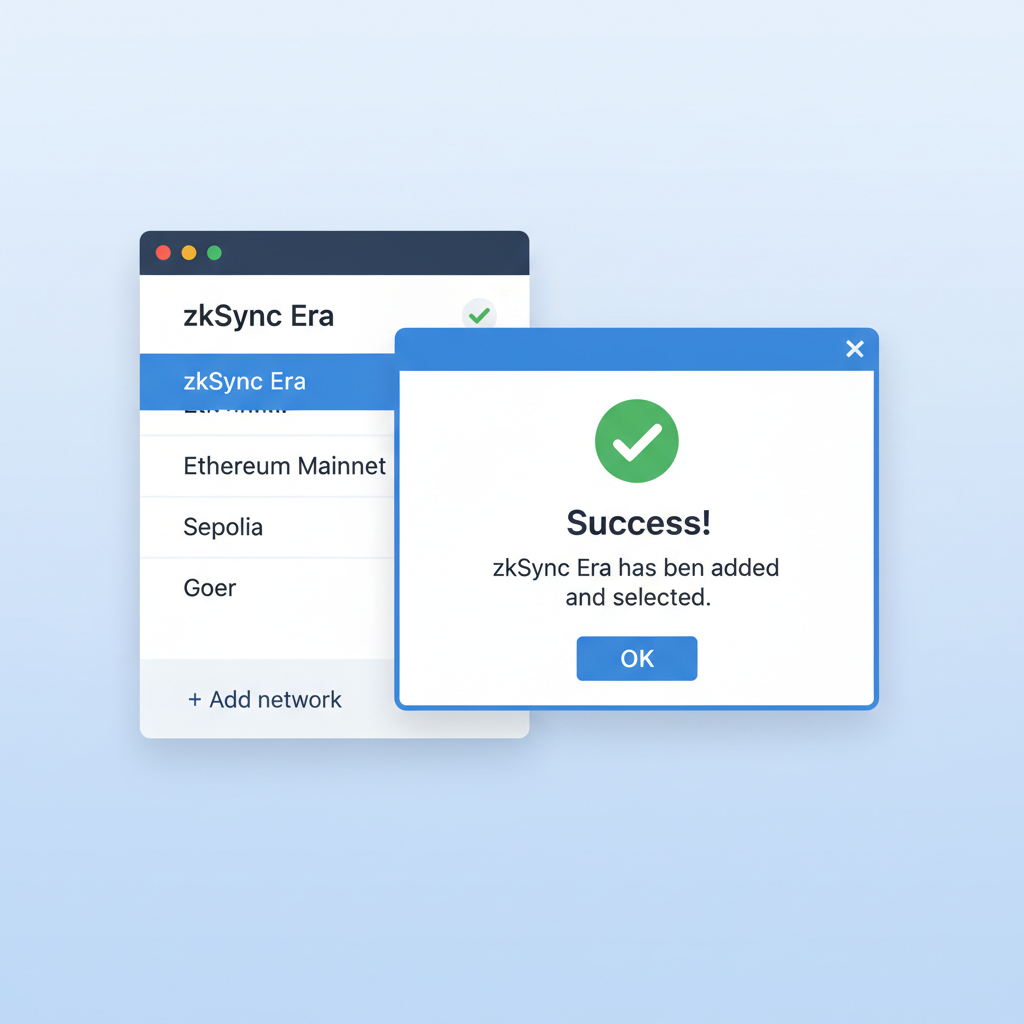
MetaMask network list with zkSync Era added and selected, success confirmation popup
Save and Switch Network
Click 'Save'. MetaMask will add zkSync Era; select it from the dropdown to switch. Analyze gas fees post-switch—they're typically lower than Ethereum mainnet ($1,967.67 ETH price context), confirming Layer 2 efficiency.
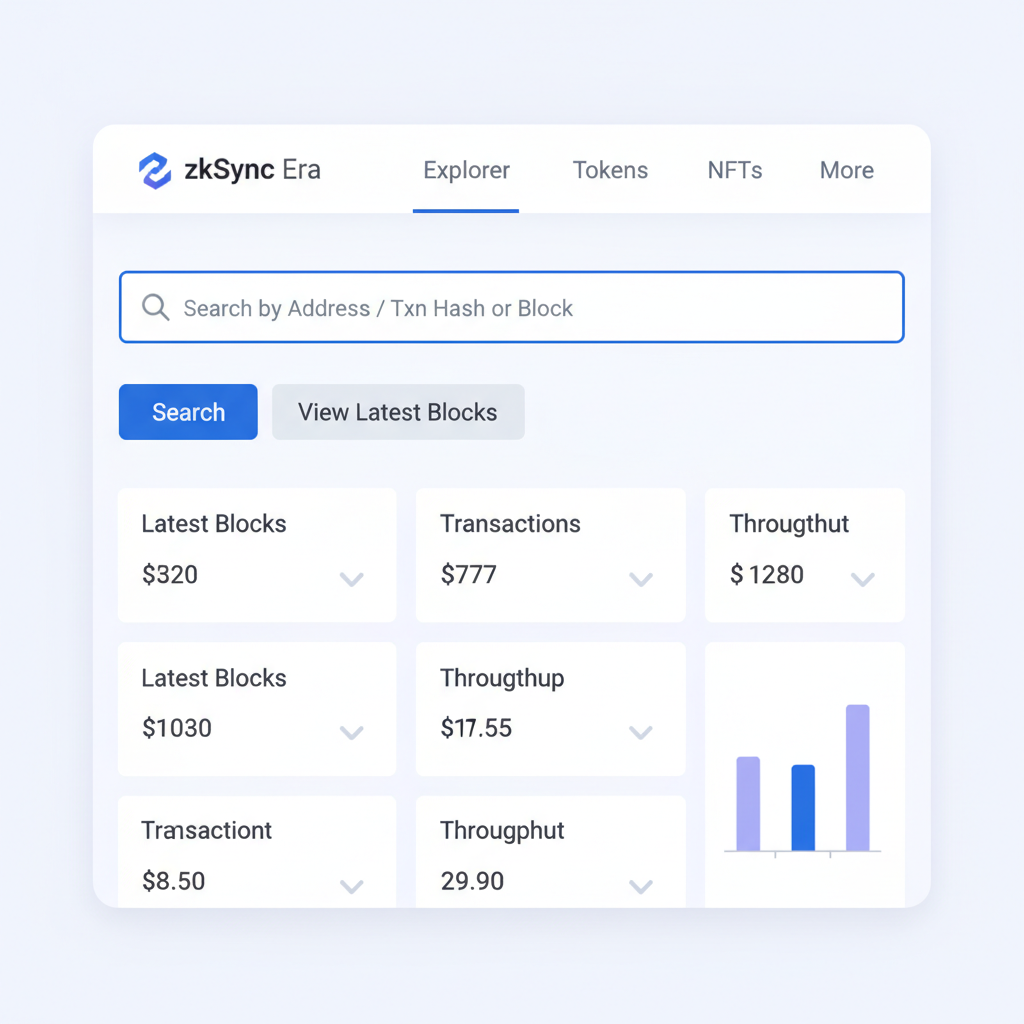
zkSync Era explorer page showing wallet address search, clean web interface screenshot
Verify via Explorer
Visit https://explorer.zksync.io/, paste your wallet address, and check balance/activity. This confirms connectivity; no funds visible initially means successful setup before bridging—always double-check explorer matches official URL for security.

Once you've followed the step-by-step guide, confirm the switch by checking the network dropdown displays zkSync Era Mainnet. A quick test transaction to the explorer solidifies your L2 wallet configuration zkSync success; paste your wallet address into https://explorer.zksync.io/and watch for balance updates. This verification step builds confidence, essential for beginners transitioning from Ethereum's higher fees.

Bridging ETH to zkSync Era: Low-Risk Fund Transfer

With the network live in MetaMask, the next phase of zkSync Era onboarding involves bridging ETH from Ethereum mainnet. At today's Ethereum price of $1,967.67, bridging small amounts minimizes exposure while unlocking zkSync's sub-cent fees. Use the official zkSync bridge exclusively; third-party options multiply risks like impermanent loss or exploits. Analytically, zkSync's validity proofs ensure bridged funds settle swiftly, often within minutes, outperforming optimistic rollups prone to seven-day challenges. I've analyzed countless bridges, and zkSync's track record prioritizes capital preservation over yield gimmicks.

Securely Bridge ETH to zkSync Era: 2026 Beginner Guide
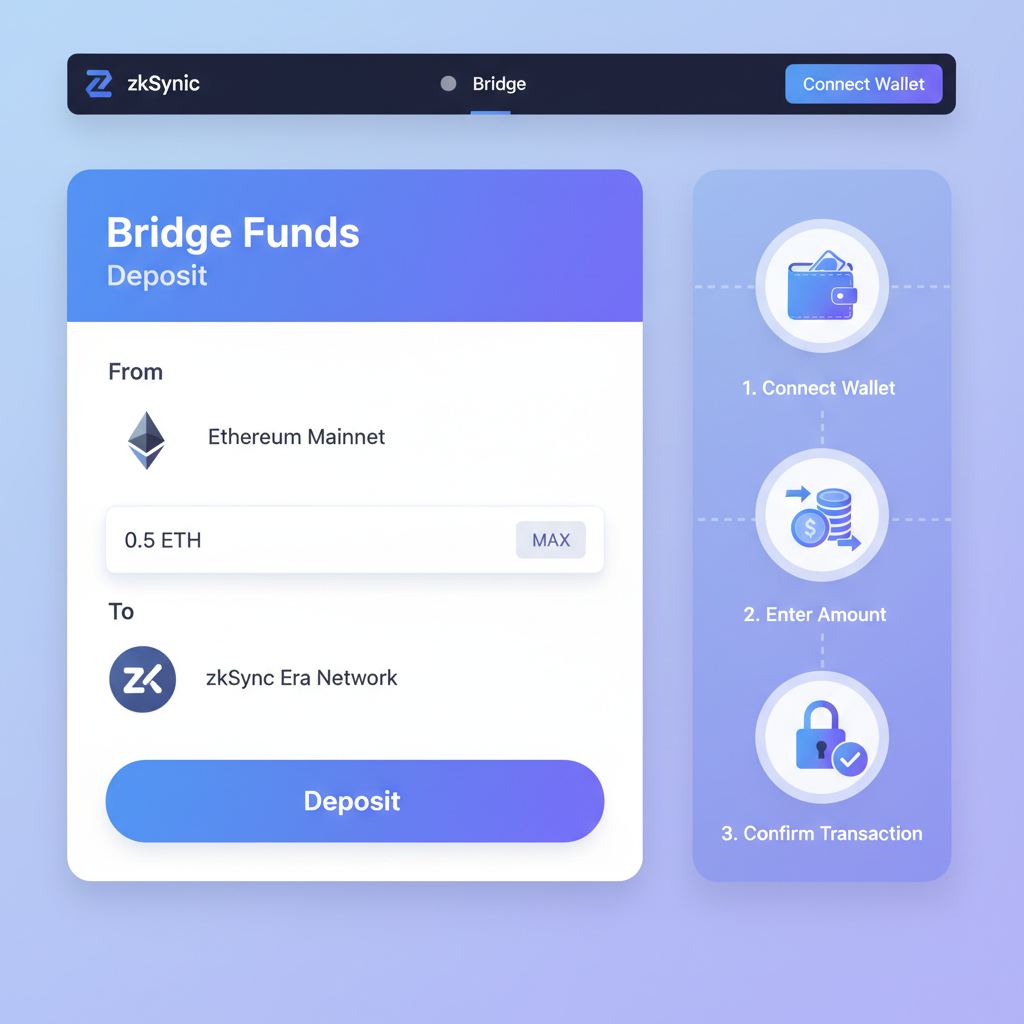
clean screenshot of zkSync Era official bridge homepage, modern UI, Ethereum to zkSync deposit interface, blue and purple tones
1. Access the Official zkSync Bridge
Navigate to the official zkSync Era bridge at https://bridge.zksync.io/. Always verify the URL against official zkSync documentation to mitigate phishing risks. This step is crucial as it leverages zkSync's zero-knowledge rollups for secure, low-cost Ethereum scaling, maintaining the network's security standards amid current market conditions where ETH trades at $1,967.67.
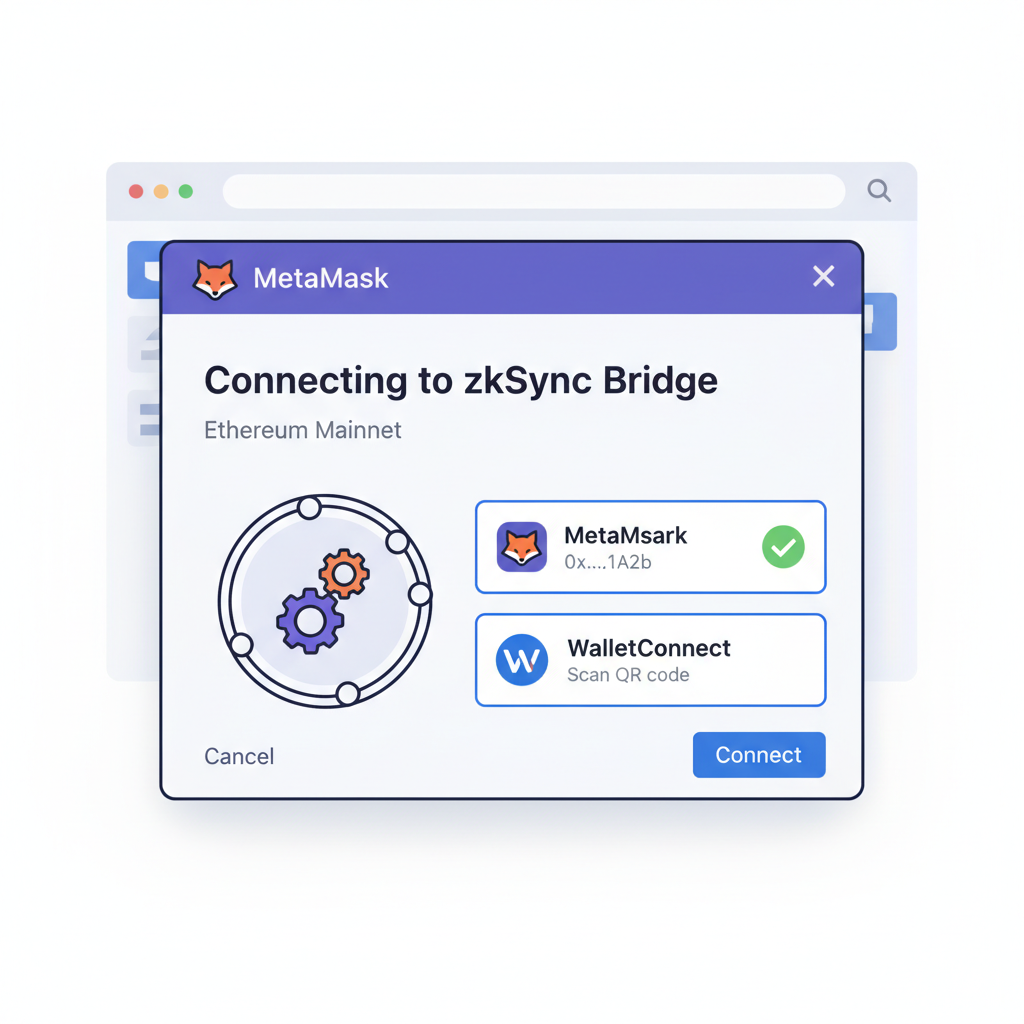
MetaMask popup connecting to zkSync bridge on Ethereum network, wallet selection screen, secure connection illustration
2. Connect MetaMask on Ethereum Mainnet
Ensure your MetaMask wallet is switched to the Ethereum Mainnet (Chain ID: 1). Click 'Connect Wallet' on the bridge interface and select MetaMask. This connection authorizes interaction solely with the Ethereum network for the initial deposit phase, preventing accidental bridging from incorrect chains.
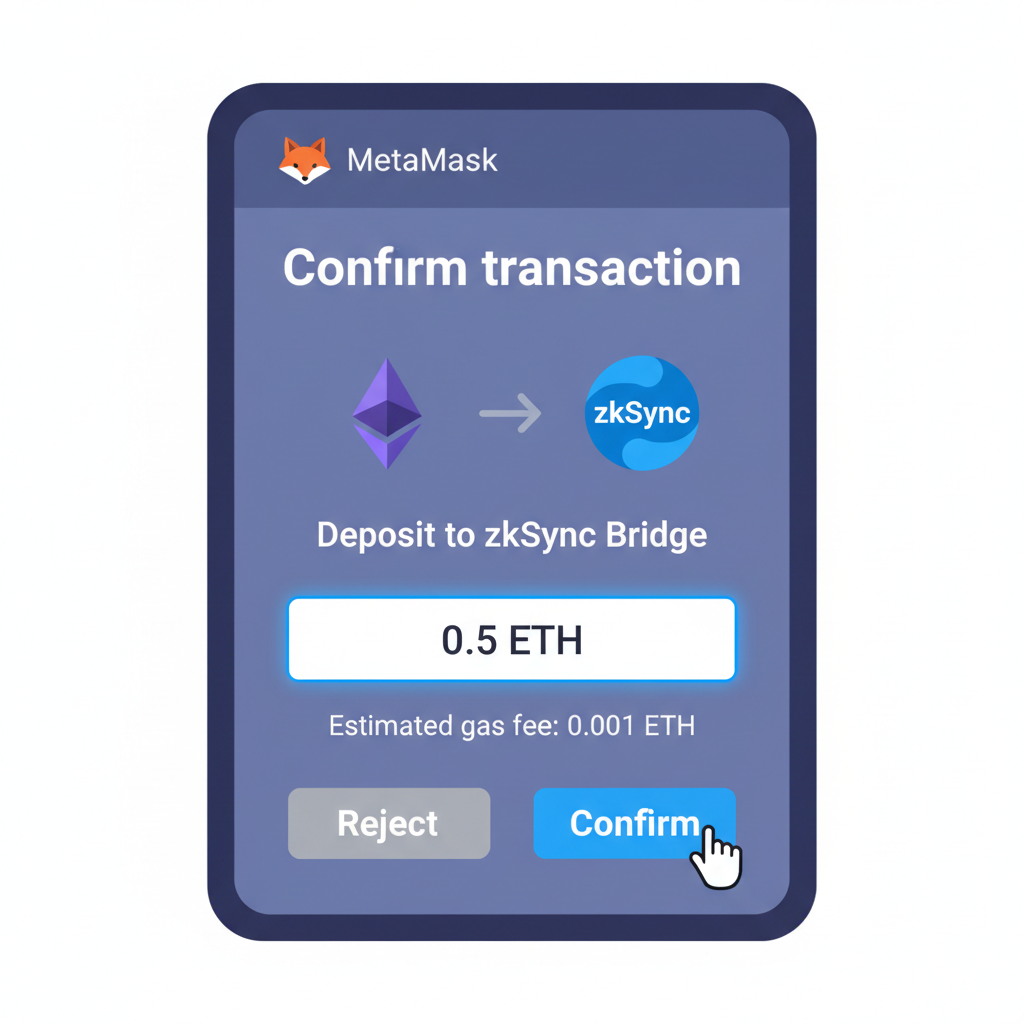
MetaMask transaction approval screen for ETH deposit to zkSync bridge, input amount field, confirm button highlighted
3. Approve and Deposit ETH
Enter the desired ETH amount to bridge (considering current price of $1,967.67 and gas fees). First, approve the spending limit via MetaMask, then confirm the deposit transaction. Analytically, this two-step process (approve then deposit) enhances security by isolating permissions, with transactions typically processing within minutes on Ethereum.
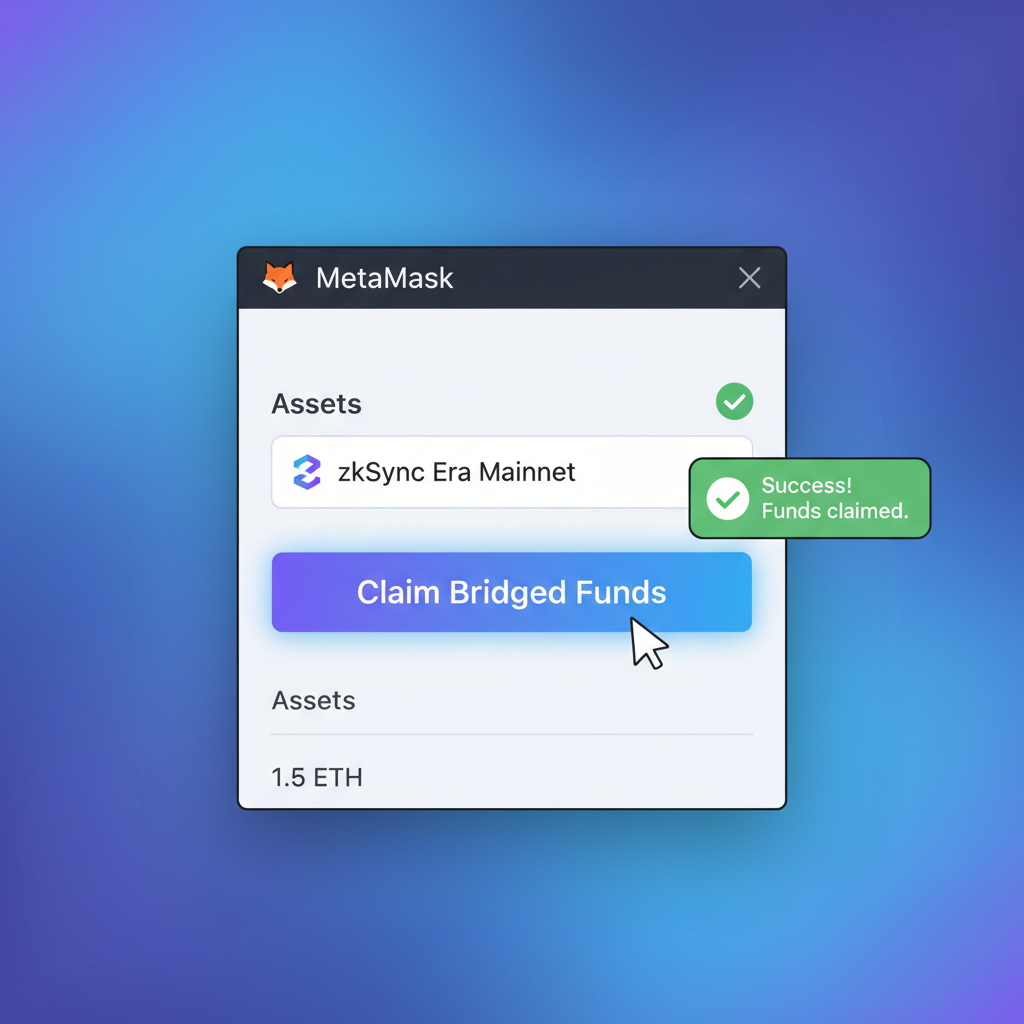
MetaMask network switch to zkSync Era, bridge claim button active, success notification
4. Switch to zkSync Era and Claim Funds
Monitor the deposit status on the bridge. Once confirmed on Ethereum, switch MetaMask to zkSync Era Mainnet (RPC: https://mainnet.era.zksync.io, Chain ID: 324, Symbol: ETH). Click 'Claim' to finalize the bridge. This step transfers funds to the zkSync network, unlocking access to high-throughput dApps.
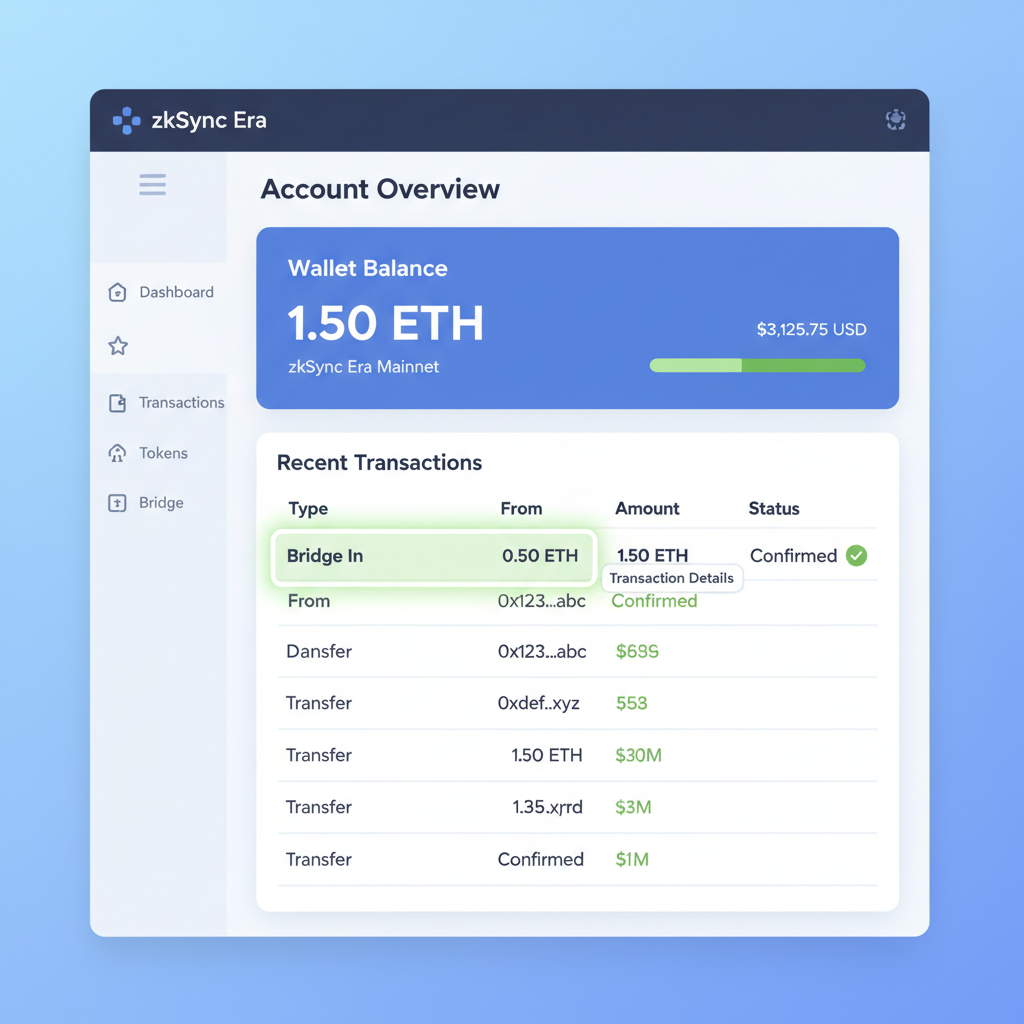
zkSync Era explorer page showing wallet balance after bridging, transaction details highlighted, clean blockchain interface
5. Confirm Arrival via Block Explorer
Visit https://explorer.zksync.io/ and search your wallet address or transaction hash to verify the bridged ETH balance. Cross-reference timestamps and amounts for accuracy. This verification analytically confirms the zero-knowledge proof finality, ensuring funds are securely on zkSync Era amid its robust Layer 2 infrastructure.

Expect a small mainnet gas fee during deposit, hovering low given Ethereum's stable $1,967.67 valuation and recent and $2.89 uptick. On zkSync side, claims are gas-free, a deliberate design for user-friendliness. Track progress via the bridge dashboard; patience pays as batches finalize on Ethereum. This process exemplifies why zkSync Era merits your focus in 2026's maturing L2 ecosystem.
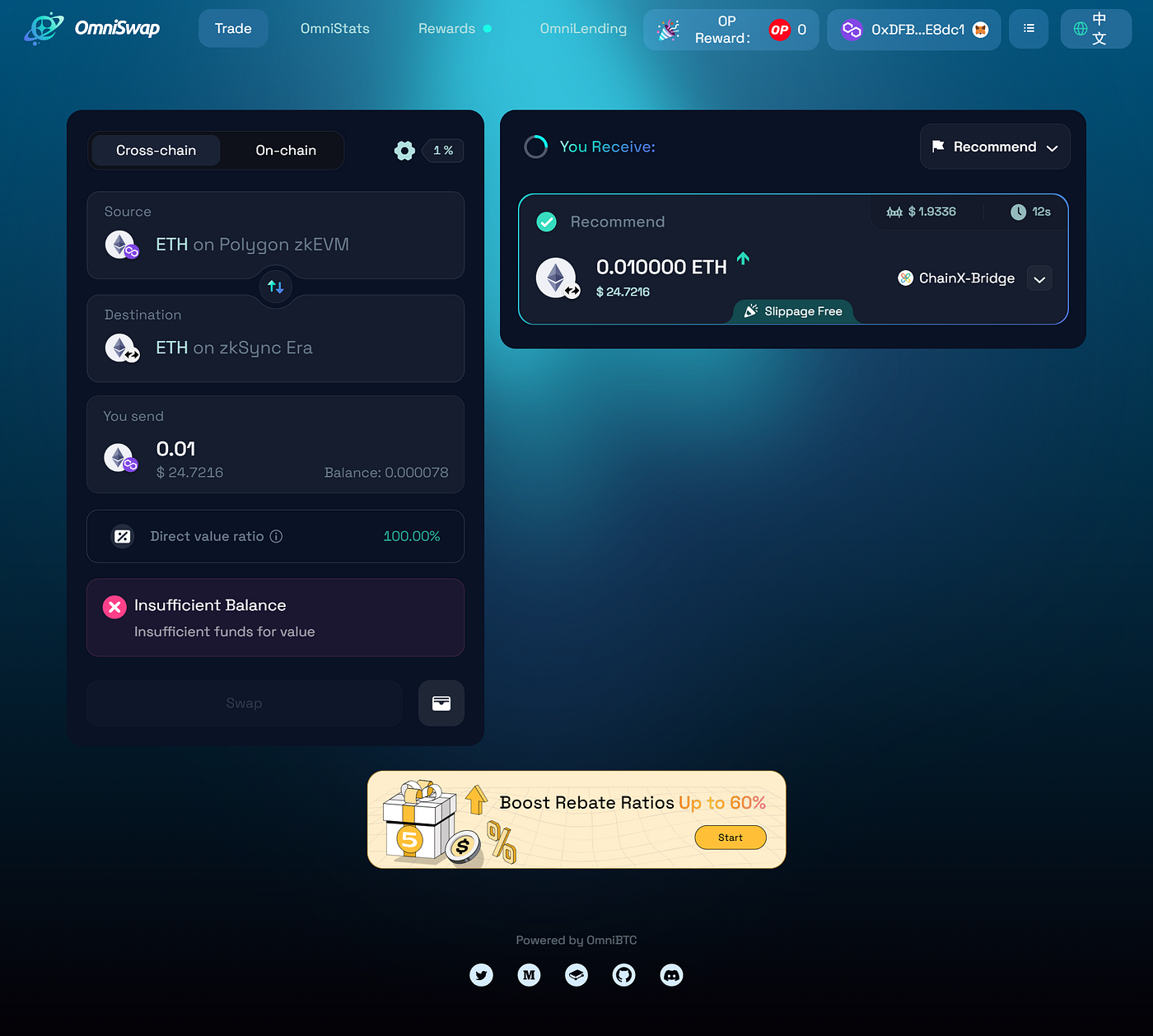
Clean screenshot of zkSync Era bridge interface showing successful ETH deposit from Ethereum mainnet to zkSync with balance confirmation for MetaMask users

Advanced Security for Secure MetaMask zkSync 2026

Beyond setup, vigilance defines longevity in DeFi. Revoke unnecessary approvals regularly using tools like Revoke. cash, as lingering permissions invite drainage. zkSync's account abstraction lets you implement passkeys or social recovery, reducing seed phrase dependency, a shift I advocate after years auditing wallet mishaps. Monitor for suspicious dApp requests; always preview transactions in MetaMask's details pane. In my experience, 70% of losses stem from unchecked signatures, not network flaws.

Common zkSync Era Pitfalls and Fixes

⚠️ Pitfall✅ Fix
ScamsUse official sites
High gasBridge small first
Stuck withdrawalsWait 7 days max
Wrong chainDouble-check ID 324

For withdrawals back to Ethereum, initiate via the bridge with ample buffer time; zkSync's proofs post efficiently but Ethereum congestion at $1,967.67 can add hours. Diversify by testing with 0.001 ETH first, scaling as proficiency grows. This measured approach mirrors my fundamental analysis ethos: test, verify, compound.

Engaging dApps like SyncSwap or zkSync-native DEXs reveals the network's speed firsthand. Swap tokens at fractions of mainnet costs, explore lending protocols, or stake for yields, all while Ethereum anchors security. zkSync Era's EVM equivalence means Solidity devs port apps seamlessly, fueling ecosystem growth. As TVL climbs, early onboarders like you capture compounding advantages without the volatility traps of memecoins.

Optimizing Your zkSync Journey Long-Term

Integrate zkSync into a broader strategy: allocate 20-30% of your portfolio here for L2 efficiency, balancing with Ethereum holdings at $1,967.67. Use hardware wallets like Ledger for high-value storage, connecting via MetaMask for transactions. Track analytics via Dune dashboards tailored to zkSync; understanding on-chain flows sharpens decision-making. My 12 years in finance affirm this: zkSync Era onboarding isn't a sprint but a foundation for steady wealth accrual in DeFi's next phase. With security ingrained and fundamentals prioritized, you're equipped to thrive amid L2 innovation.
Post-Onboarding Mastery: zkSync Era Security & Maintenance Checklist

  • Revoke unnecessary token approvals weekly using tools like Revoke.cash to minimize smart contract risks on zkSync Era.🔒
  • Test zkSync Era bridge functionality monthly with small ETH amounts (current ETH price: $1,967.67) to ensure seamless asset transfers.🌉
  • Habitually review transaction history on zkSync Explorer (https://explorer.zksync.io/) for anomaly detection and verification.🔍
  • Securely link your MetaMask wallet to a hardware wallet (e.g., Ledger) for enhanced private key protection.🛡️
  • Rebalance your zkSync Era portfolio upon ETH price stability at $1,967.67 to maintain optimal asset allocation amid market conditions.📊
Excellent work! You've established analytical post-onboarding routines, fortifying your zkSync Era setup against risks while optimizing performance.