
Stepping into Layer 2 networks like Base feels like discovering a turbocharged highway for your crypto journey. In 2026, with Ethereum's mainnet fees still biting during peak hours, Base stands out as Coinbase's powerhouse L2 solution, delivering blazing-fast transactions at pennies on the dollar. As someone who's managed portfolios through multiple bull runs, I always stress starting right: a secure wallet setup is non-negotiable for smooth Base L2 onboarding. Forget the hype; let's get you configured safely and efficiently.
Why Base Network Dominates L2 Onboarding in 2026
Base isn't just another Ethereum scaler; it's built for real-world use with EVM compatibility that lets developers and users slide in seamlessly. Picture this: transactions settling in seconds for under a cent, all while inheriting Ethereum's battle-tested security. From my vantage point allocating across chains, Base's growth trajectory screams opportunity for beginners eyeing diversified L2 exposure. It's developer-friendly, with tools like the official bridge making onboarding a breeze compared to clunkier alternatives.
Comparison of Popular Wallets for Base Network
| Wallet | Platforms | Pros | Cons | Security Features | Ease for Beginners |
|---|---|---|---|---|---|
| MetaMask | Browser extension, iOS/Android apps | • Highly customizable • Supports hardware wallets (Ledger/Trezor) • Large ecosystem & extensions | • Requires manual Base network addition • Steeper learning curve | • 12-word seed phrase (backup offline) • Hardware wallet integration • Transaction simulation | ⭐⭐⭐⭐ |
| Coinbase Wallet | iOS/Android apps | • Native Base support (default integration) • User-friendly for beginners • Seamless with Coinbase ecosystem | • Mobile-only • Fewer customization options | • PIN & biometrics • 12-word seed phrase • Auto-lock features | ⭐⭐⭐⭐⭐ |
| Trust Wallet | iOS/Android apps (mobile-first) | • Multi-chain support • Easy custom network addition • Built-in dApp browser | • Mobile-only • Less desktop flexibility | • 12-word seed phrase • Biometrics & passcode • Secure backups | ⭐⭐⭐⭐⭐ |
This table highlights why versatility matters. I've seen too many newbies stick to one wallet and miss multi-chain plays. Base thrives on choice, so pick based on your flow: mobile warriors love Coinbase or Trust, while power users lean MetaMask for tweaks.
Choosing and Installing Your Wallet for Secure L2 Setup
For secure wallet setup L2 style, compatibility tops the list. All three heavy-hitters, MetaMask, Coinbase Wallet, Trust Wallet, handle Base's EVM quirks effortlessly. My rule? If you're bridging from Coinbase exchange, their wallet integrates like a glove. Otherwise, MetaMask's extension rules desktop trading. Download only from official sources: metamask. io for MetaMask, app stores for the rest. Sidestep phishing traps by double-checking URLs every time.
Secure Coinbase Smart Wallet Setup for Base: Beginner’s Fast Track
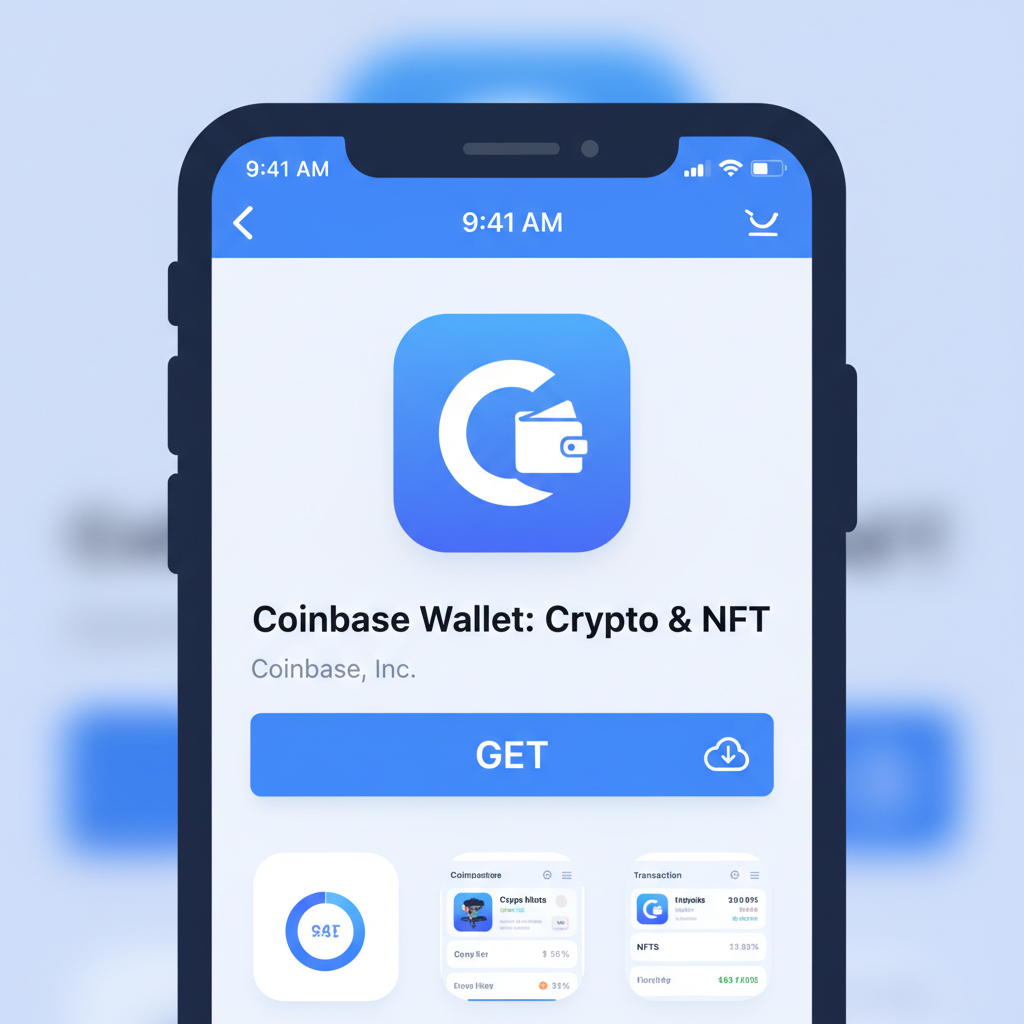
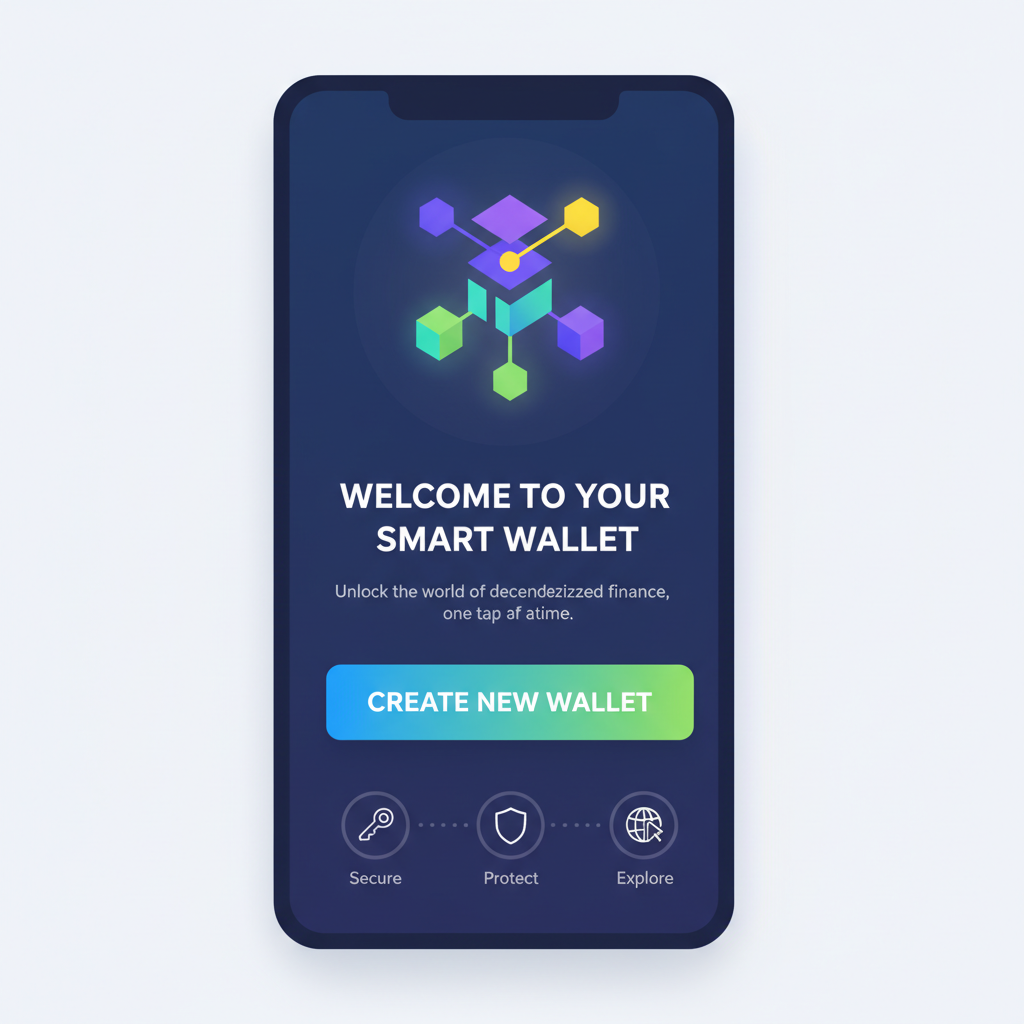
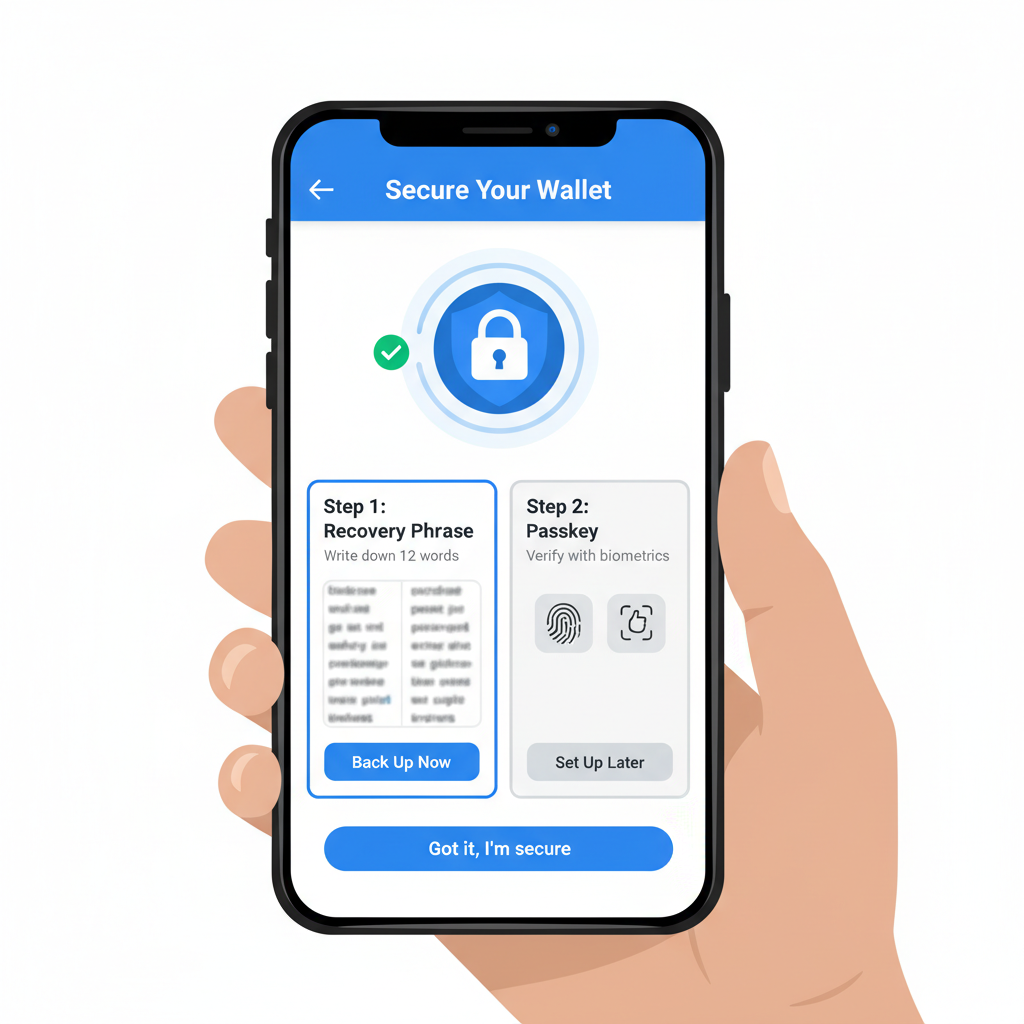
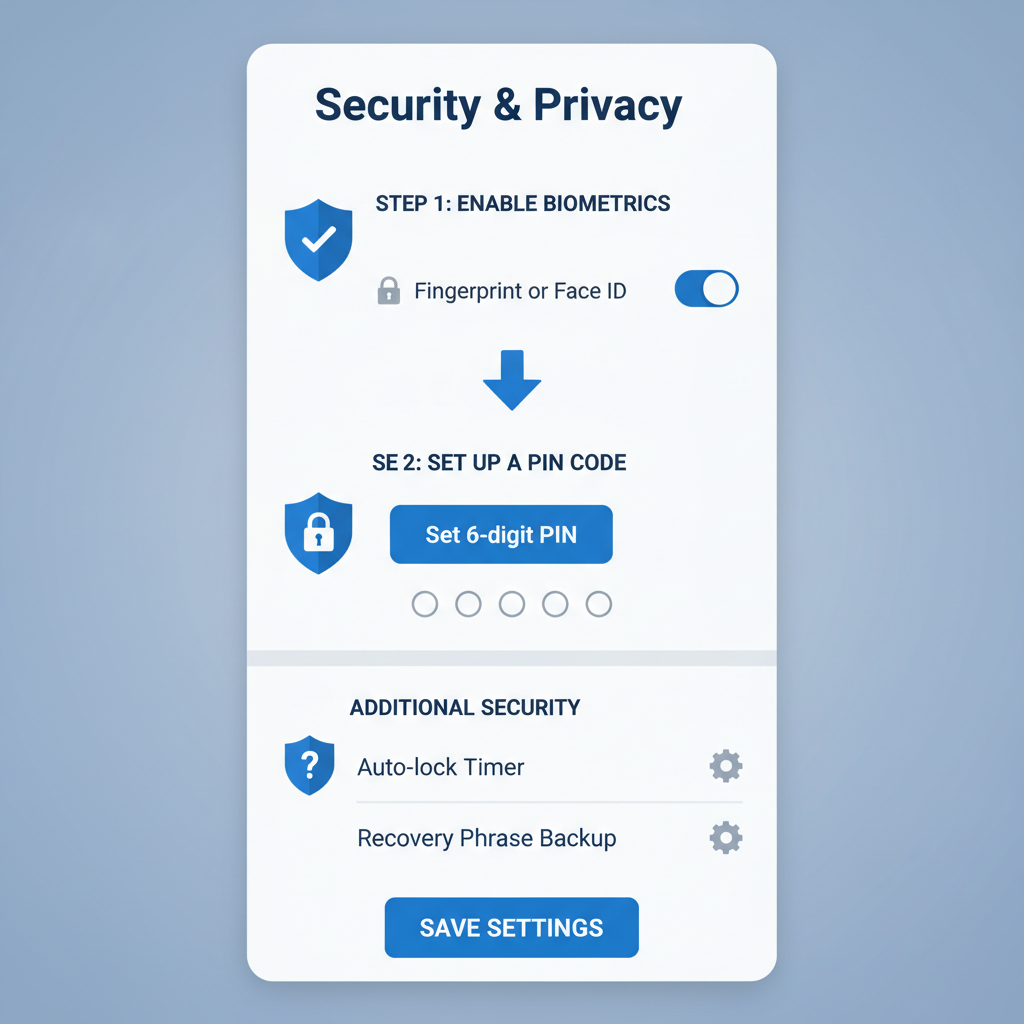
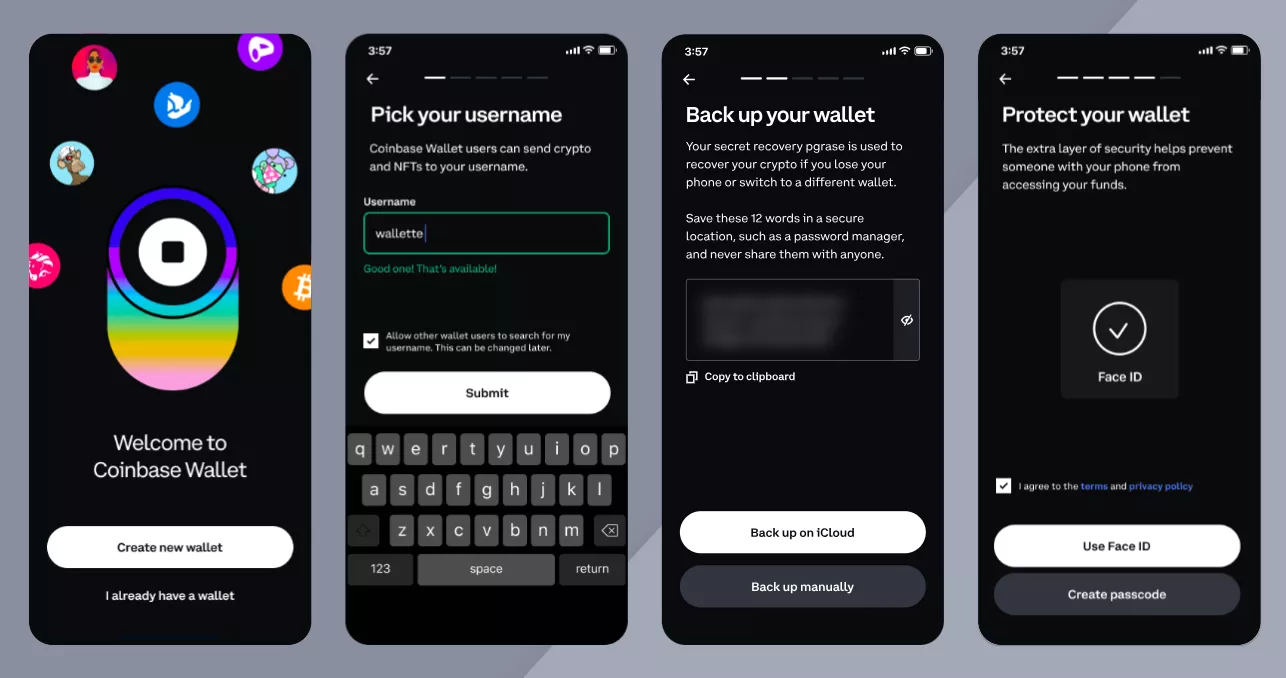
That video nails the hands-on vibe. Watch it once, then follow along. Creation is straightforward: launch the app, generate your wallet, and etch that 12-word recovery phrase into a metal backup, never digital screenshots. Verify it in-app to lock out fakes. Pro tip: enable biometrics early; it's a game-changer for daily access without compromising keys.
Configuring Base Network in Your Wallet Like a Pro
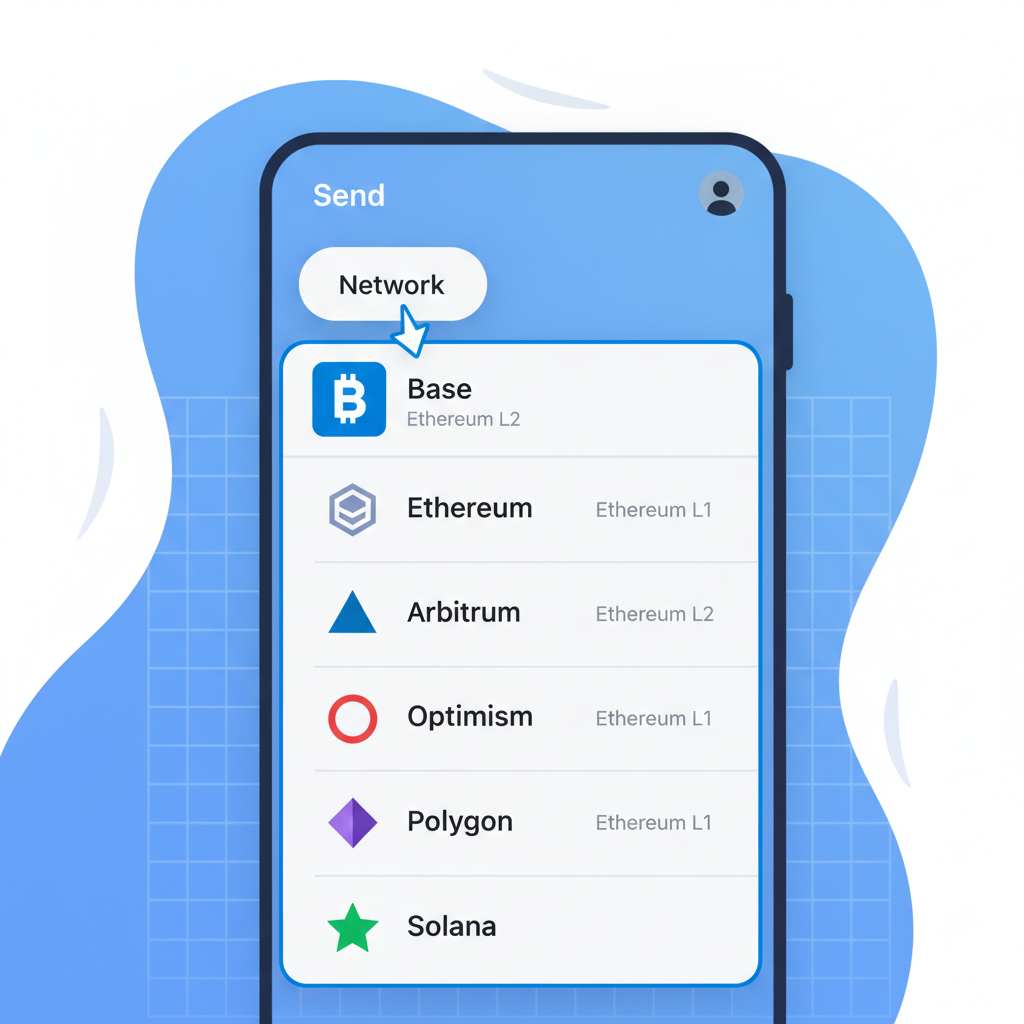
Wallet ready? Time for the magic: adding Base. In MetaMask, hit Settings > Networks > Add Network. Plug in Network Name: Base; RPC URL: https://mainnet.base.org; Chain ID: 8453; Symbol: ETH; Explorer: https://basescan.org. Boom, switched. Coinbase Wallet? It's baked in, tap networks and select Base. Trust mirrors MetaMask's custom add. This wallet configuration Base network step unlocks low fees instantly. Test with a micro-send to confirm; peace of mind is priceless.
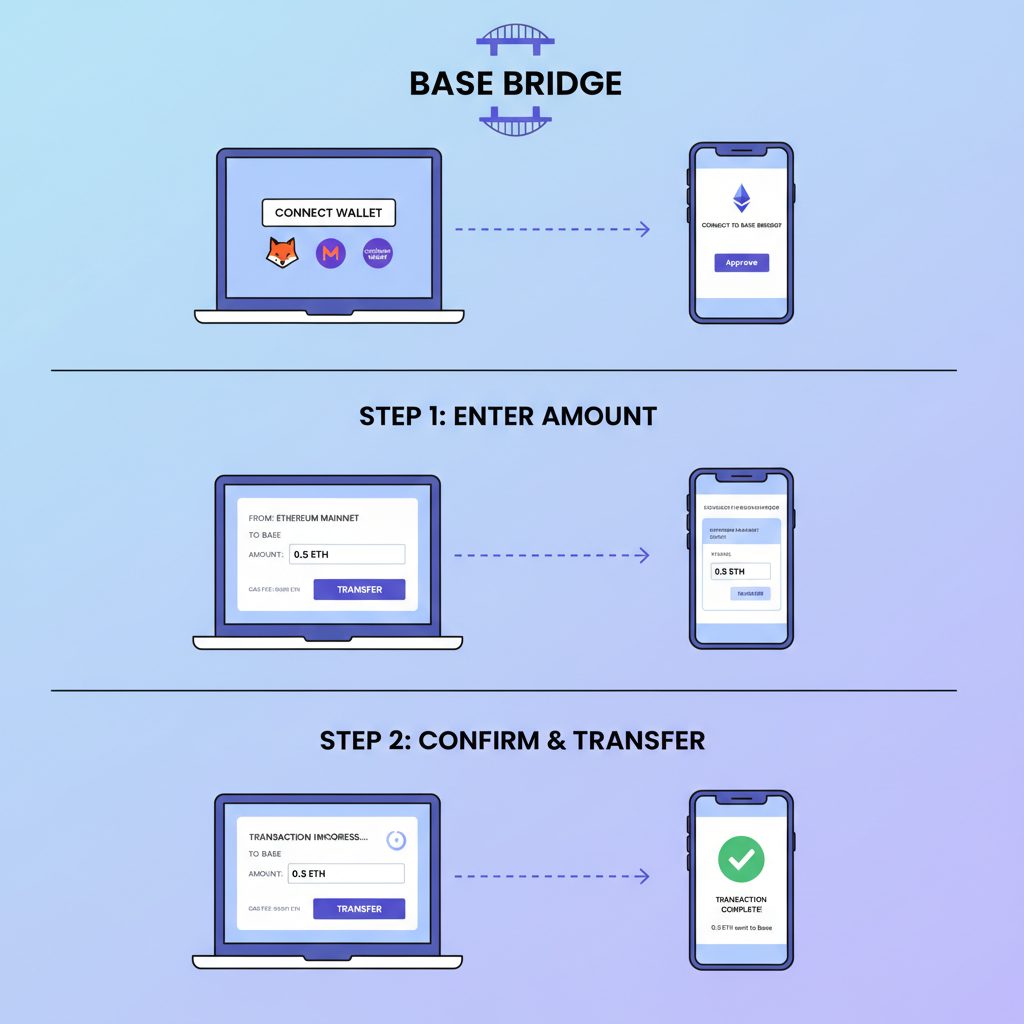
Funding follows: hit the Base Bridge, connect, bridge ETH from Ethereum. Or withdraw direct from exchanges supporting Base. Start small, say 0.01 ETH, to dodge rookie errors. Security layers next: PINs, auto-lock, and hardware pairing for stacks over $1K. Revoke old approvals via revoke. cash routinely, I've saved clients thousands spotting dormant permissions.
You're now primed for Base's ecosystem: DeFi yields, NFTs, all at L2 speeds. This foundation sets you up for Layer 2 crypto beginner guide wins, blending speed with safety. Next, we'll dive deeper into bridging and first transactions, but master this half and you're miles ahead of the crowd.
Bridging your first ETH to Base seals the deal on Base L2 onboarding. It's where theory meets action, transforming your wallet from empty vessel to L2 powerhouse. I've guided dozens through this; the key is patience during Ethereum's confirmation wait, usually minutes but plan for an hour in congestion. Use the official Base Bridge exclusively, no shady third-parties promising speed boosts, those scream exit scams.
Bridging Funds: Your Gateway to Low-Cost Base Transactions
Connect your Ethereum-wired wallet to bridge. base. org, select ETH, input amount, approve twice: once spend, once relay. Gas bites on L1 side, but Base receipt is dirt cheap. Pro move: batch with swaps if yields call, but beginners bridge pure ETH first. Exchanges like Coinbase let you withdraw direct to Base addresses now, skipping bridge fees entirely if your account qualifies. Verify network every withdrawal; one wrong chain and funds vanish into void.
Bridge ETH to Base Securely: Your Quick Illustrated Guide
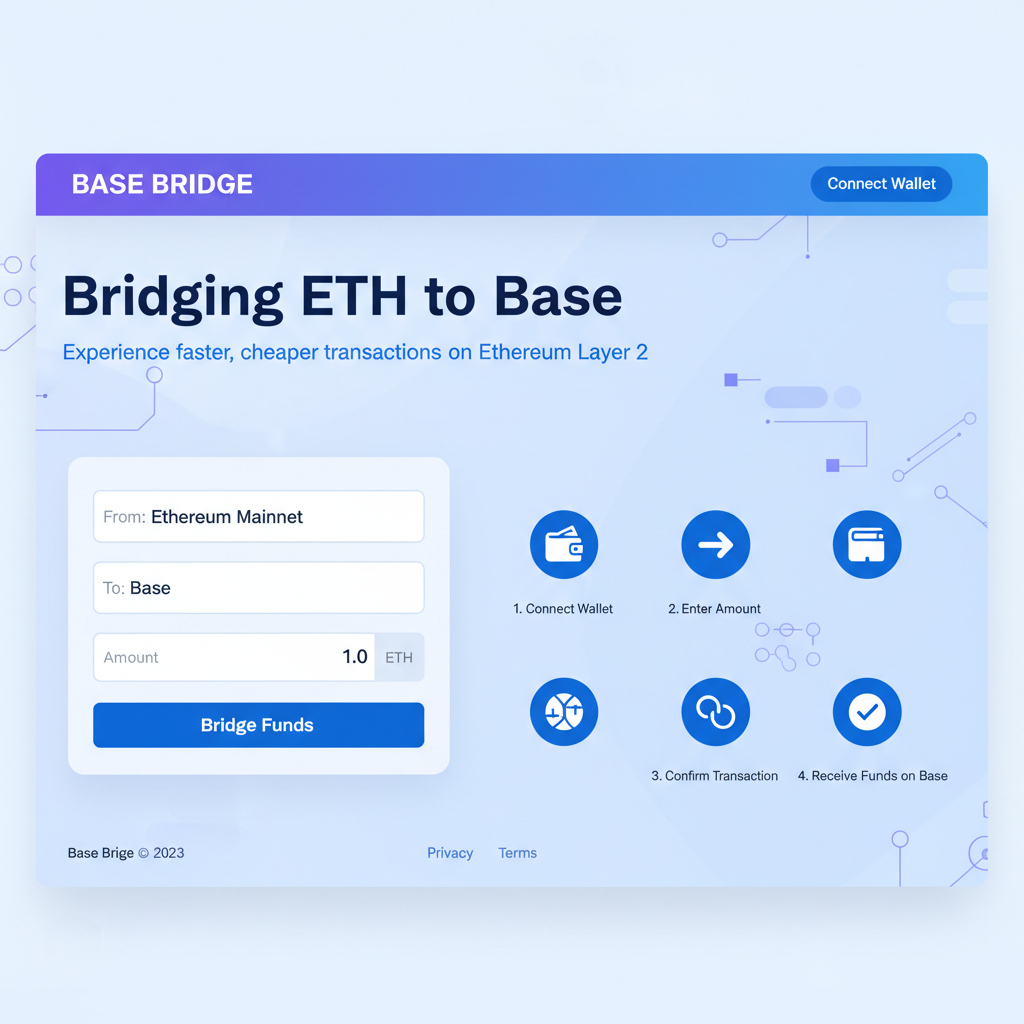
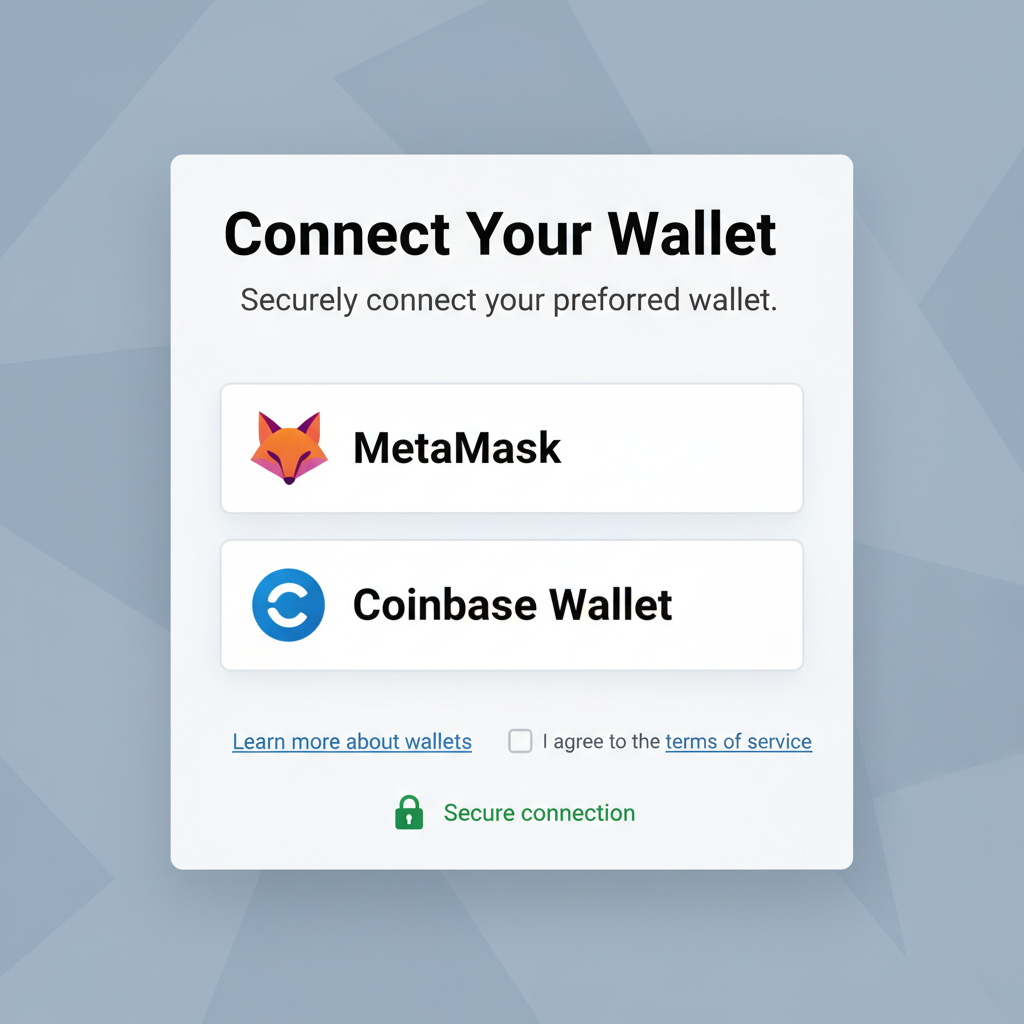
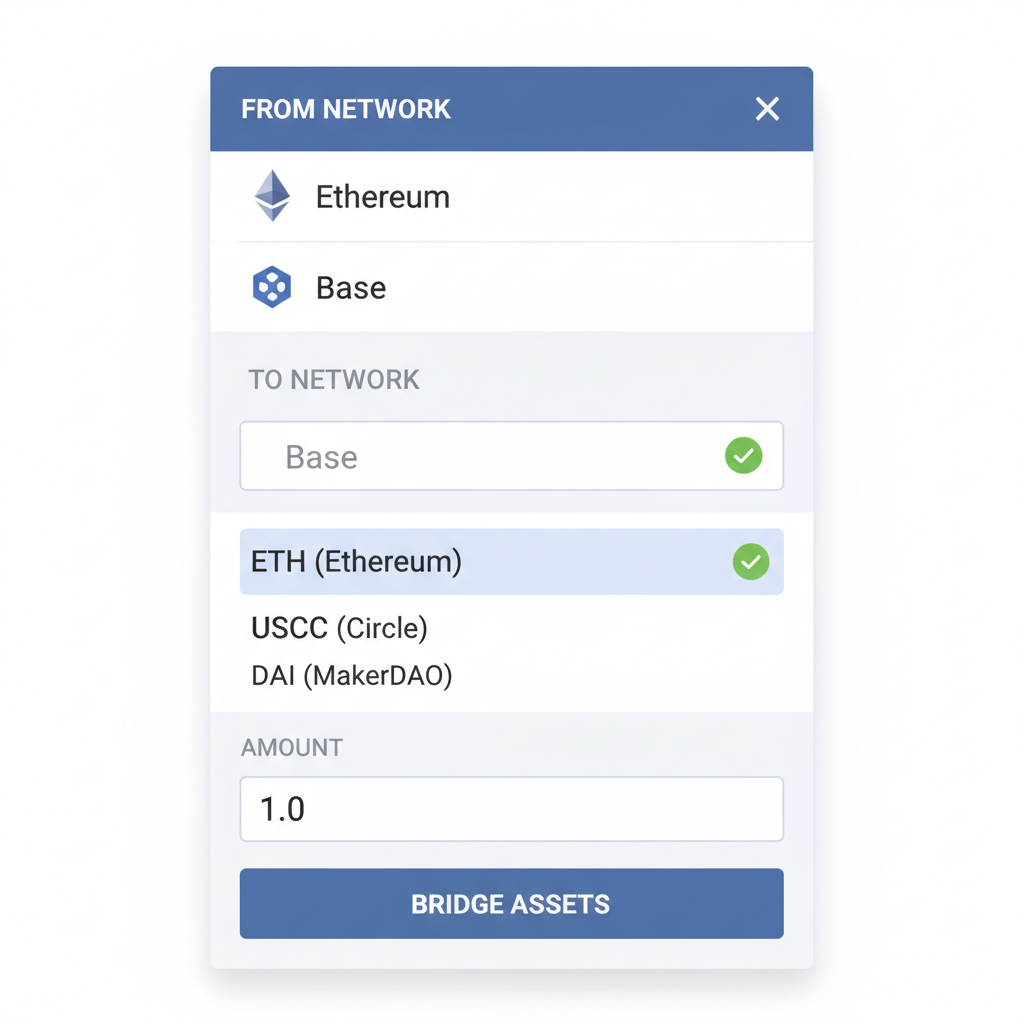
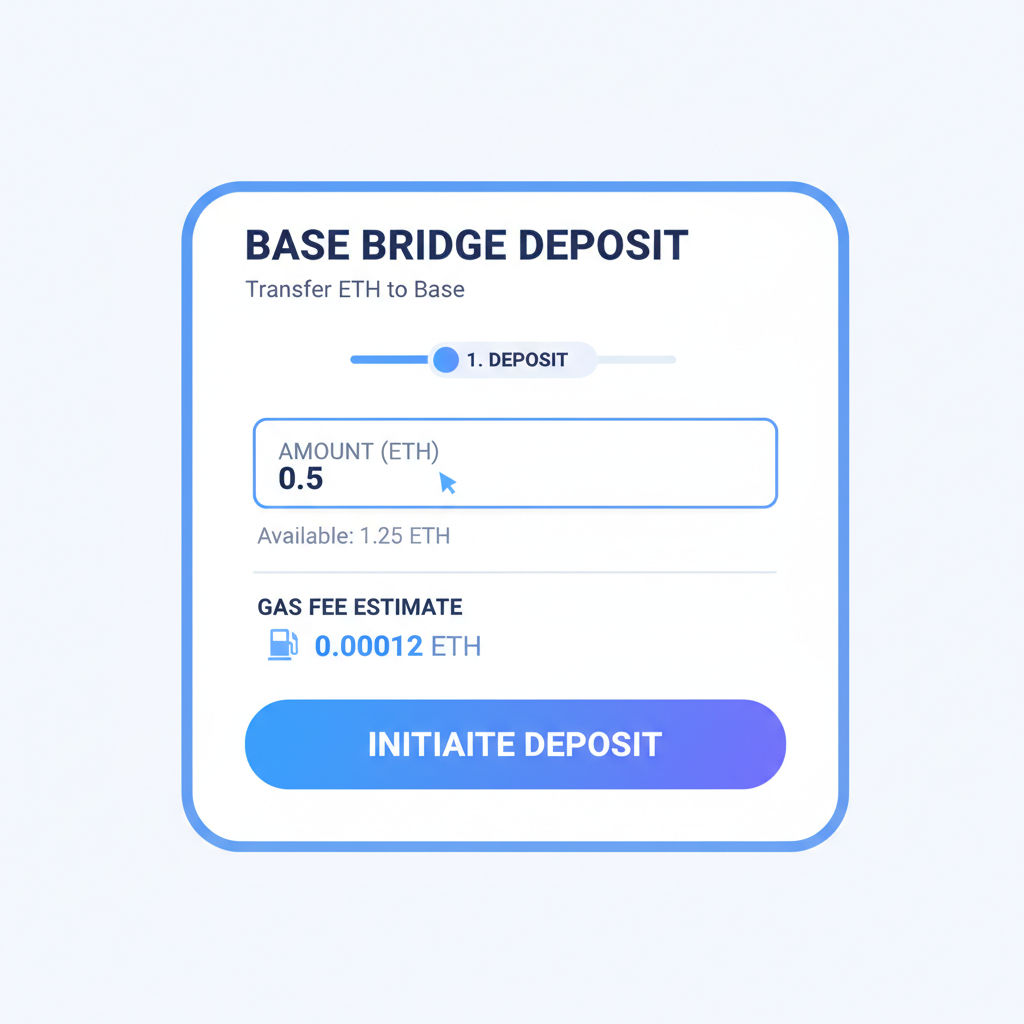
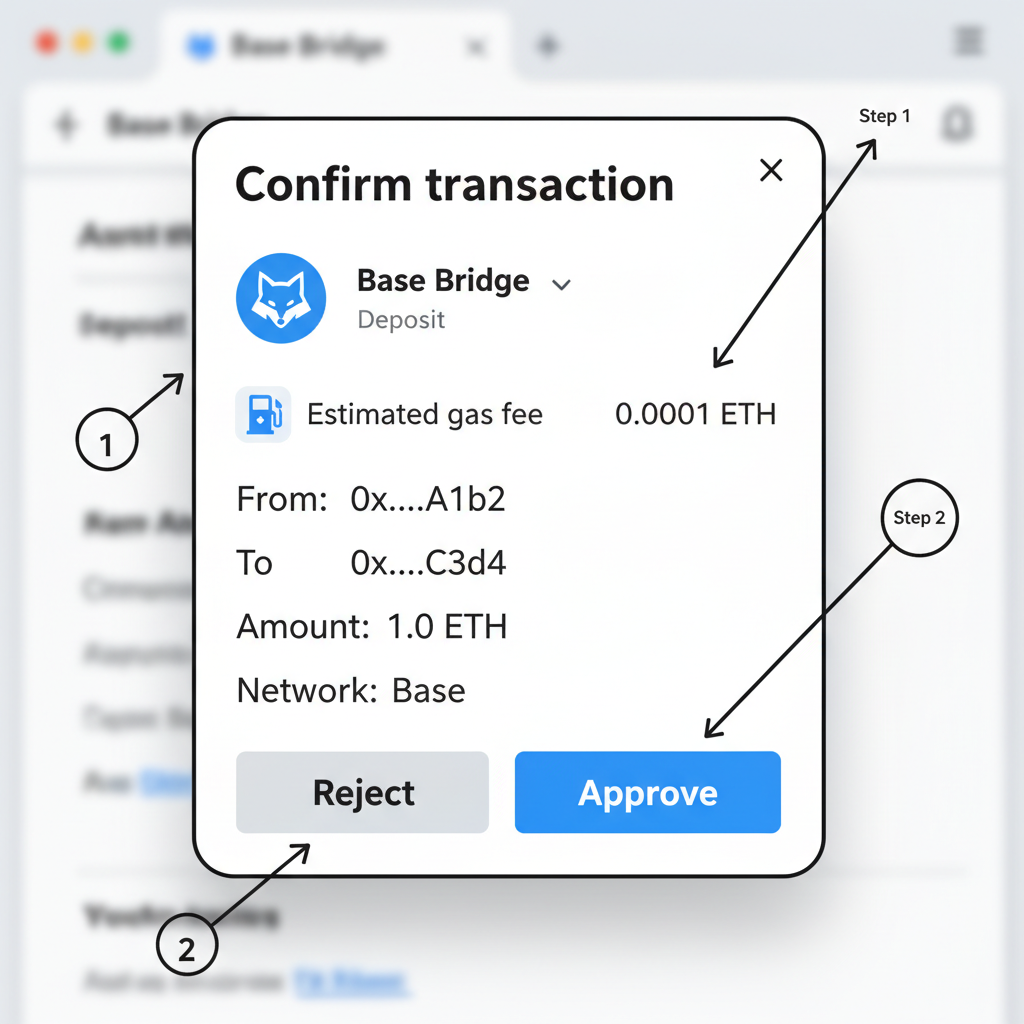
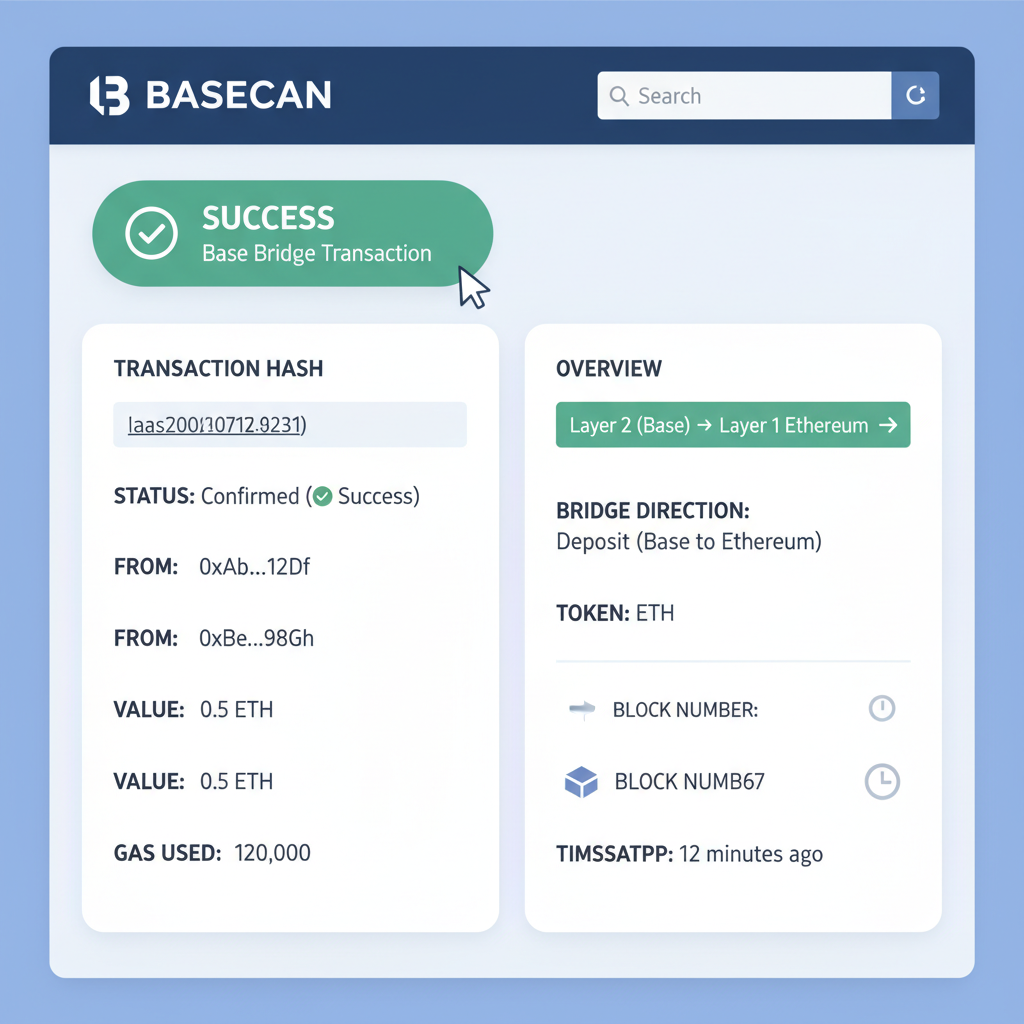
That visual walkthrough demystifies it. Post-bridge, check Basescan. org for your tx hash; seeing finality hit sparks that crypto thrill. From here, gas on Base hovers fractions of a cent, perfect for experimenting without regret.
Executing Your First Base Transaction Securely
First tx? Swap a sliver on Uniswap's Base deployment or tip a creator. Approve token spends sparingly; each is a potential drain vector. In wallet, paste contract, review slippage, gas limit auto-tunes low on L2. Success feels electric, proving your L2 integration checklist 2026 works. Scale up gradually; I've seen portfolios balloon from consistent small wins here.
Base vs Ethereum Mainnet: Transaction Costs and Performance
| Metric | Base | Ethereum Mainnet | Beginner Tips |
|---|---|---|---|
| Gas Fees (Average) | < $0.01 | $2-10 | 💡 Opt for Base for low-cost transactions; test with small amounts first to avoid high ETH fees. |
| Confirmation Time | Seconds | 12s+ | ⚡ Enjoy near-instant Base confirmations—great for beginners practicing swaps without waiting. |
| Throughput (TPS) | 100s | 15 | 📈 Base's high throughput supports busy DeFi apps; start simple to build confidence. |
This cost breakdown underscores Base's edge. No more skipping trades over fees; L2 levels the field for retail warriors like us. Monitor via Basescan; bookmark it religiously.
Locking Down Security for Long-Term Base Success
Setup's half the battle; vigilance wins wars. Hardware wallets pair seamlessly: Ledger Live adds Base post-firmware flash, Trezor via MetaMask bridge. For mobile stacks, Coinbase Smart Wallet's passkeys ditch seed risks entirely, evolving security smarter. Biometrics mandatory, but layer 2FA on linked accounts. Phishing evolves; fake airdrops flood Base chats, always manual verify contracts on Basescan before signing.
Revoke. cash monthly sweeps catch sneaky approvals; one client reclaimed $5K last cycle. Diversify holdings across L1/L2, but consolidate views in portfolio trackers supporting Base. Updates matter: wallet patches squash exploits weekly, enable auto.
Base's ecosystem buzzes with DeFi protocols yielding double-digits on stables, NFT drops minting cheap, games onboarding seamless. Your secure setup unlocks it all without FUD shadows. Stick to fundamentals: small tests, routine checks, informed risks. In volatile 2026 markets, this secure wallet setup L2 blueprint thrives, turning Base into your diversified edge. You've got the tools; now build that portfolio with confidence.




No comments yet. Be the first to share your thoughts!