

Inviting friends into cryptocurrency over coffee demands more than enthusiasm; it requires a prudent roadmap that prioritizes capital preservation from the first wallet seed. In 2026, with Layer 2 networks maturing and wallet-based on-ramps surging in popularity, real-life onboarding hinges on secure setups that shield beginners from common pitfalls like phishing or bridge exploits. As someone who's traded commodities for nearly two decades before pivoting to stablecoin strategies, I advocate starting conservatively: hardware first, haste never.
Why Hardware Wallets Anchor IRL Crypto Onboarding
Software wallets like MetaMask suit quick demos, but for onboarding friends who value sleep-at-night security, hardware devices such as Ledger Nano X or Trezor remain non-negotiable. These keep private keys offline, thwarting 99% of remote hacks that plague hot wallets. Recent reports highlight hosted options for absolute novices, yet they custody your keys, clashing with true ownership ethos. My rule: if it's not air-gapped, it's a liability. Pair it with Coinbase's audited fiat ramps for compliant entry, holding 98% of assets in cold storage per CryptoSlate's 2026 review.
Decentralized on-ramps like MoonPay and Transak shine here, funneling fiat straight to your wallet with minimal KYC friction. Perfect for group sessions where friends buy ETH directly, bypassing custodial exchanges. This wallet-based method dominates 2026 onboarding, per p2pstaking. org, empowering ownership without intermediaries.
Mastering Wallet Setup: A Prudent Hands-On Tutorial
Picture this: you're at a park bench, phones out, guiding a skeptical pal through setup. Download solely from official sites; fakes lurk everywhere. Generate that seed phrase on fresh devices, etch it on metal plates, never digitize. Enable 2FA religiously, update firmware quarterly. I've seen oil traders lose fortunes to outdated software; don't repeat in crypto.
Secure Hardware Wallet Setup: Unbox, Pair & Protect
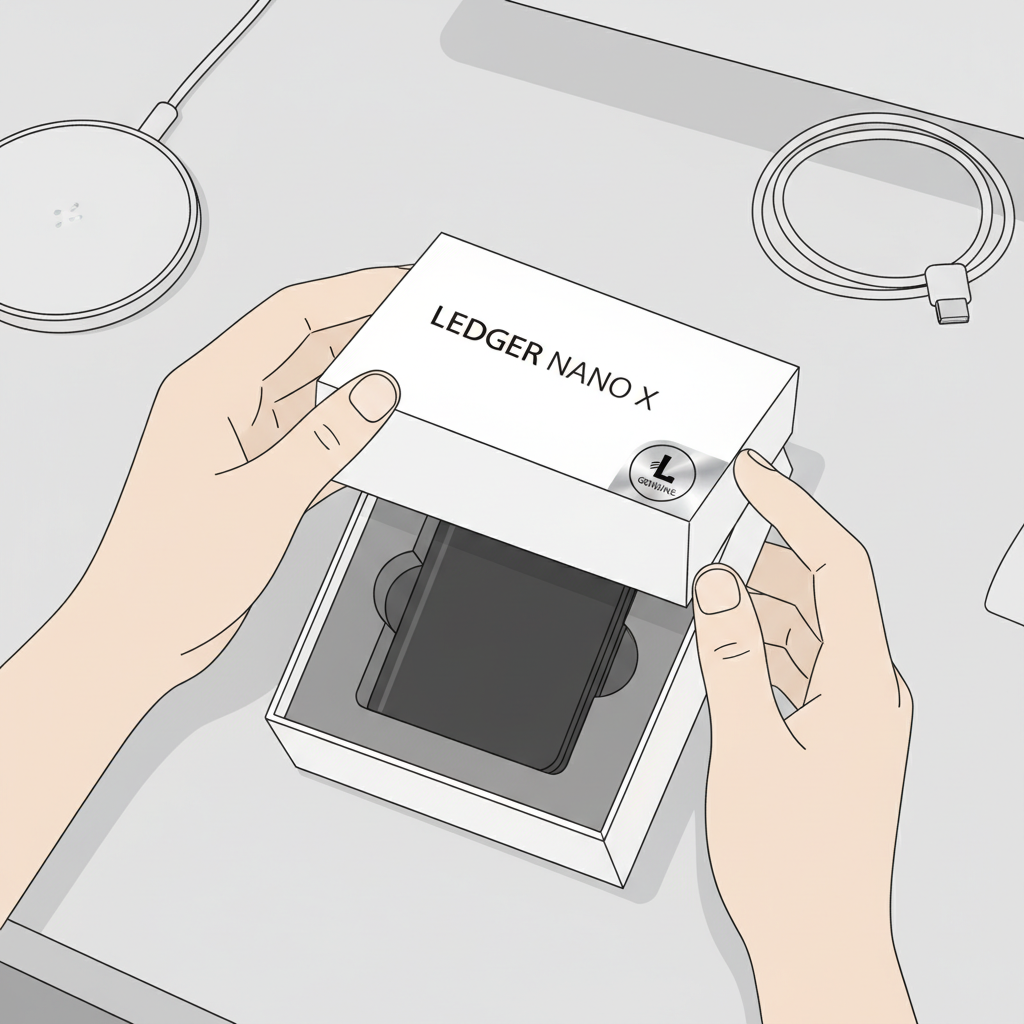
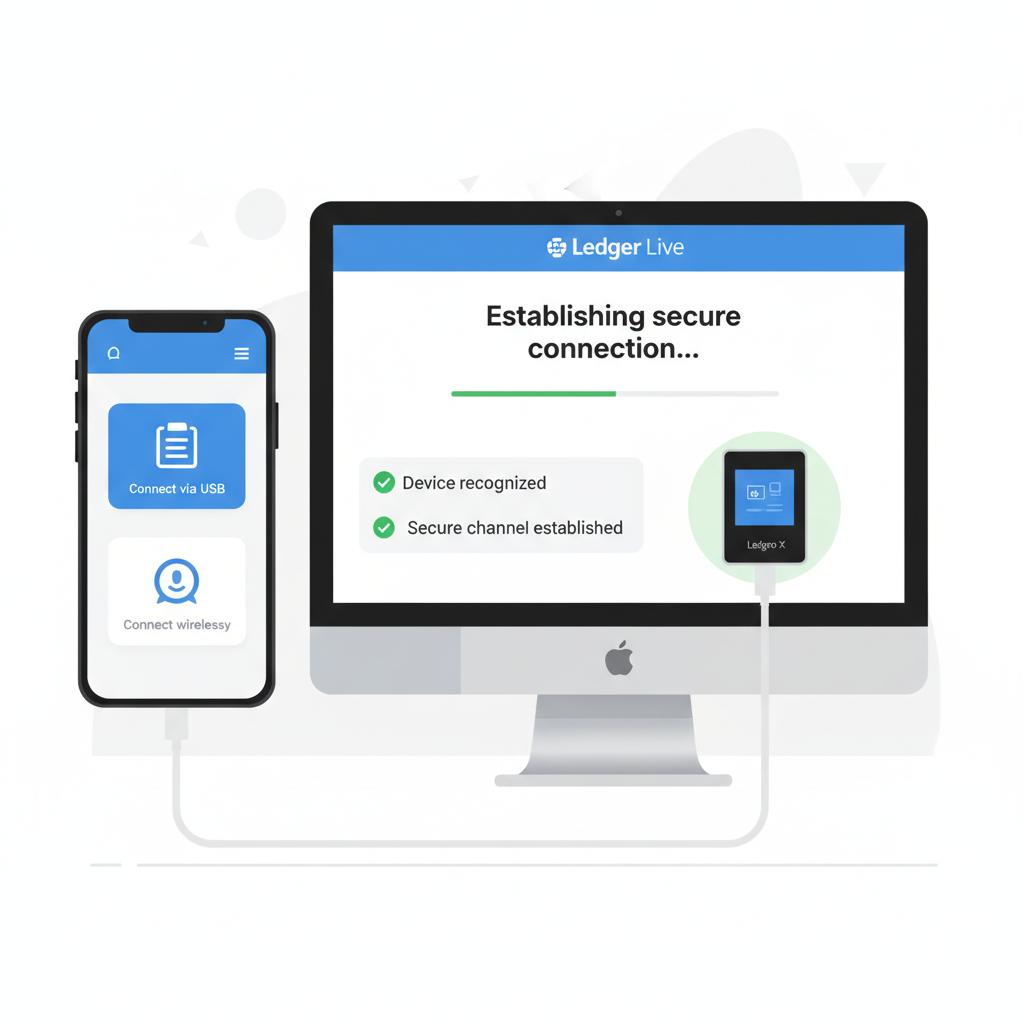

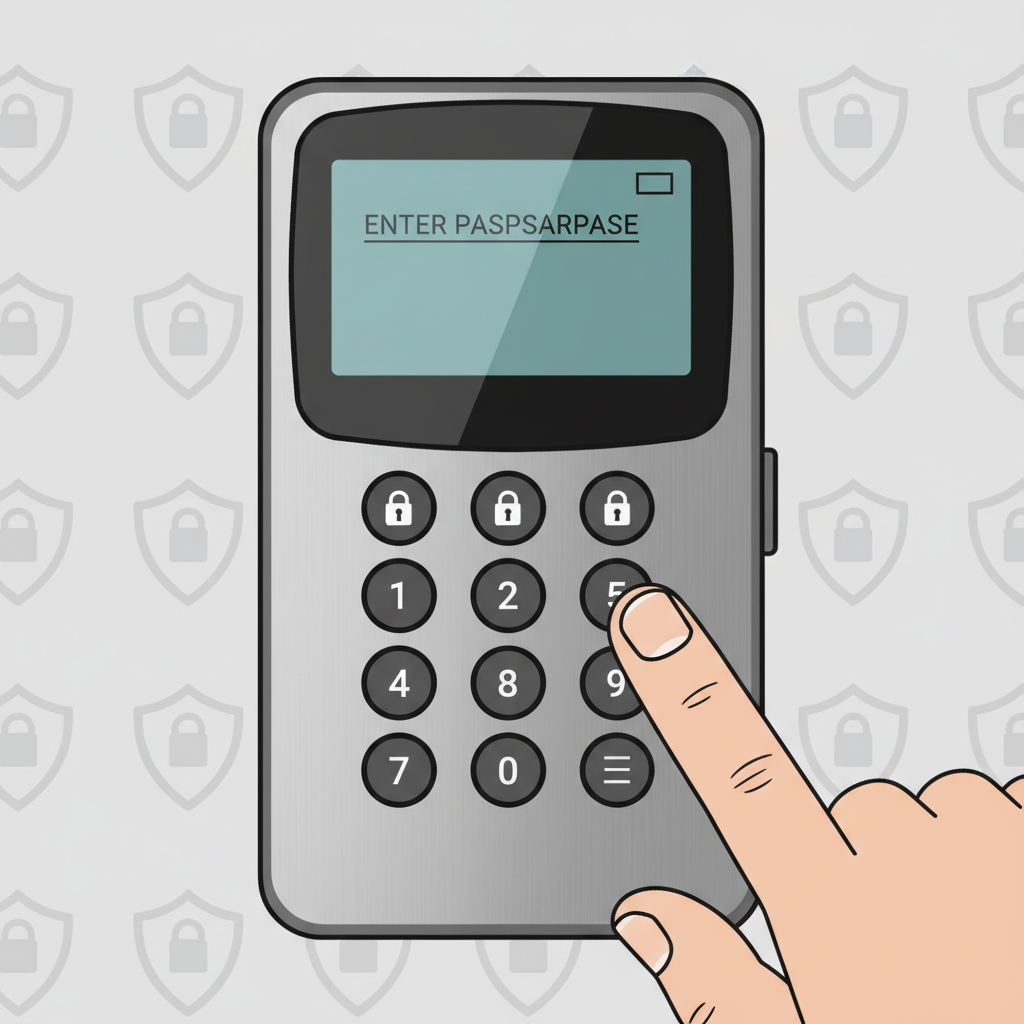
Trust Wallet or MetaMask follow similar rites, but always verify chain compatibility upfront. For IRL flair, demo a small test transaction: send $5 in stablecoins, confirm on Etherscan. Builds confidence without risk. Security isn't optional; it's the moat preserving your circle's capital.
"Preserve capital first. " - William Rodriguez
Bridging to Layer 2: First Steps Beyond Ethereum Mainnet
Layer 2s like Arbitrum, Optimism, and zkSync slash fees while inheriting Ethereum's security, ideal for beginners scaling from wallet basics. Linea leads with one-tap onboarding and IRL payments, mimicking web2 ease per BingX analysis. Yet prudence dictates audited bridges only; exploits have drained millions. Start small: bridge $50 ETH, interact with a simple DeFi yield farm. MyEtherWallet nails it: L2s solve Ethereum's congestion without sacrificing decentralization.

Before diving deeper, affirm wallet solidity. Friends onboarded this way stick around, trading high-gas regrets for low-cost efficiency. Next, we'll dissect L2 interactions, but only after your foundation withstands scrutiny.
Dissecting those interactions starts with adding an L2 network to your wallet, a step that unlocks low-fee worlds without mainnet bottlenecks. Take Arbitrum: snag its RPC details from the official docs, plug them into MetaMask's network menu. Chain ID, explorer URL, all verified. Friends watch as gas drops from $20 to pennies, eyes widening at the efficiency. Repeat for Optimism or zkSync Era, each inheriting Ethereum's proof-of-stake rigor while sidestepping congestion.
Layer 2 Bridge Tutorial: Conservative Transfers Only
Bridging demands patience; rushed moves invite slippage or worse, exploits. Official portals like Arbitrum Bridge or Optimism Gateway, audited to exhaustion, process deposits in minutes, withdrawals in hours. Input minimal ETH first - say $20 worth - approve the spend, confirm. Track via the bridge dashboard, never leave funds idle. I've mentored traders who skipped verification; their losses underscore my mantra: verify twice, bridge once. Linea's seamless design tempts one-tap bliss, yet even there, manual checks preserve sanity.
Secure Arbitrum L2 Bridge Tutorial: From Setup to Safe Withdrawal
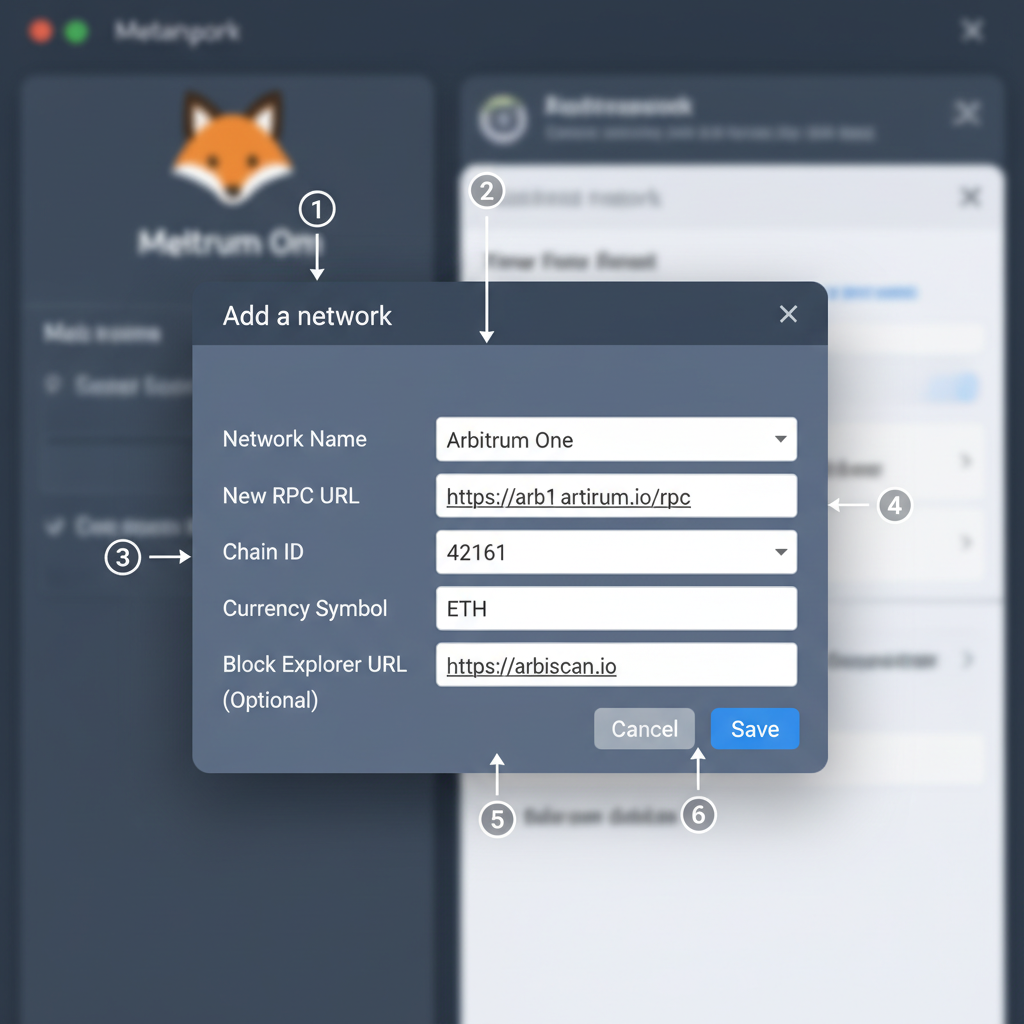
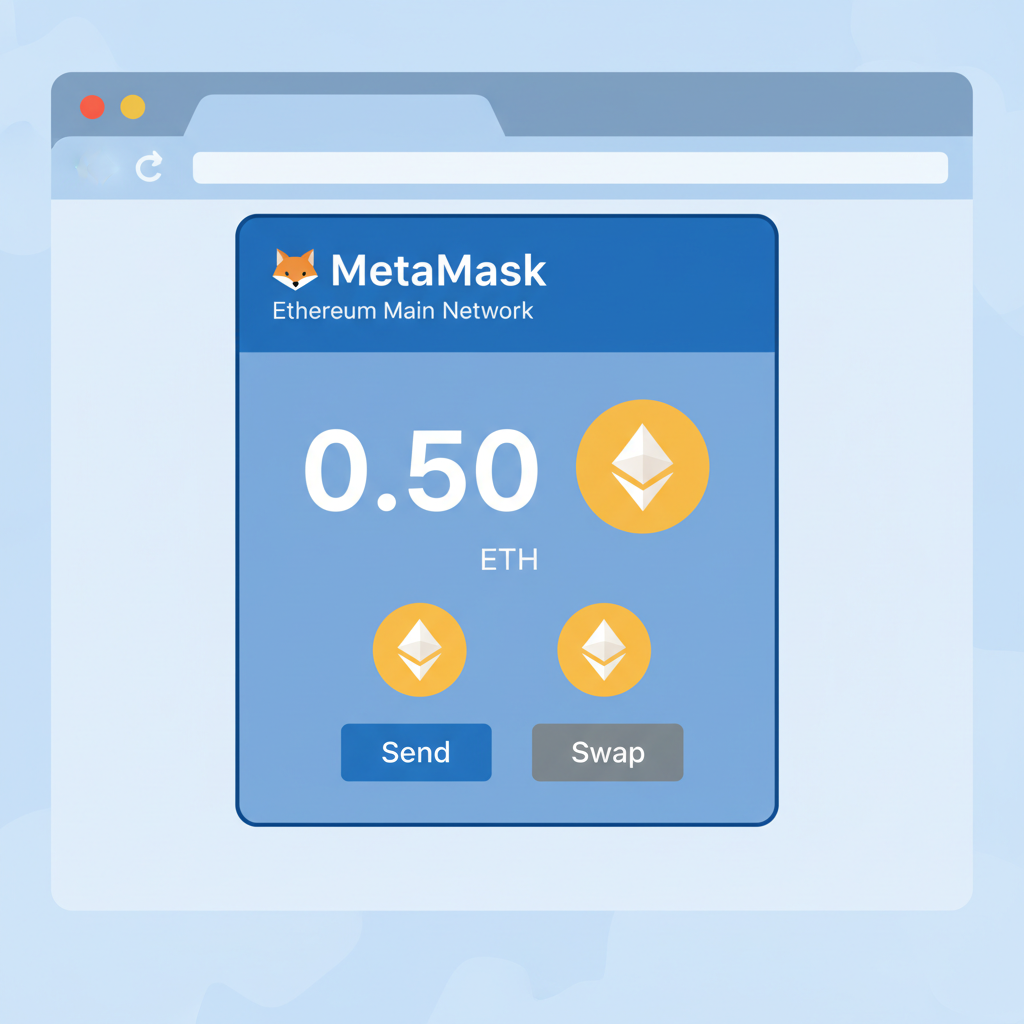
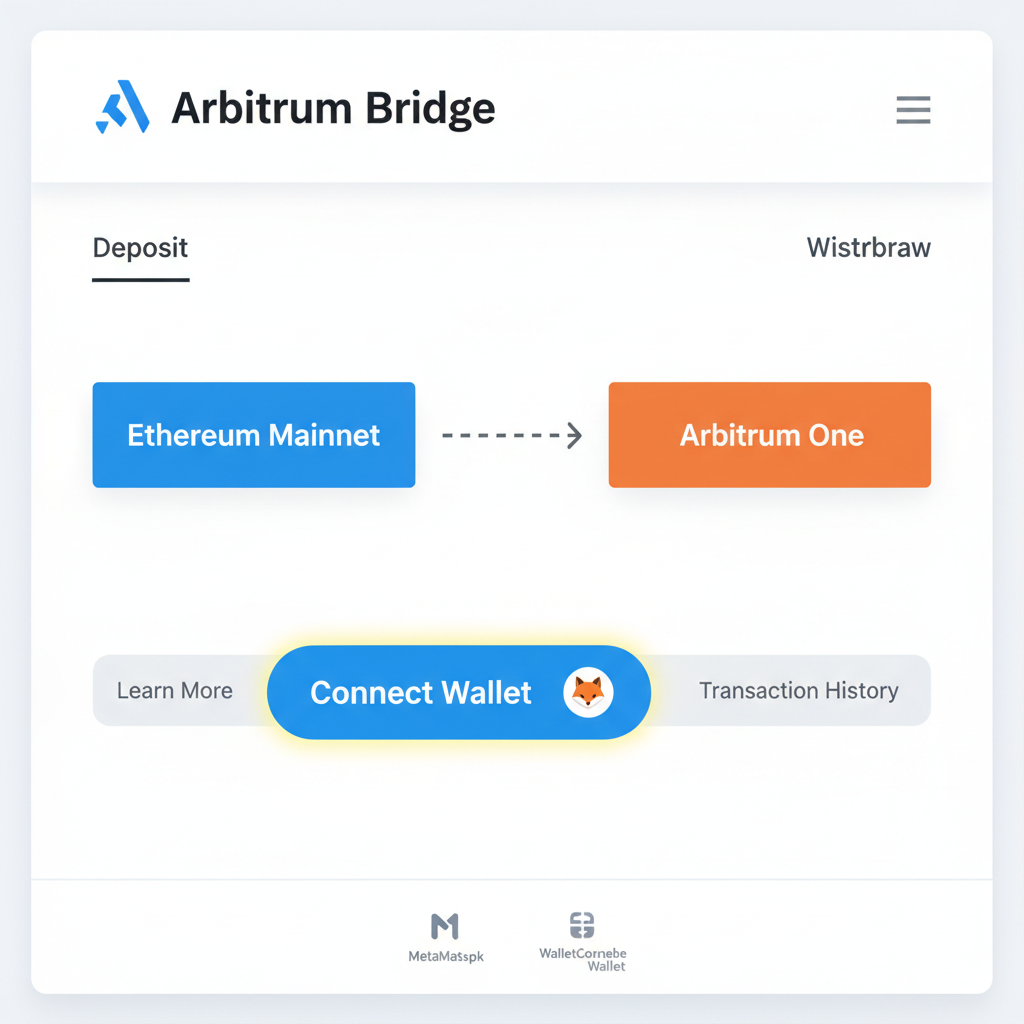
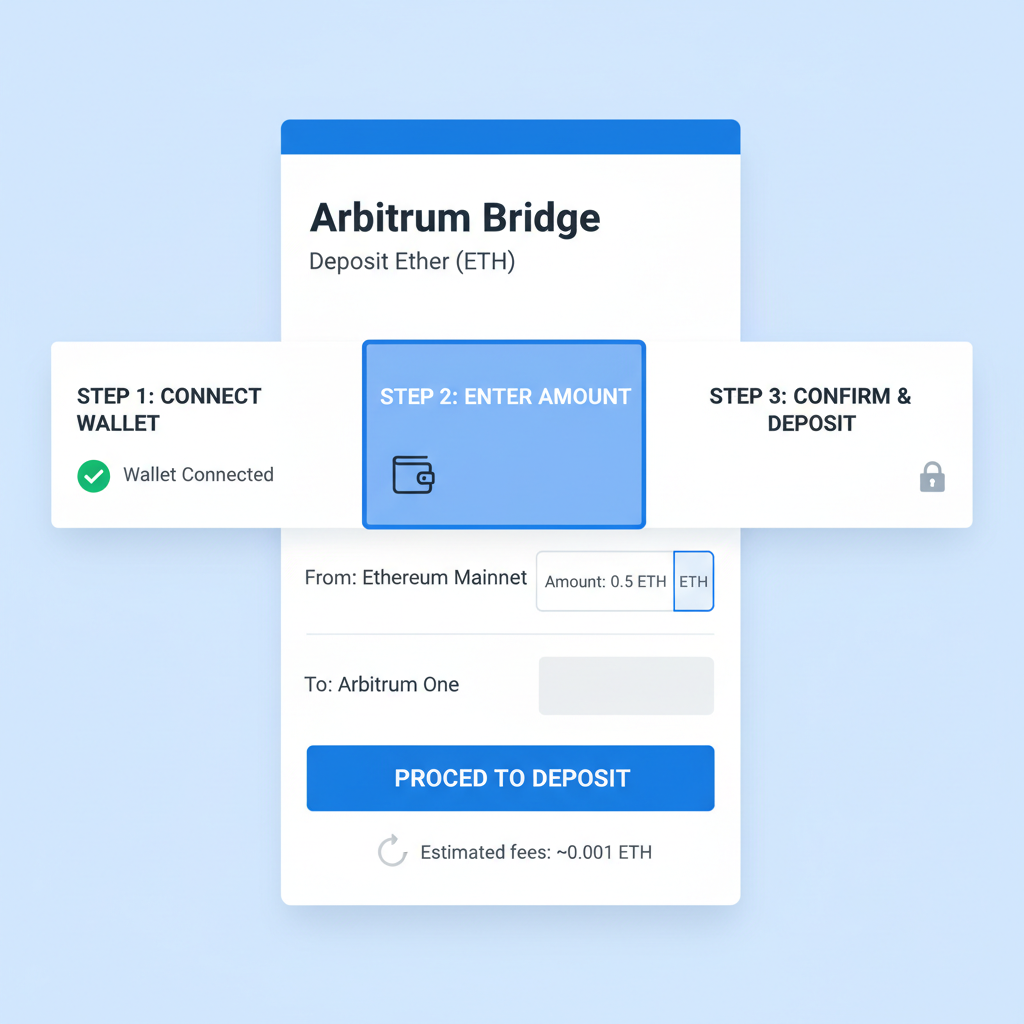
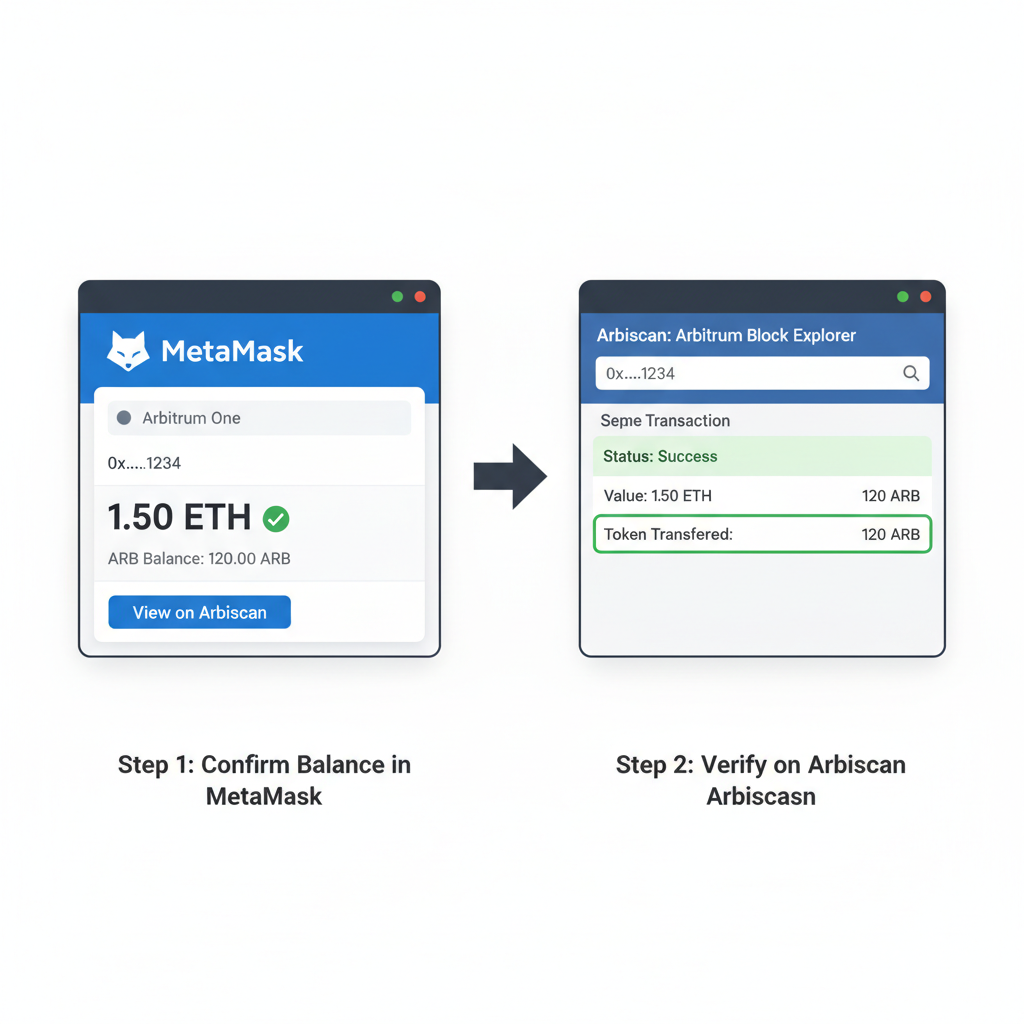
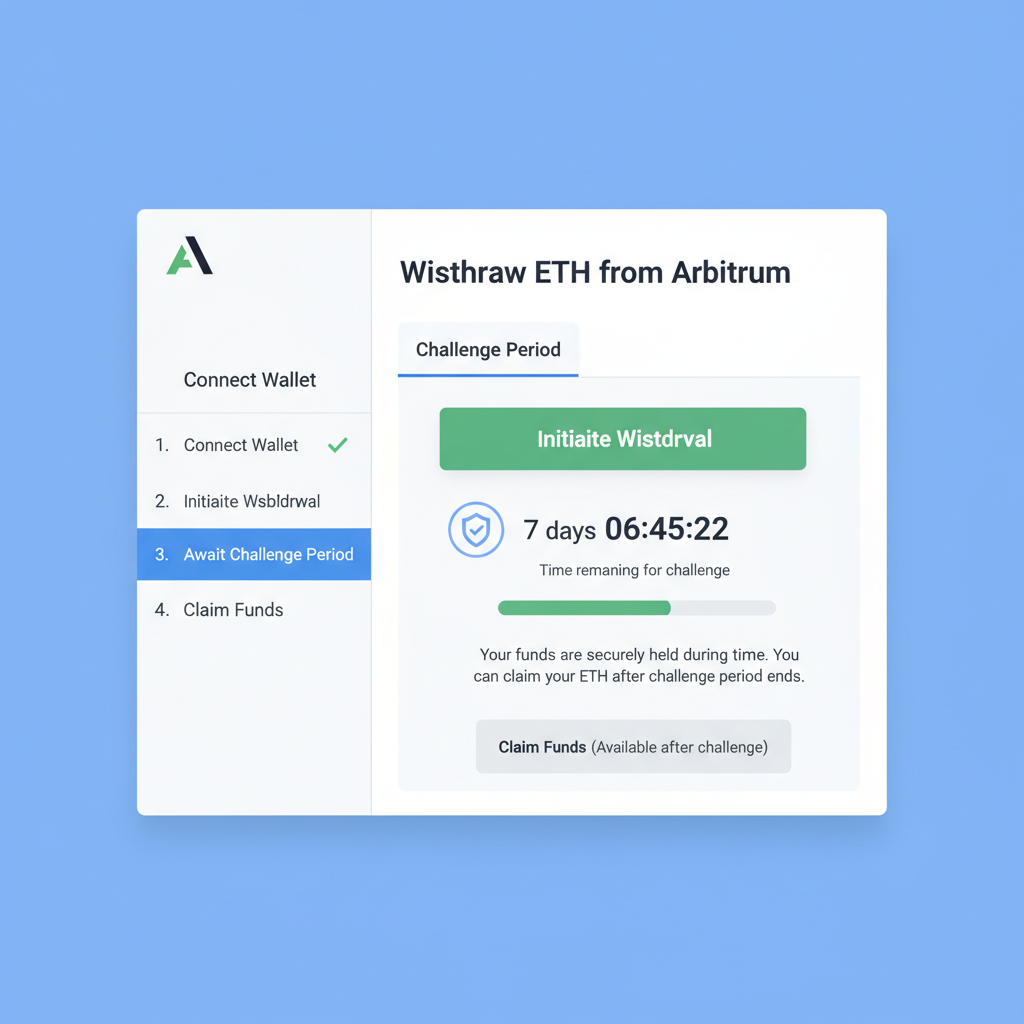
Post-bridge, dApps await. Uniswap on Optimism yields swaps at fractions of mainnet cost; Aave on Arbitrum farms stablecoins prudently. Demo these IRL: share screens, execute a $10 swap, toast to sub-cent fees. zkSync's zero-knowledge proofs add privacy layers, echoing Railgun's Vitalik nod for shielded balances, though I counsel yield over anonymity for novices.
IRL Group Onboarding: Scaling Security to Friends and Family
Onboarding circles amplifies risks, so standardize protocols. Host wallet workshops: unbox hardware in tandem, etch seeds collectively on steel, quiz phrases verbally. Use decentralized ramps like Transak for group buys, each funding personal wallets sans shared custody. Per Manex insights, these cut KYC hurdles, fostering independence. Test L2 migrations as a cohort - bridge tiny amounts, compete on lowest fees. My commodities days taught herd mentality's perils; instill individual verification here.
Privacy tools like Railgun intrigue for anon txs, but beginners fare better with transparent chains first. Hosted wallets ease absolute starters, yet graduate swiftly to self-custody. Coinbase's transparency suits fiat entry, but own your keys post-ramp.
Pitfalls and Parries: Fortifying Against L2 Shadows
L2s shine, yet smart contract bugs lurk. zkSync mitigates via math proofs; others via optimistic rollups with fraud windows. Bridges? Prime hacker bait - witness past drains. Counter: multisig for groups, timelocks on yields, hardware signing mandates. Update wallets religiously; Ledger's firmware patches avert breaches. Stay abreast via MyEtherWallet primers or BingX rundowns on Linea et al. In 2026, L2 maturity trims risks, but prudence eternal.
Comparison of Top L2 Networks for Beginners (2026)
| L2 Network | Avg. Tx Fees (USD) | Speed (TPS) | TVL | Beginner-Friendliness | Security Rating |
|---|---|---|---|---|---|
| Arbitrum | <$0.10 | 4,000+ | Highest (~$25B) | High ⭐⭐⭐⭐ | 🔒🔒🔒🔒 |
| Optimism | <$0.15 | 2,000+ | High (~$15B) | Medium-High ⭐⭐⭐ | 🔒🔒🔒🔒 |
| zkSync | <$0.05 | 2,500+ | Medium-High (~$12B) | Medium ⭐⭐⭐ | 🔒🔒🔒🔒🔒 |
| Linea | <$0.05 | 5,000+ | Growing (~$10B) | Very High ⭐⭐⭐⭐⭐ | 🔒🔒🔒🔒 |
For friends, frame crypto as commodities 2.0: stable yields over moonshots. Onboard via L2s for real utility - remittances, payments sans banks. My 18 years affirm: setups endure, speculations fade. Hardware anchors, L2s propel, caution crowns. Your circle's crypto voyage, secured thus, weathers markets.
No comments yet. Be the first to share your thoughts!