
As Bitcoin holds steady at $68,006.00 amid a modest 24-hour gain of and $197.00, the crypto market in 2026 offers newcomers a stable entry point. Yet onboarding friends and family IRL demands caution. I've guided dozens through this process over 18 years in commodities and crypto, always prioritizing capital preservation over flashy gains. Rushing into wallets or Layer 2 networks without solid foundations invites risks like phishing or lost seed phrases. This guide equips you with prudent steps for wallet setup for beginners and L2 network onboarding, tailored for those tense kitchen-table sessions.
Selecting Wallets That Safeguard Your Capital
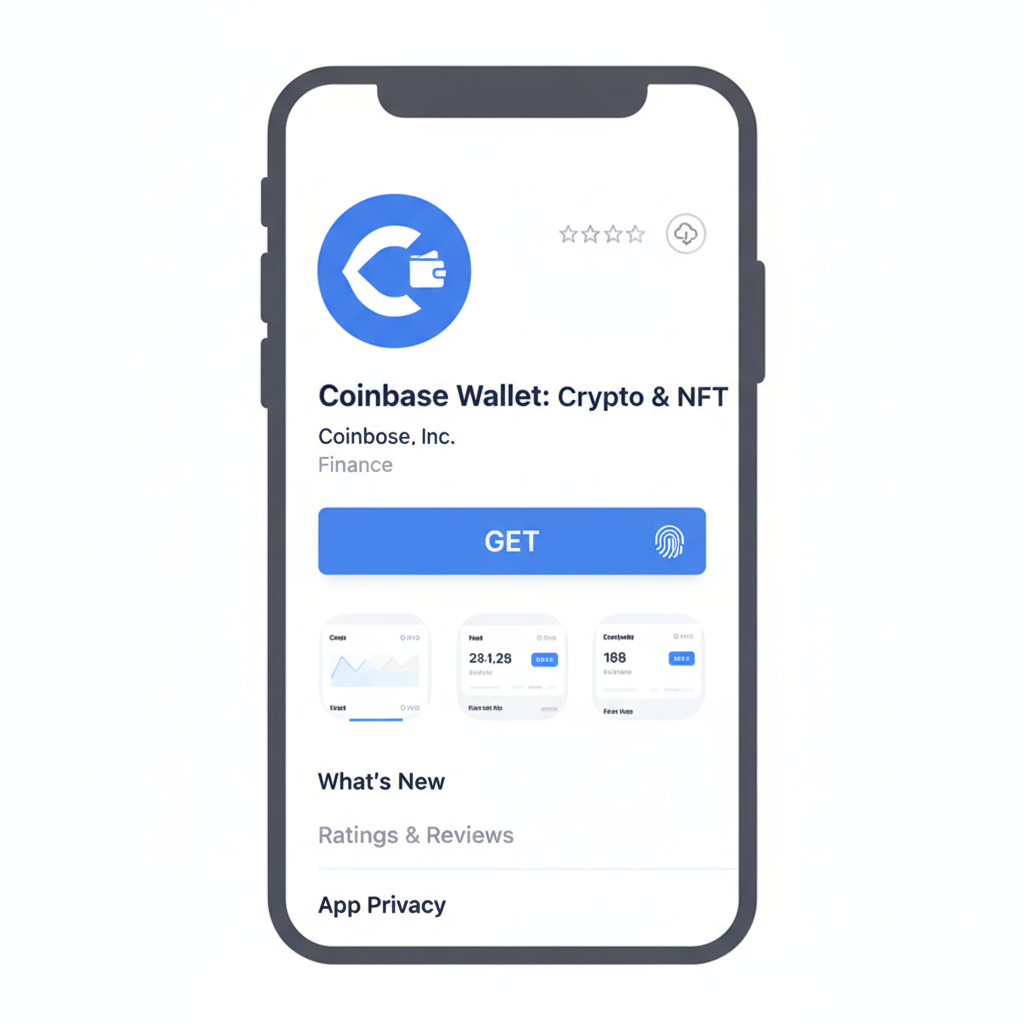
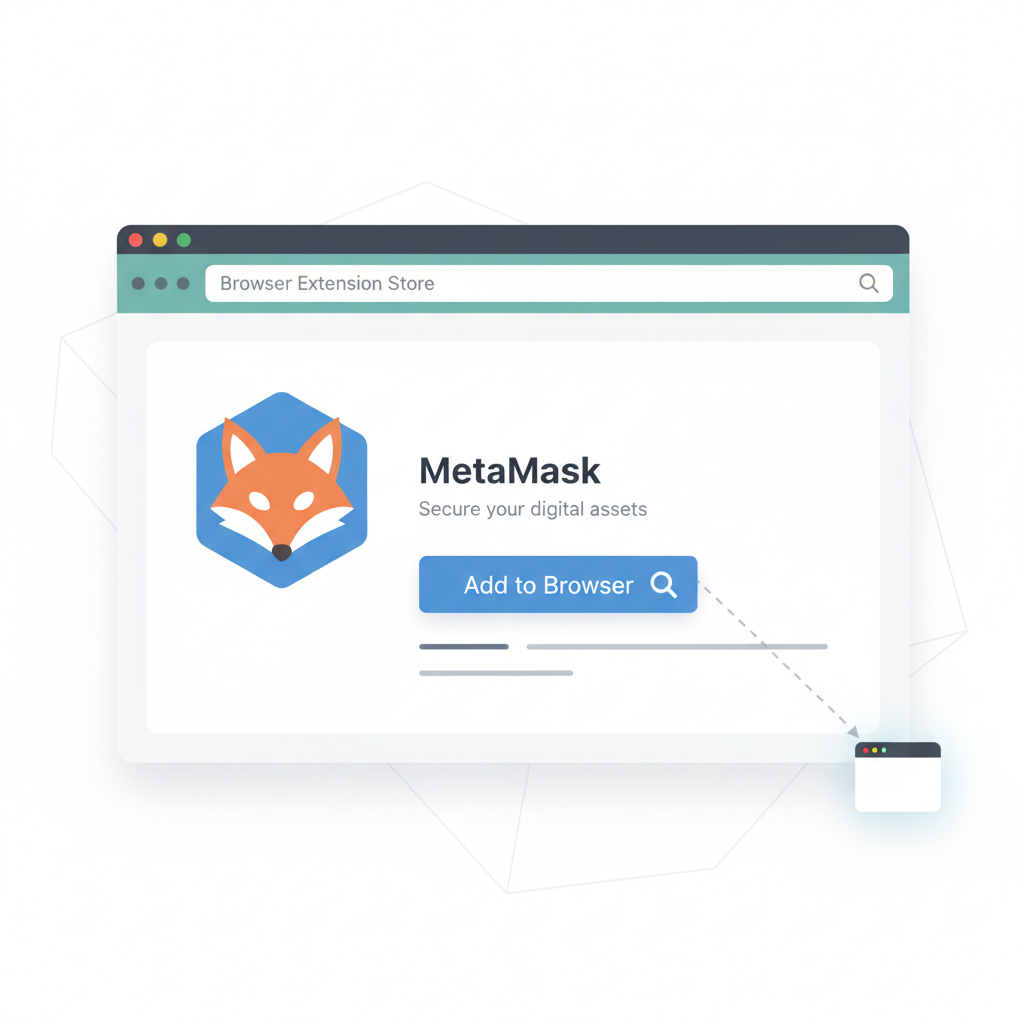
Choosing a wallet isn't about trends; it's about fortifying defenses. Beginners often gravitate toward user-friendly options, but I insist on those blending accessibility with ironclad security. Coinbase Wallet suits novices with its intuitive dashboard and seamless exchange ties, while MetaMask remains indispensable for Ethereum dApps. Solana fans might eye Phantom, yet none replace hardware for meaningful holdings.
Secure Coinbase & MetaMask Setup: Prudent 2026 Wallet Guide
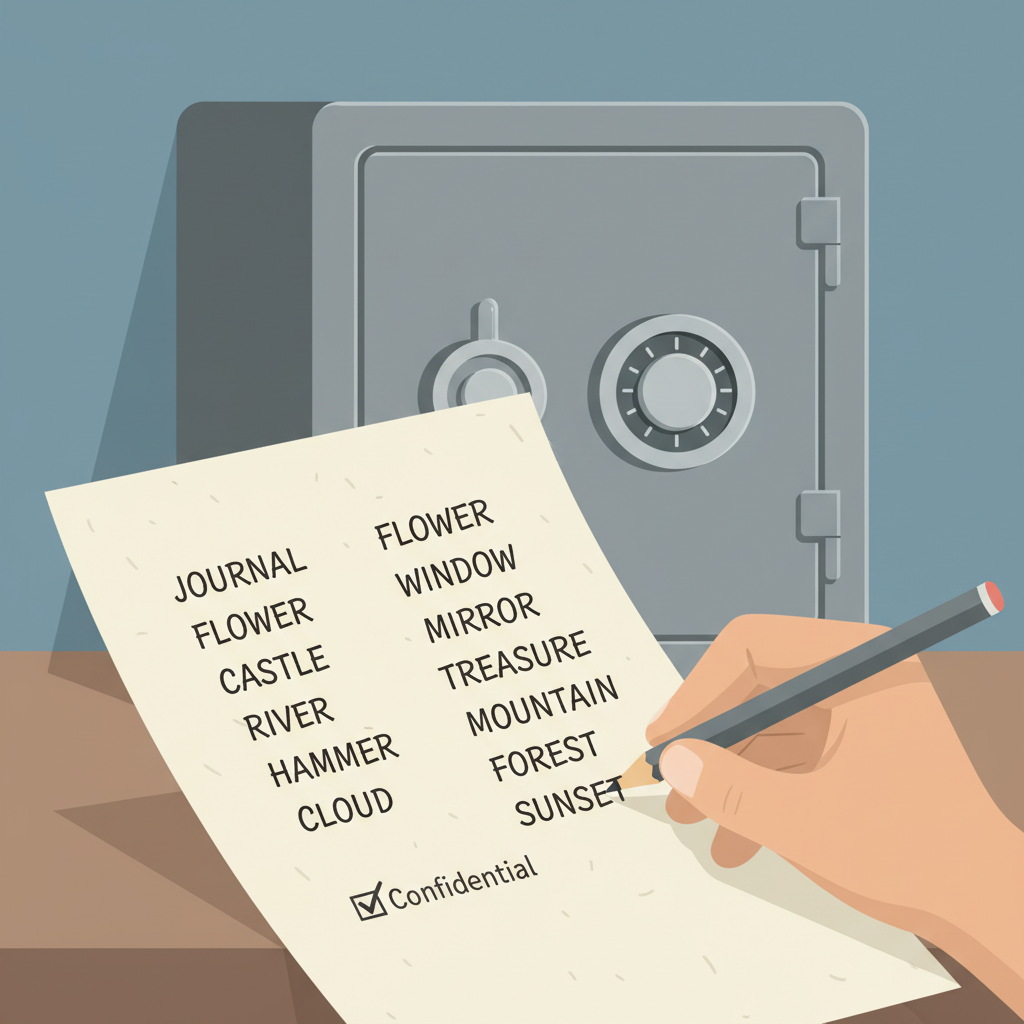
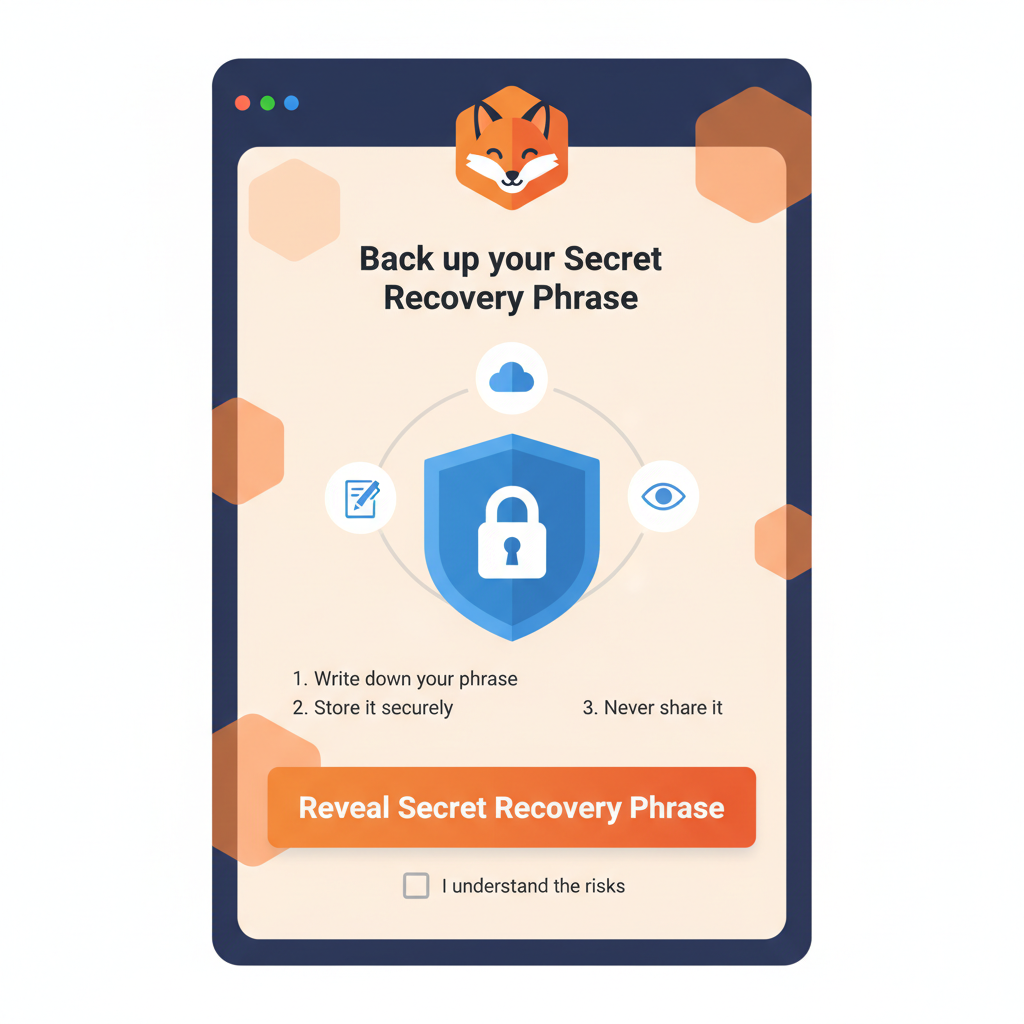
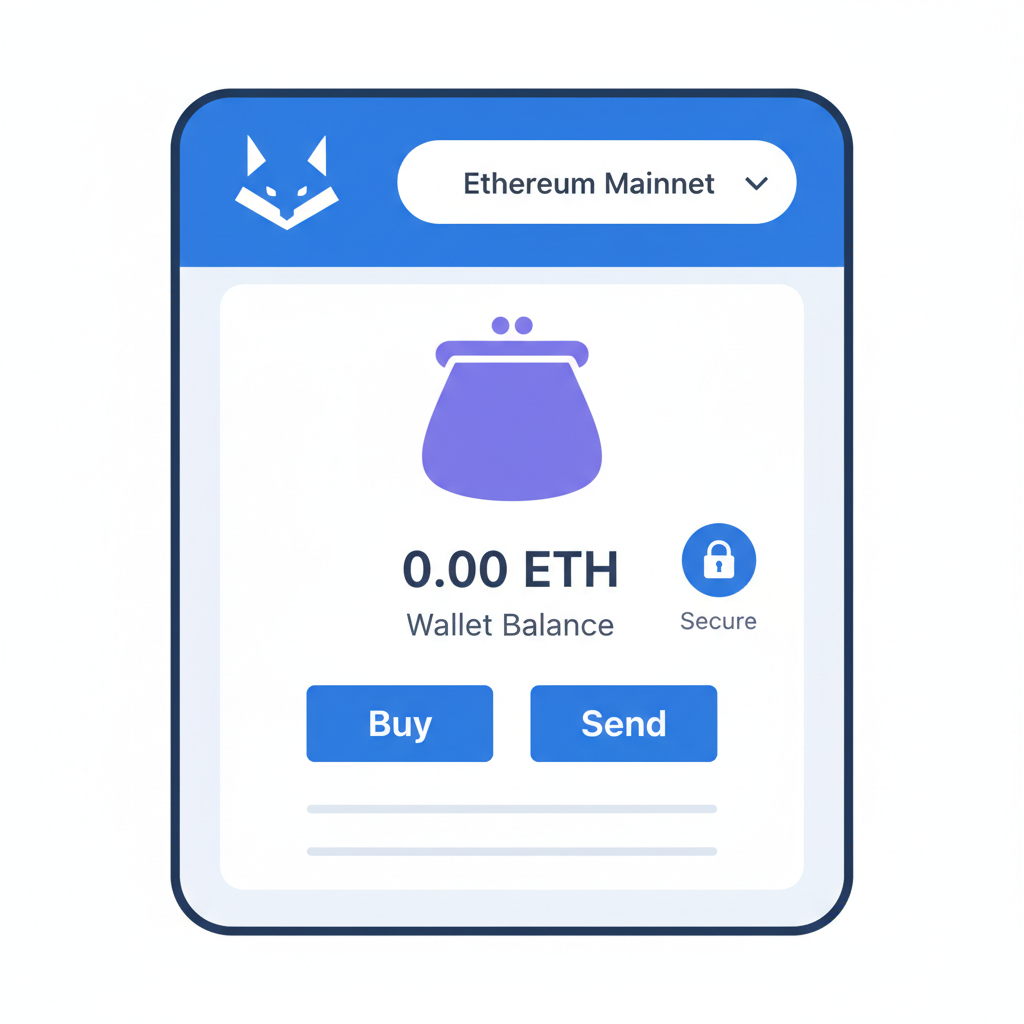
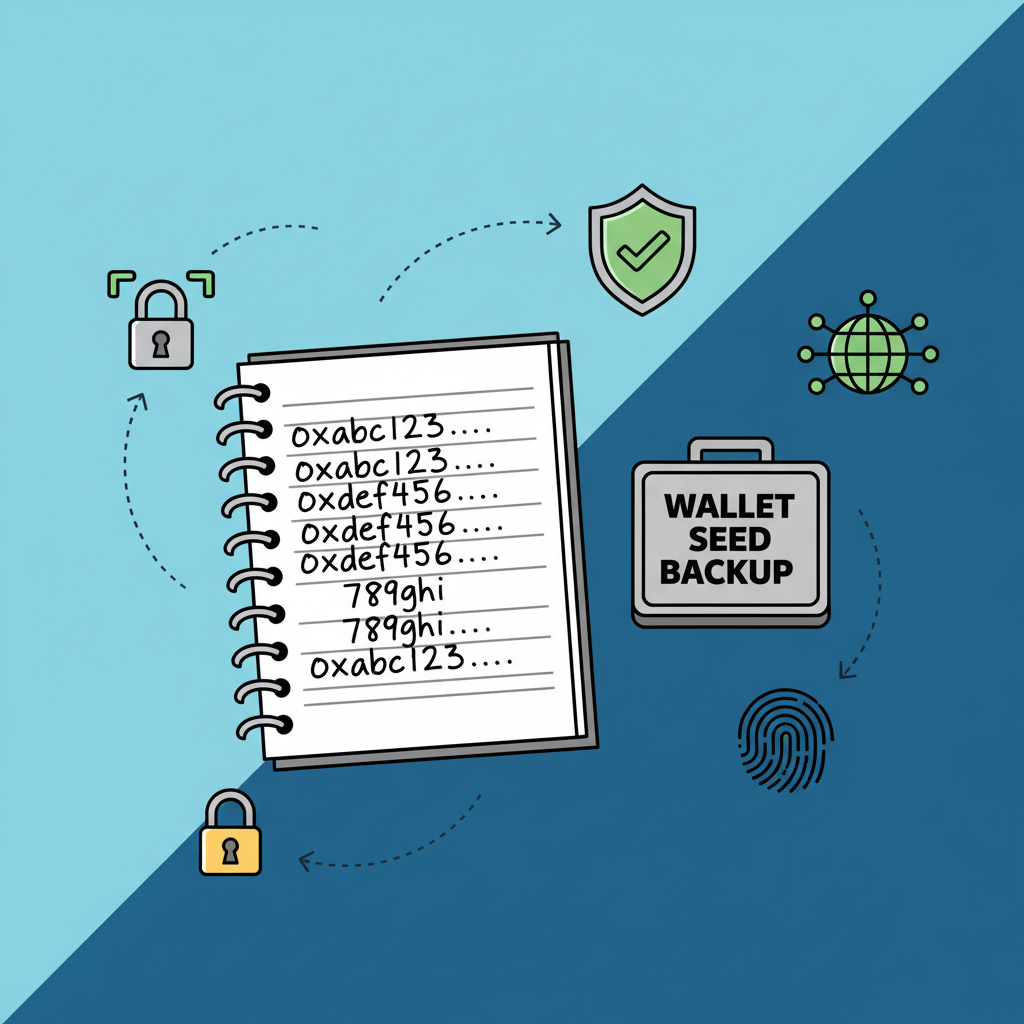
Ledger Nano X stands out for cold storage. Keeping private keys offline, it thwarts online threats that plague hot wallets. In my experience trading oil futures then stablecoins, one overlooked vulnerability can erase years of yields. Enable 2FA everywhere, craft unguessable PINs, and add passphrases. Above all, etch that seed phrase on metal, store it in a safe, never digitize it.
For IRL crypto onboarding, demo these on a fresh device. Watch their eyes widen as you stress: no screenshots, no cloud backups. This conservative stance has preserved capital for every family member I've onboarded.
Hands-On Wallet Configuration: A Prudent Walkthrough
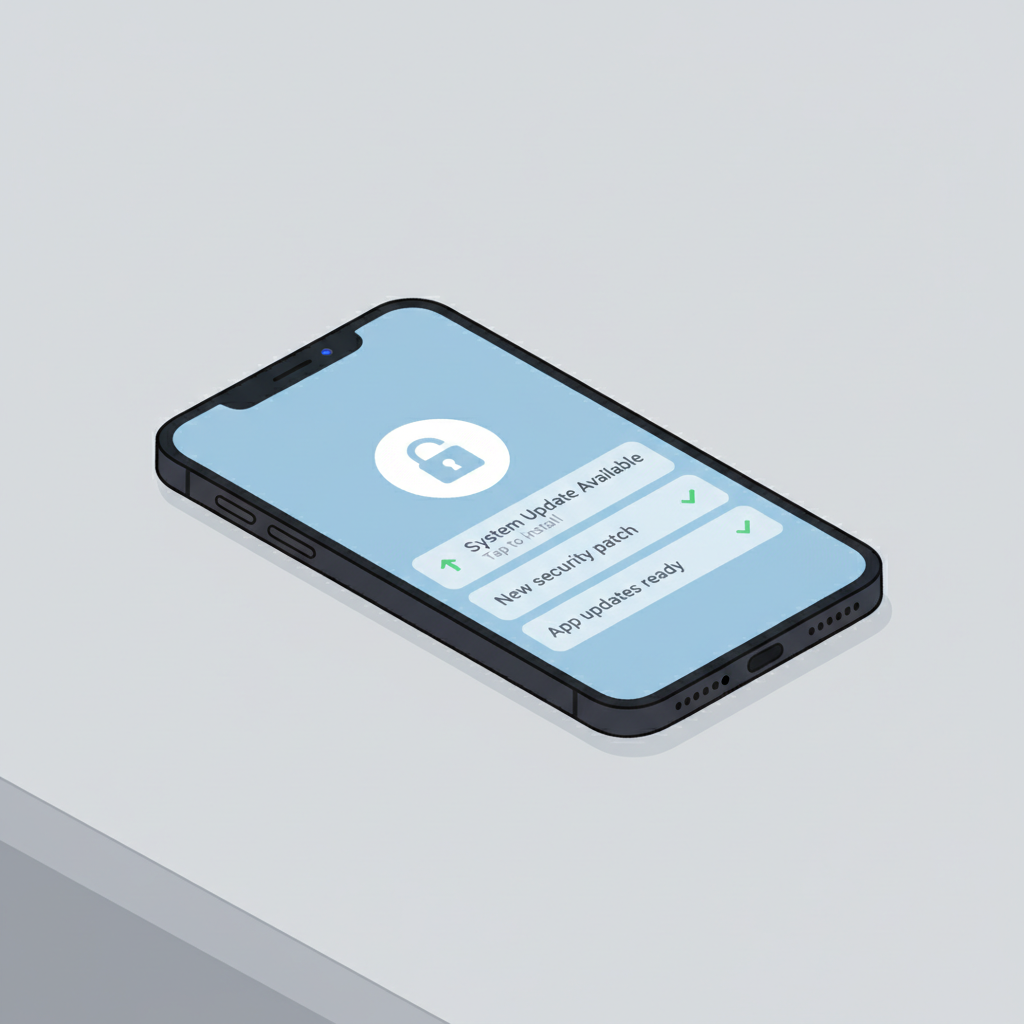
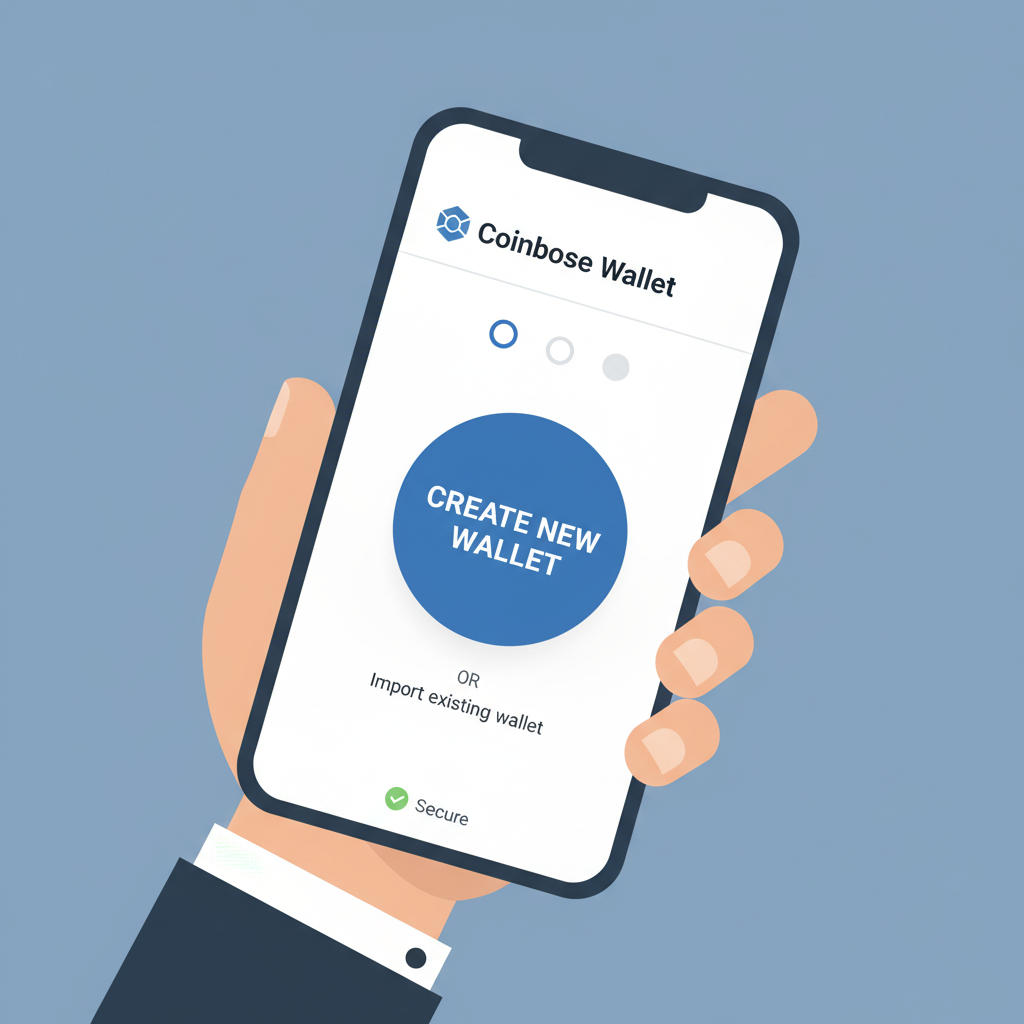
IRL sessions thrive on simplicity. Gather paper, pens, and a hardware wallet. Start with downloading official apps only from verified sources. Create the wallet, jot the seed phrase immediately, verify it by re-entering. Test with a tiny deposit, say $10 in stablecoins, confirming receipt before scaling up.
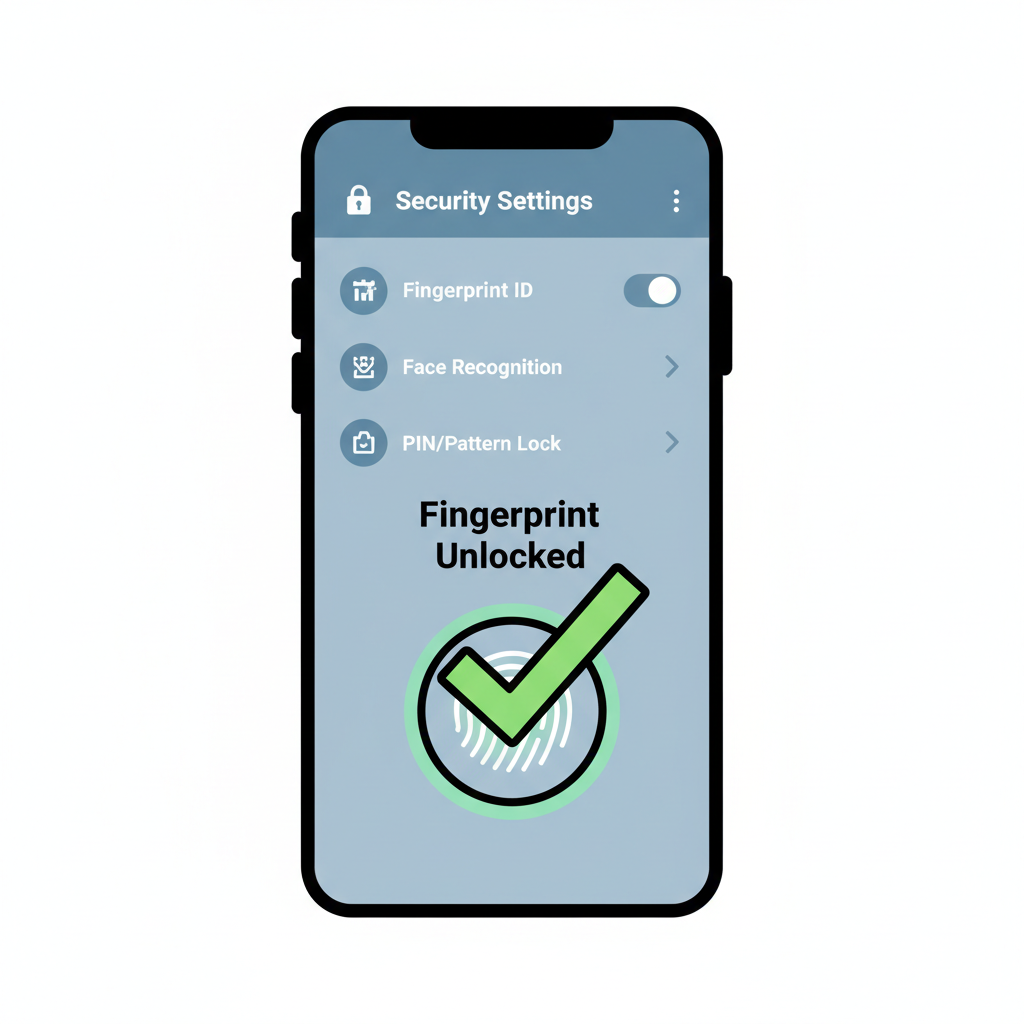
Security layers matter most. Beyond 2FA, activate biometric locks where available. For MetaMask, integrate with a Ledger for hybrid protection: hot for daily use, cold for reserves. I've tutored non-tech relatives this way; they now manage portfolios confidently without sleepless nights over hacks.
Bitcoin's current perch at $68,006.00 underscores stability, but volatility lurks. Teach them to allocate 80% to cold storage post-setup. This isn't fear-mongering; it's the FRM-certified reality of risk management applied to crypto.
Layer 2 Onboarding: Efficiency Without Compromise
Layer 2 solutions address Ethereum's scalability bottlenecks, processing transactions off-chain for speed and savings. In 2026, with EIP-4844 slashing fees to pennies, L2s like Arbitrum, Base, and zkSync make DeFi viable for beginners. Arbitrum's $18 billion TVL signals maturity; Base's Coinbase roots ease entry; zkSync's zero-knowledge proofs ensure privacy.

Benefits tempt, but prudence rules. Fees on Base hover at $0.005 per transfer, scalability soars, user interfaces simplify. Yet validator distribution in zk-Rollups like Polygon zkEVM demands scrutiny for decentralization. Start small: bridge minimal funds, test swaps, monitor updates.
For friends and family, frame L2 as a tool, not a gamble. I've steered clients from high-fee L1 pitfalls to L2 yields, always hardware-secured. Next, we'll detail checklists to lock this in securely.
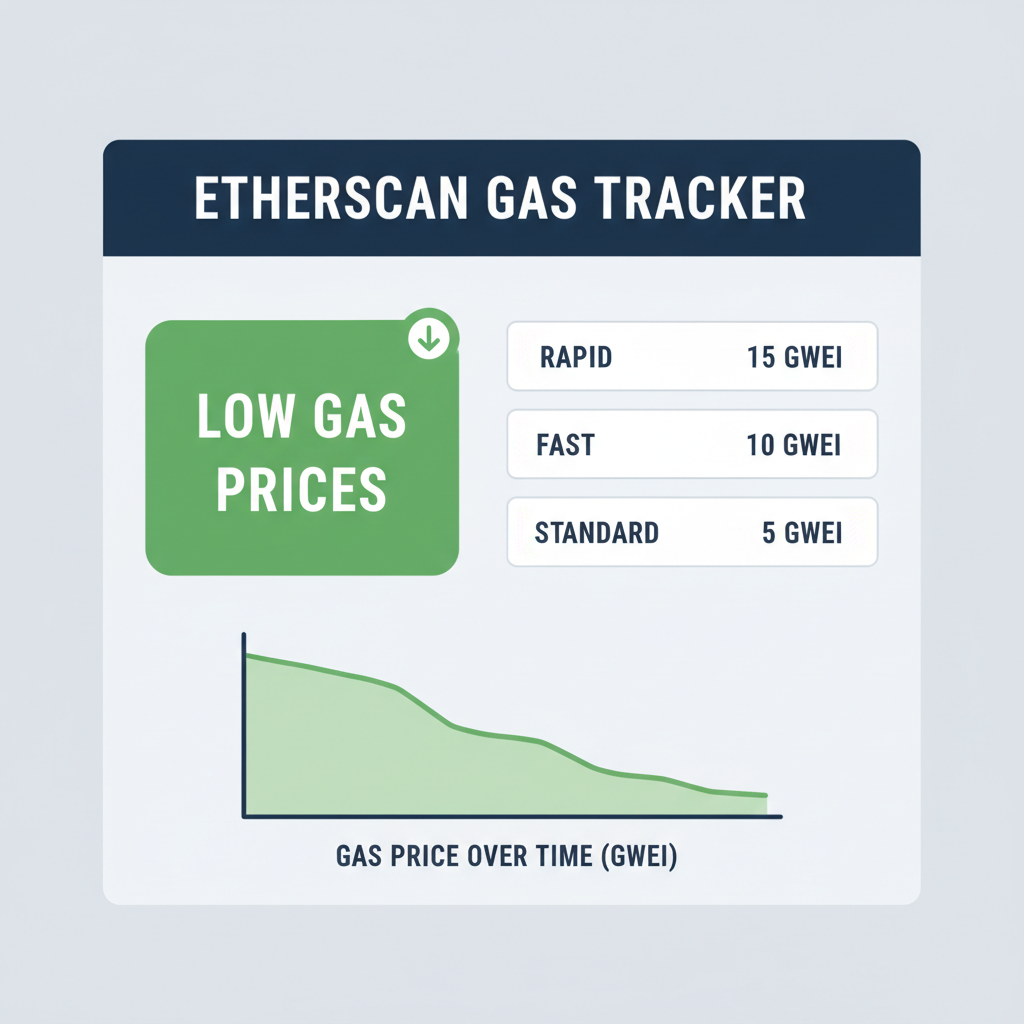
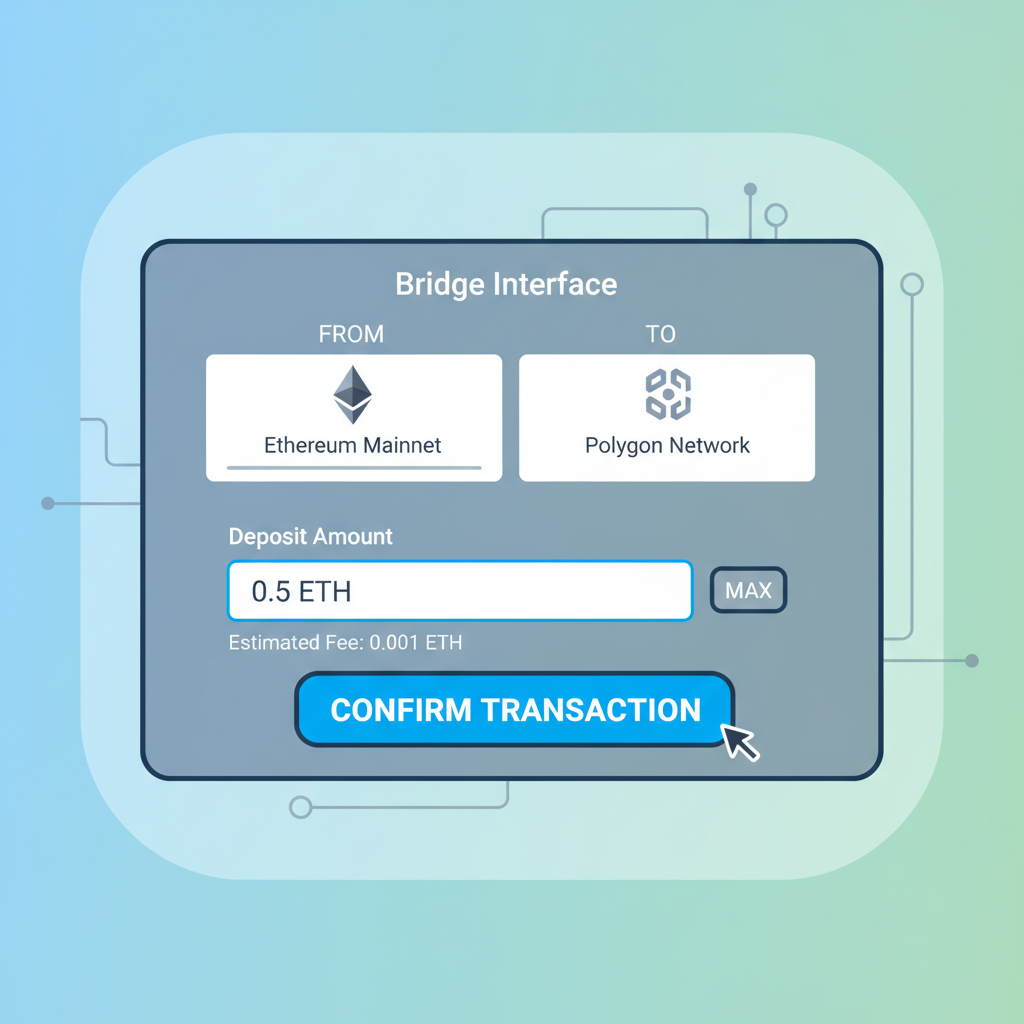
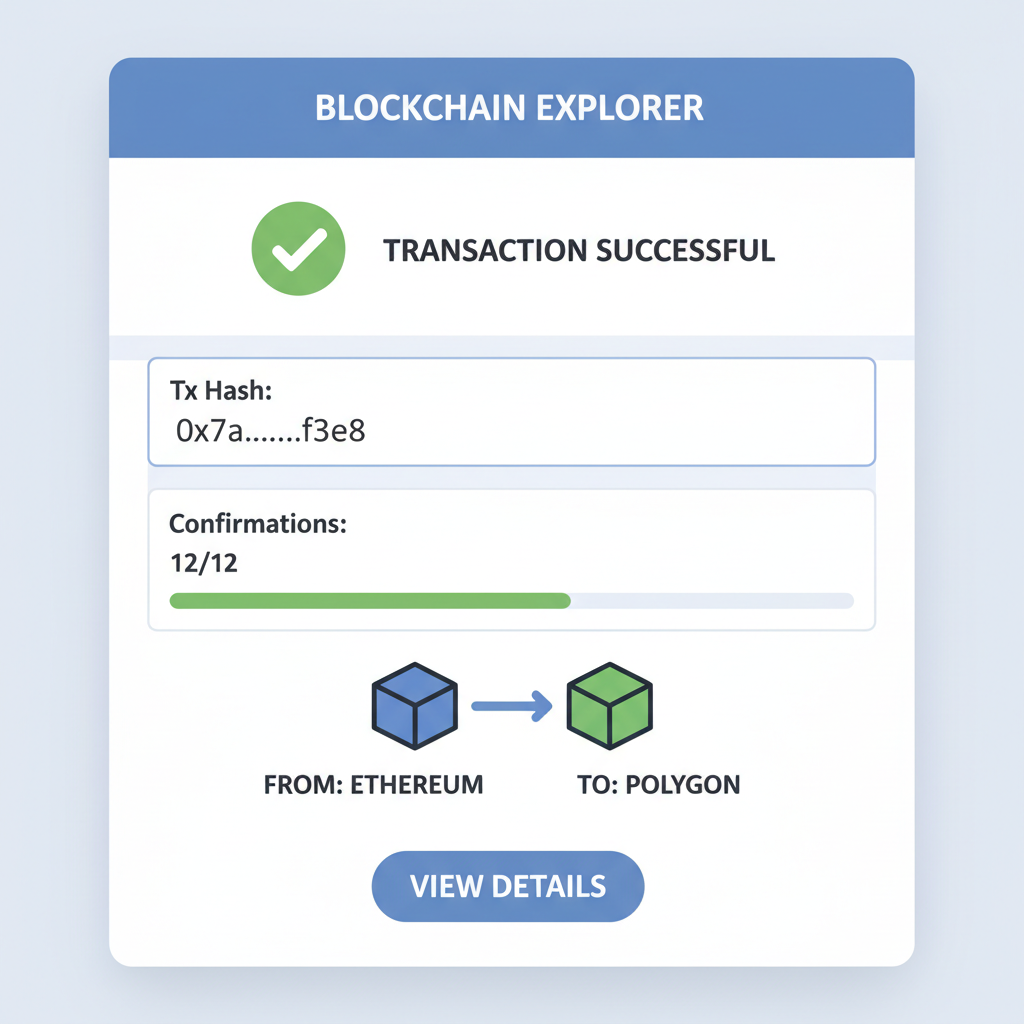
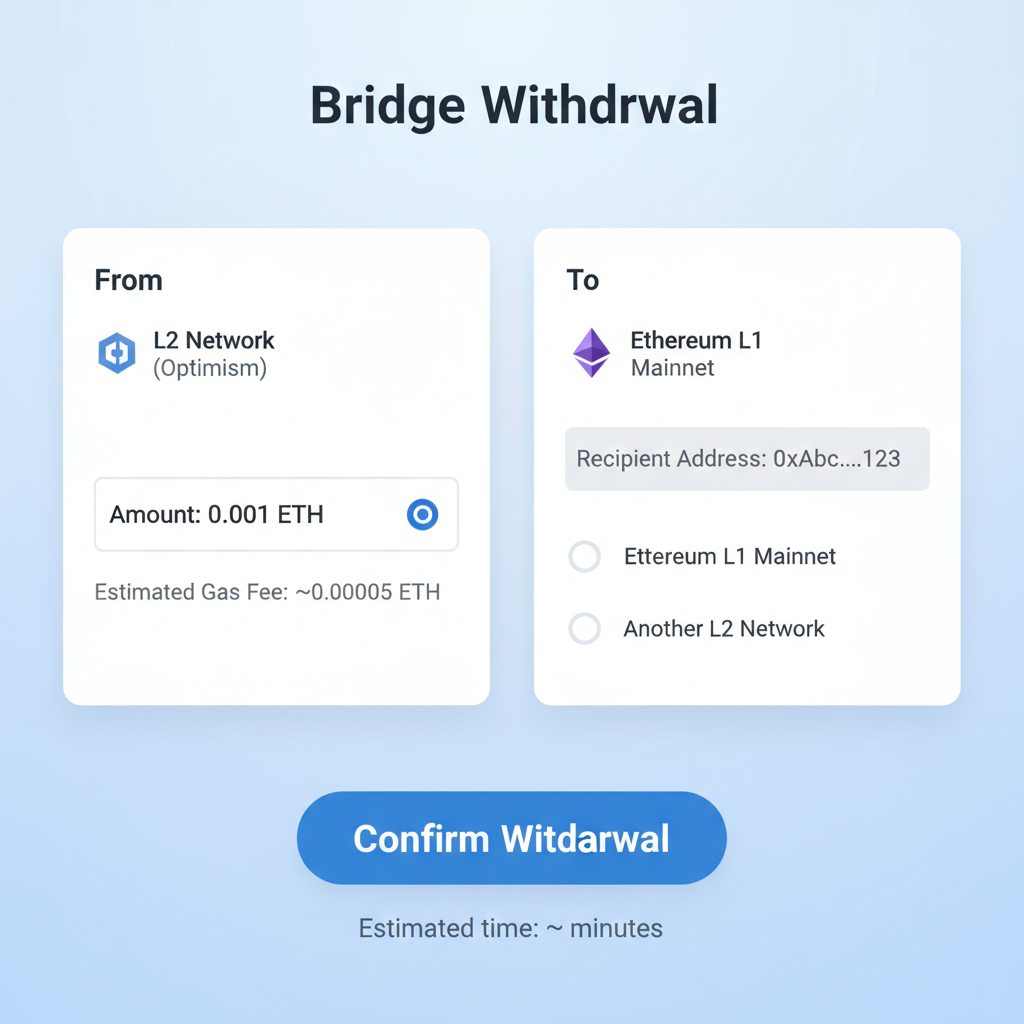
Let's outline a L2 network onboarding checklist that mirrors the wallet rigor, ensuring friends and family bridge assets without exposing capital unnecessarily. First, verify wallet compatibility: MetaMask supports Arbitrum and Base natively, zkSync via snaps. Fund with stablecoins only initially, targeting under $100 to test waters. Use official bridges like Arbitrum's or Base's portal, avoiding third-party aggregators prone to exploits. Confirm deposits settle, execute a micro-swap on a DEX like Uniswap deployed on L2, then withdraw a fraction back to L1 for round-trip validation. Monitor gas via L2 explorers; Arbitrum's dashboard reveals real-time fees under $0.01 routinely.
Bridging to L2: Step-by-Step Security Protocol
Nothing builds confidence like guided practice. In IRL settings, project your screen, narrate each click. This protocol has onboarded skeptical relatives who now yield on stablecoins without L1 fees draining returns.
Secure L1 to L2 Bridging: Prudent Checklist for Beginners
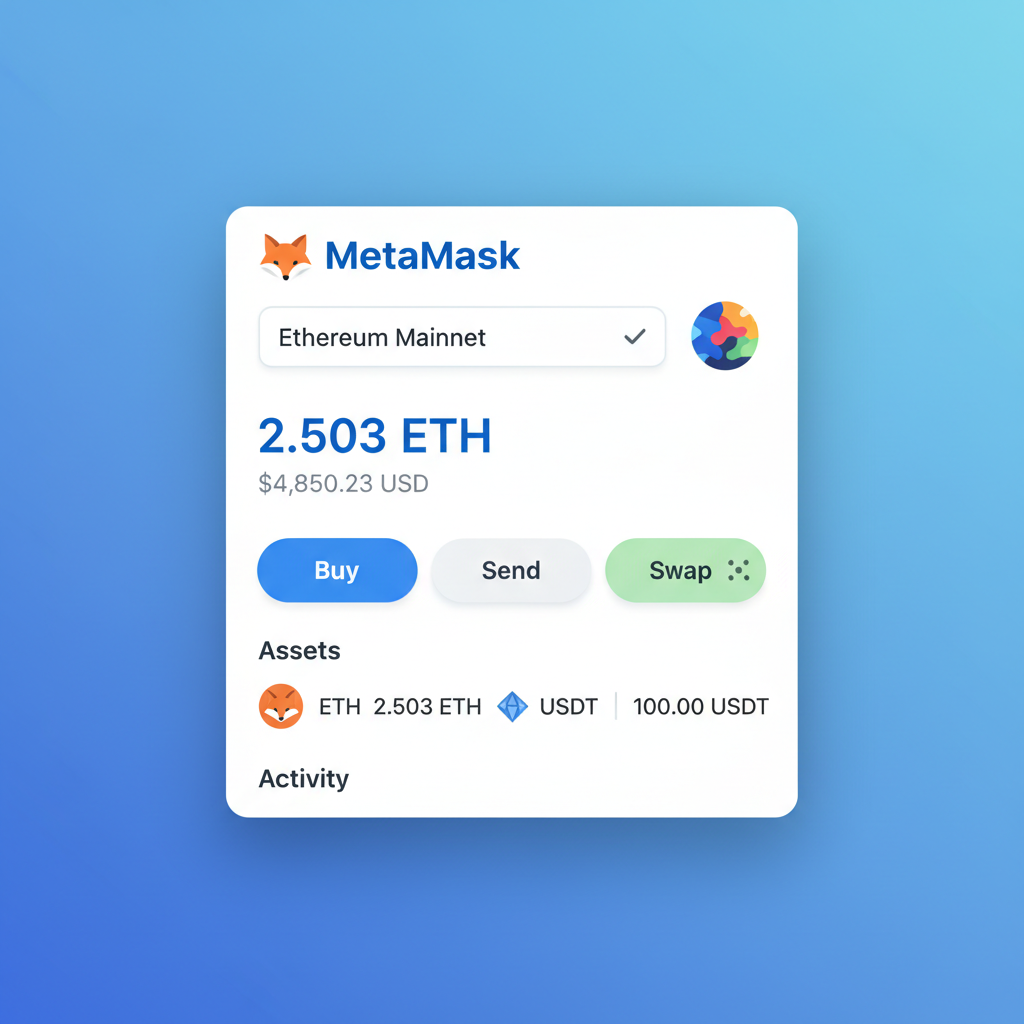
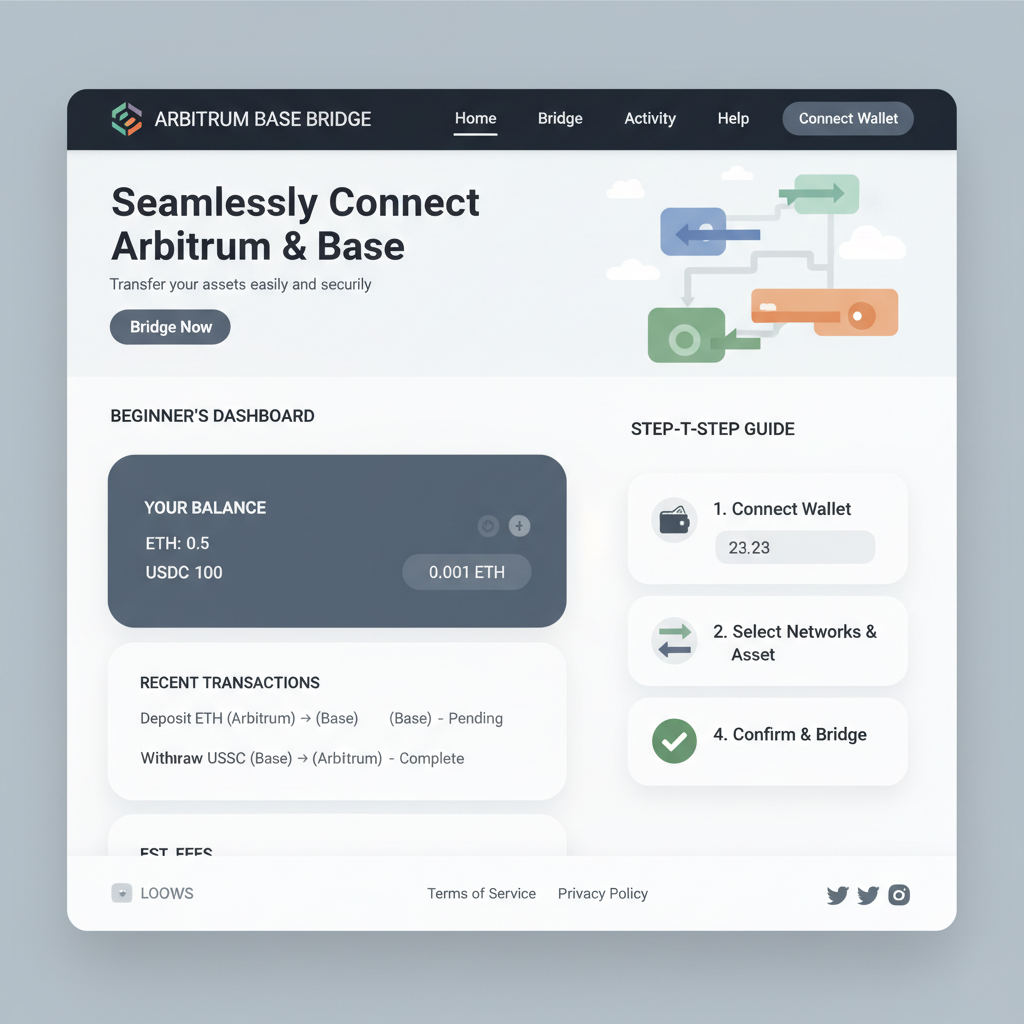
Post-bridge, enforce habits: set spending limits in wallet approvals, revoke unused permissions weekly via tools like Revoke. cash equivalents on L2. zkSync's account abstraction simplifies this, batching transactions for efficiency. I've seen families preserve gains this way, sidestepping the 2025 congestion spikes that cost novices dearly.
Bitcoin's firmness at $68,006.00 reflects broader market maturity, where L2s shine by enabling low-cost BTC wrappers like WBTC swaps. Yet prudence dictates diversification limits: no more than 20% in experimental DeFi until proven.
Pitfalls to Sidestep in Family Onboarding
Real-world sessions unearth predictable stumbles. Enthusiasm leads to overfunding bridges during volatility; counter with a $50 cap rule. Seed phrase complacency kills fastest: designate a fireproof safe as the sole repository, drilling the 'one copy only' mantra. Phishing thrives on urgency; role-play scam emails beforehand, teaching address verification via Etherscan L2 mirrors.
Layer 2 governance evolves rapidly. StarkNet and Polygon zkEVM's validator spreads foster trust, but audit token emissions before staking. My commodities background screams: treat L2 yields like futures spreads, hedge with stables. Families I've guided report sleeping better, portfolios intact through dips.
Extend this to multi-chain: Phantom for Solana L2 analogs, but Ethereum ecosystems dominate for interoperability. Current fees incentivize consolidation; Base's $0.005 transfers outpace even bank wires for remittances.
Armed with these checklists and walkthroughs, crypto onboarding friends family transforms from daunting to deliberate. I've witnessed relatives transition from Bitcoin curiosity to diversified L2 positions, always hardware-anchored. Capital preservation isn't optional; it's the bedrock. As markets hover steadily, seize this window methodically. Your kitchen table just became a vault.

No comments yet. Be the first to share your thoughts!